by: Paul Horowitz
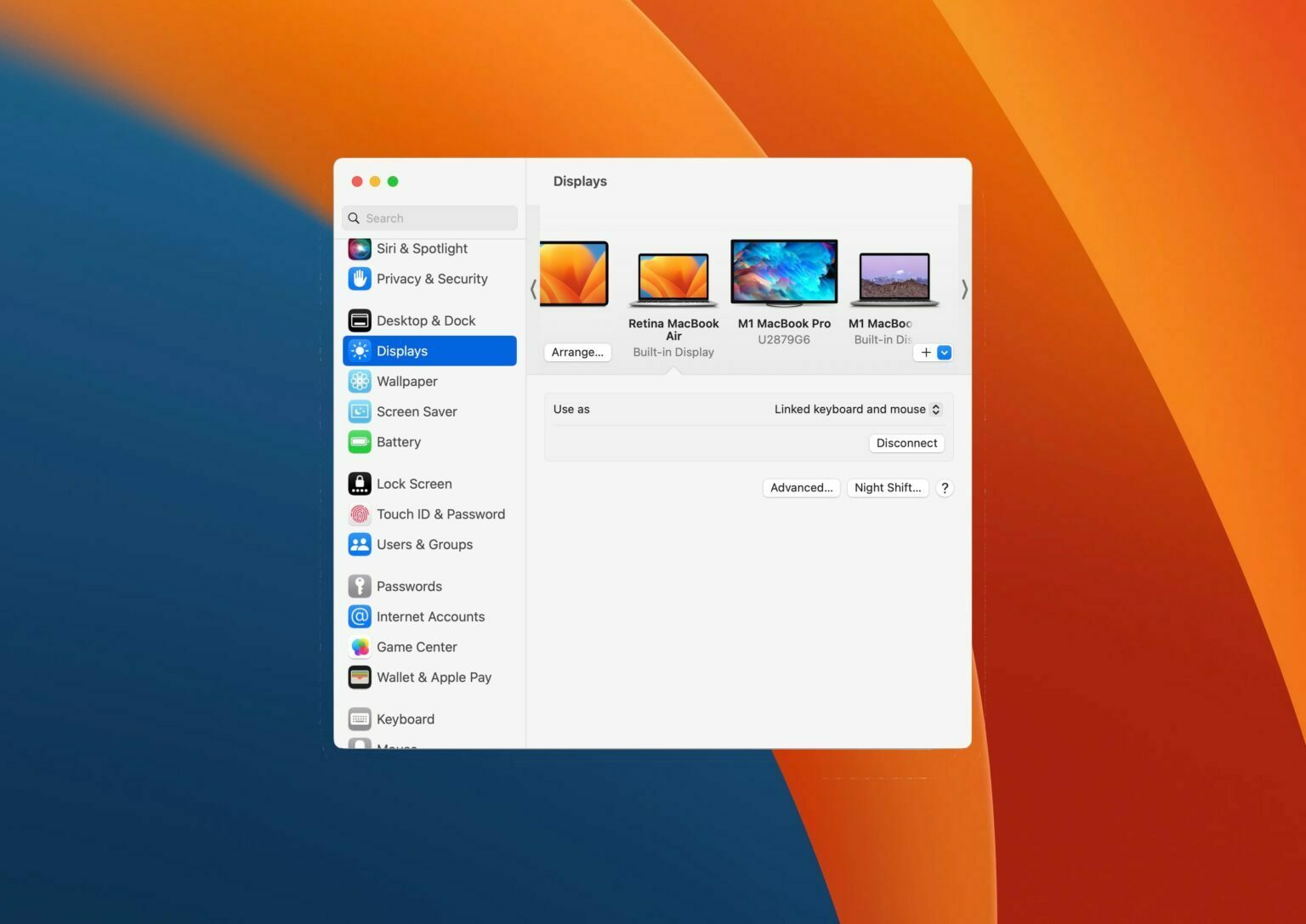
Wondering how you can add another Mac to Universal Control in MacOS Ventura System Settings? It’s pretty easy, but enabling the feature and connecting a new Mac is a bit different than what you may have been accustomed to in prior MacOS versions.
Universal Control is the incredible feature in MacOS that allows you to control multiple Macs with a single keyboard and mouse, effectively linking multiple Macs together. You can even drag and drop files between them, and share the clipboard, making it a serious productivity booster.
Let’s walk through how you can add another Mac to connect to Universal Control, linking your keyboard and mouse to that other Mac.