

I have a pop up that keeps returning even though I have scanned my computer and Webroot says there are no infected files.
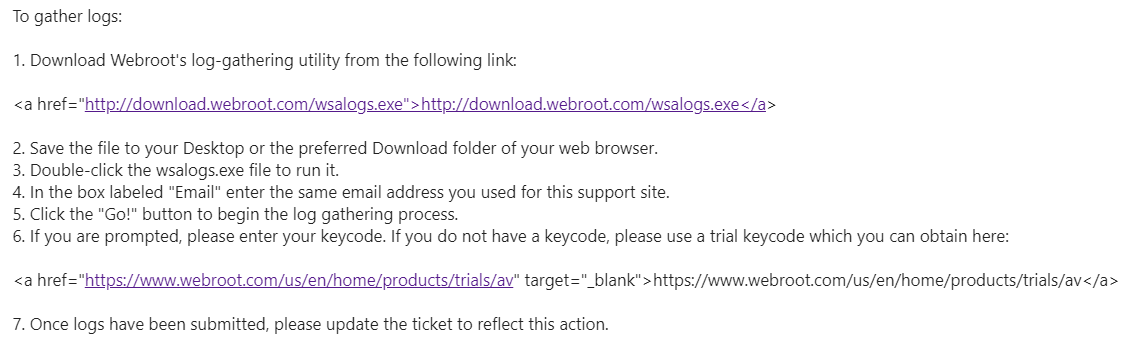
On Webroots site it says: "Download Webroot's log-gathering utility from the following link:
a href="http://download.webroot.com/wsalogs.exe"http://download.webroot.com/wsalogs.exe/a"
That brings me to a page where there are many options but none that seem to get to download their software.
Solved
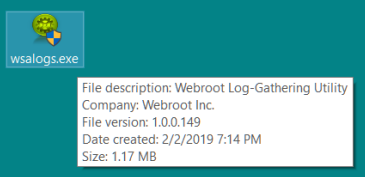
how to download webroot wslogs.exe
Best answer by TripleHelix
On Webroots site it says: "Download Webroot's log-gathering utility from the following link:
a href="http://download.webroot.com/wsalogs.exe"http://download.webroot.com/wsalogs.exe/a"
That brings me to a page where there are many options but none that seem to get to download their software.
You should only use wsalogs.exe if support ask you to, so if you haven't contacted Webroot support you should start there first: Webroot Customer Service





Login to the community
No account yet? Create an account
Enter your E-mail address. We'll send you an e-mail with instructions to reset your password.