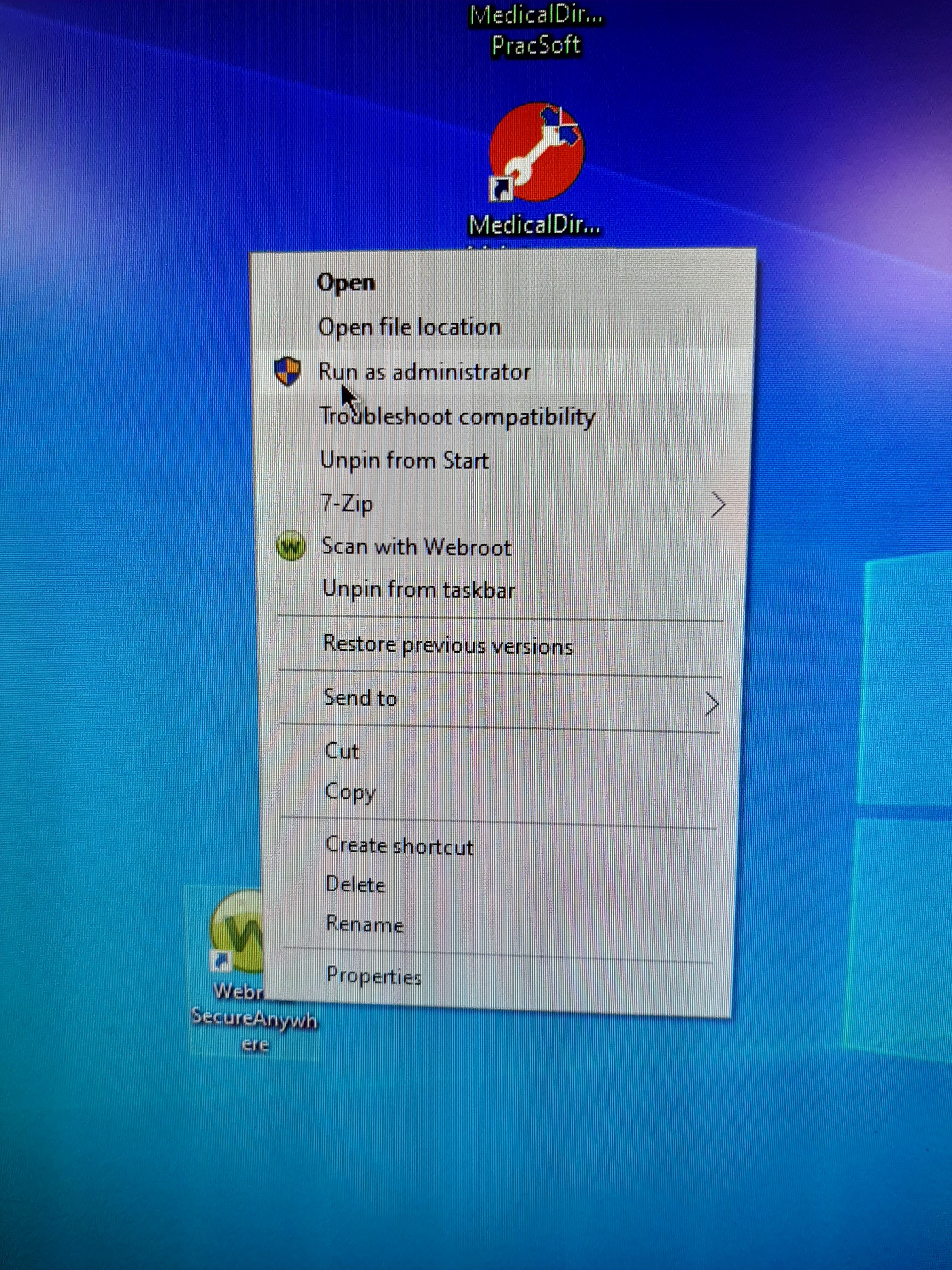
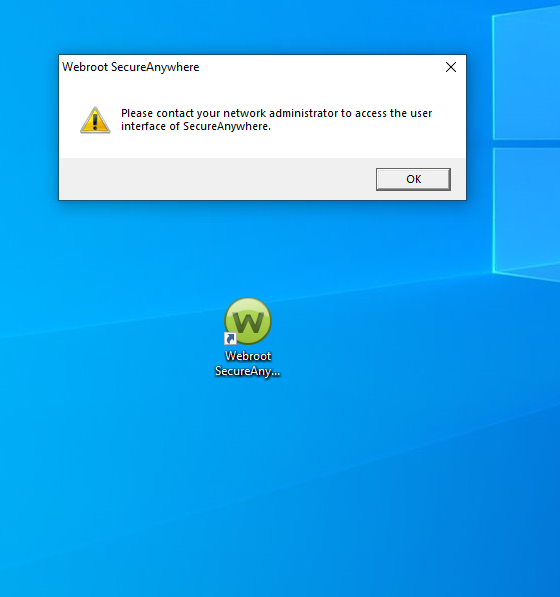
@drcgreenway - perfect. If you set the policy to 15 minutes, then the changes will take affect within a 15 min window. If you’d like to get the policy immediately, for testing or just to get applied to production system, you can select the “Refresh Config” in the system tray menu OR if you like CMD for direct or remote, the agent supports this command.
Run CMD “As administrator” - don’t rely on the session admin credentials.
Run this command to force the agent to call home immediately and get the policy changes.
c:\program files (x86)\webroot\wrsa.exe -poll
-or-
c:\program files\webroot\wrsa.exe -poll
It will depend on where the agent was installed, but it will only be in one of the above directories.