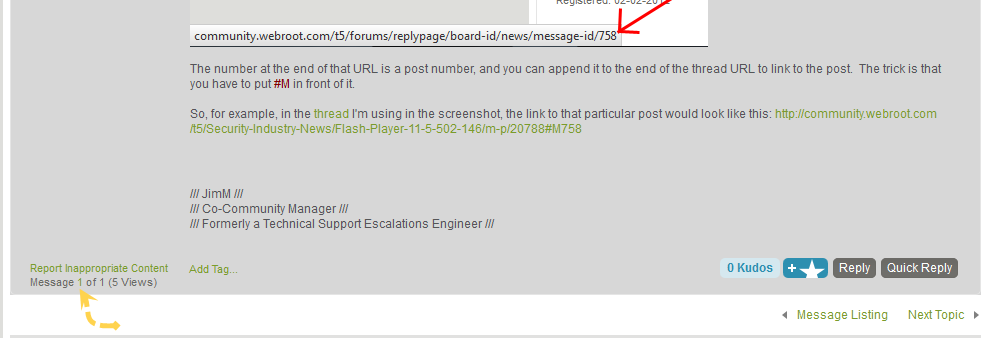
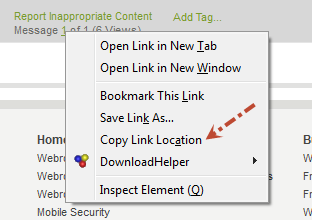
Most browsers will show you the URL of where you are going before you visit it by mousing-over the link. What you will need to do is mouse-over the "Reply" button on the post to which you wish to link to. If, for instance, you are using Firefox, you'll see the URL displayed at the bottom-left side of the screen (shown below).
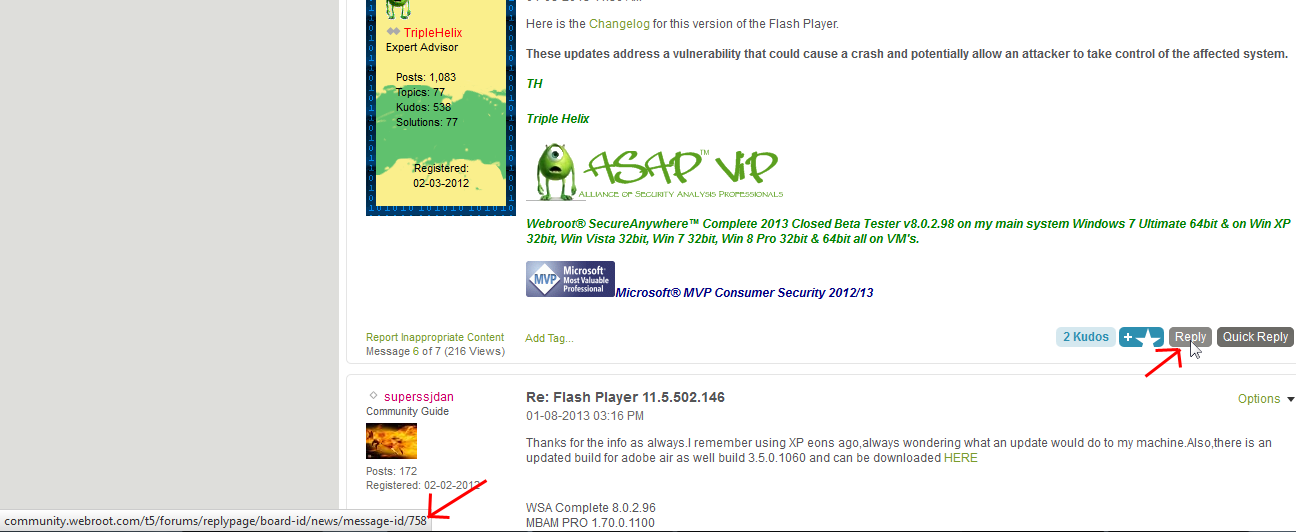
(Here's the bottom left side blown up a bit in case the image above is hard to read:)
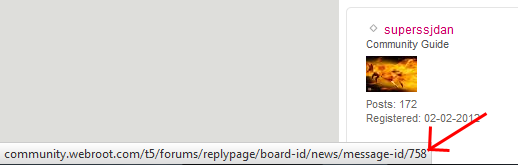
The number at the end of that URL is a post number, and you can append it to the end of the thread URL to link to the post. The trick is that you have to put #M in front of it.
So, for example, in the thread I'm using in the screenshot, the link to that particular post would look like this: http://community.webroot.com/t5/Security-Industry-News/Flash-Player-11-5-502-146/m-p/20788#M758