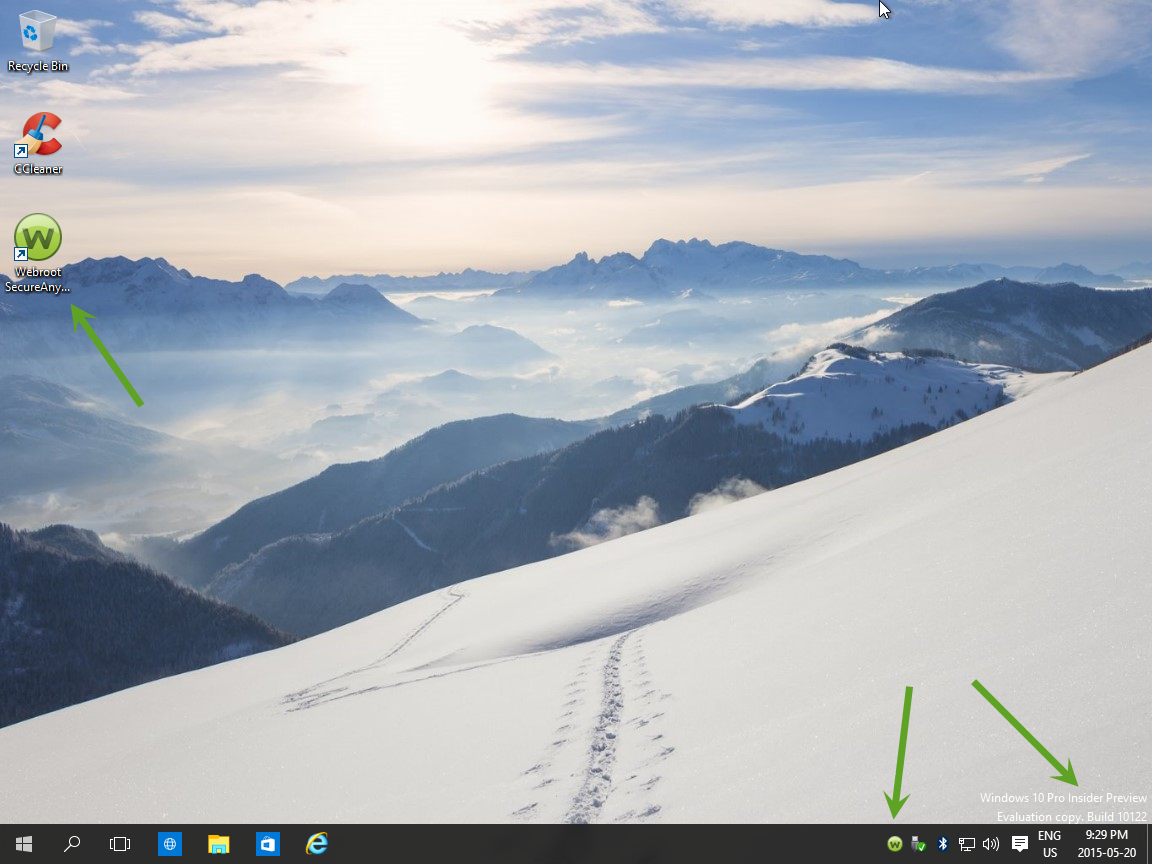
Announcing Windows 10 Insider Preview Build 10122 for PCs

  • May 20, 2015
  • 16 replies
  • 46 views

RetiredTripleHelix
Gold VIP
Forum|alt.badge.img+56
Go get it as I installing them now!
 
http://blogs.windows.com/bloggingwindows/2015/05/20/announcing-windows-10-insider-preview-build-10122-for-pcs/
 
Still have to uninstall WSA!
 
Daniel :D
 

16 replies

Ssherjj
Moderator
Forum|alt.badge.img+62
  • Moderator
  • May 20, 2015
@ wrote:
Go get it as I installing them now!
 
http://blogs.windows.com/bloggingwindows/2015/05/20/announcing-windows-10-insider-preview-build-10122-for-pcs/
 
Daniel :D
I'm on my way!!;)

RetiredTripleHelix
Gold VIP
Forum|alt.badge.img+56
Still have to uninstall WSA before hand.
 
Daniel

Ssherjj
Moderator
Forum|alt.badge.img+62
  • Moderator
  • May 20, 2015
Shoot..I'll do that now!! Thanks!

RetiredTripleHelix
Gold VIP
Forum|alt.badge.img+56
@ wrote:
Shoot..I'll do that now!! Thanks!
Got them both installed and reinstall WSA and logs sent off to support to get Whitelisted!
 
Daniel ;)


Ssherjj
Moderator
Forum|alt.badge.img+62
  • Moderator
  • May 21, 2015
Sounds good! Thanks!:D
 
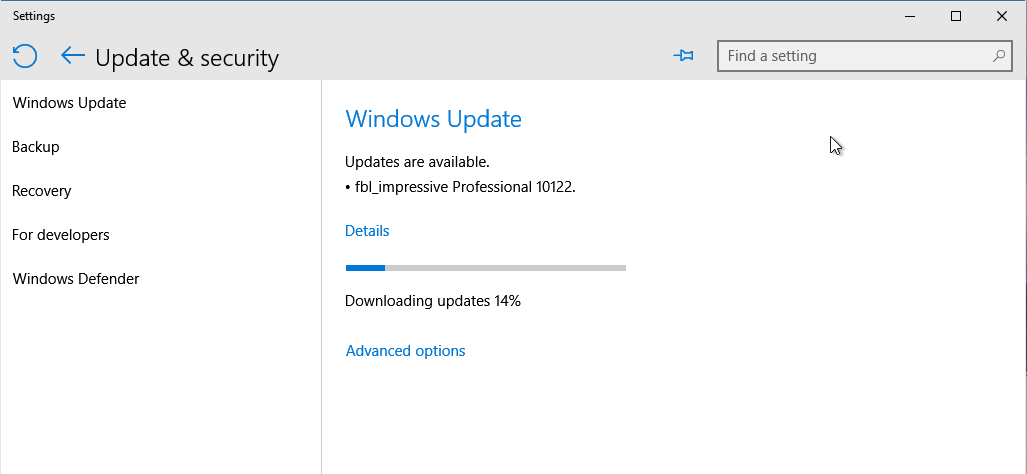
Having troubles updating  Windows update on VM so I'll be working on that...its just slow on my laptop. Have to update Windows 10,Build 10122 on desktop yet...

RetiredTripleHelix
Gold VIP
Forum|alt.badge.img+56
I did also for the first time on the 32bit version and 64bit installed without issues!
 
Interesting!
 
Daniel

Ssherjj
Moderator
Forum|alt.badge.img+62
  • Moderator
  • May 21, 2015
Well I've got the business version of Webroot on there and it's not uninstalling so I have to go into online console to shut it down with administrator rights. Then I'll try to install Preview update again. I started to update but stopped it when you reminded me to uninstall Webroot.

RetiredTripleHelix
Gold VIP
Forum|alt.badge.img+56
Aw OK but Webroot is working on a Fix for that I think? @ @
 
Daniel

Ssherjj
Moderator
Forum|alt.badge.img+62
  • Moderator
  • May 21, 2015
@ wrote:
Aw OK but Webroot is working on a Fix for that I think? @ @
 
Daniel
No matter what I do I can't uninstall Webroot and it's been deactivated in the Account Console..I'm fit to be tied with this Business version. I can't update W/10.:@

RetiredTripleHelix
Gold VIP
Forum|alt.badge.img+56
Email on it's way!

nic
Forum|alt.badge.img+56
  • Retired Webrooter
  • May 21, 2015
Yeah we probably haven't had a chance for threat to test the new build and whitelist things - let me know what they say @

RetiredTripleHelix
Gold VIP
Forum|alt.badge.img+56
Got a reply and the Files have been Whitelisted for Build 10122 both 32bit & 64bit!
 
Daniel 😃

Ssherjj
Moderator
Forum|alt.badge.img+62
  • Moderator
  • May 21, 2015
TripleHelix wrote:

Got a reply and the Files have been Whitelisted for Build 10122 both 32bit & 64bit!
 
Daniel :D

Why Thank you TripleHelix! I've got the Windows Build 10122 and will be reinstalling Webroot. 😃

  • May 21, 2015
Thanks Daniel for the heads up. Word of warning to those with Media Center. This build kills the Windows 8 Media Center add on. It won't even install now. Grrrrrrrrrr Oh well, thankfully I am only Beta testing this and my real OS is 8.1 and working fine.


RetiredTripleHelix
Gold VIP
Forum|alt.badge.img+56
They are doing away with Media Center for Win 10, nada. :S
 
Daniel

  • May 26, 2015
Yea I know they are killing it but untill this last rollout the Media Center addon for Windows 8 still worked. However now it won't even upgrade with the addon installed. This is gonna make me going to Windows 10 a difficult choice. I have a ASUS TV Card which is a superb card and works perfectly in Media Center. However this card is super picky because of the Philips chipset it uses so my options are limited. I'm just hoping that someone who is vastly smarter then I am with coding can port the addon into Windows 8 in a way that Windows Update will be happy with.