by: Paul Horowitz
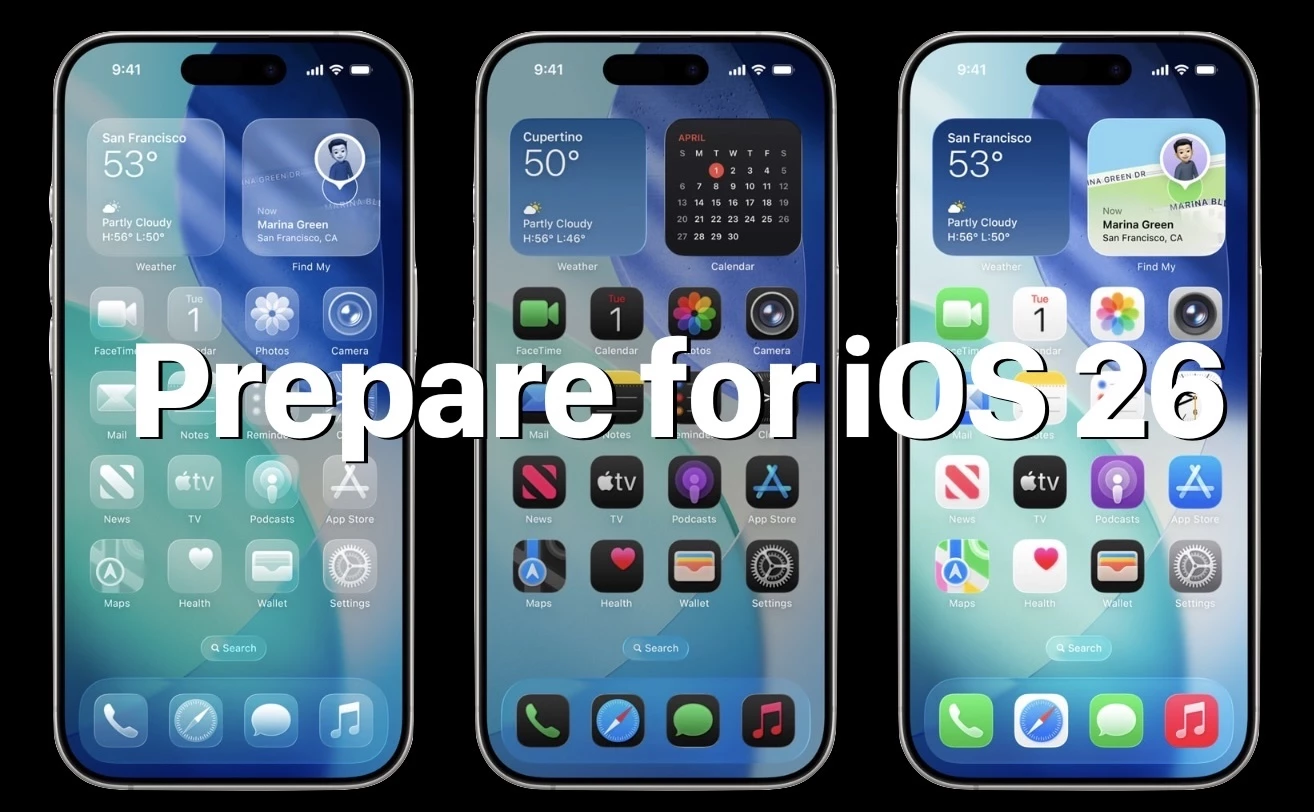
iOS 26 is on the way, bringing a pretty significant software update to iPhone and iPad. With a variety of interesting new features and notable visual changes like the Liquid Glass interface appearance style, Messages group chat polling and custom backgrounds, new ringtones, Preview app, and much more, the excitement around the release is understandable.
But before you go jumping into the iOS 26 update on iPhone, or iPadOS 26 update on iPad, you’ll probably want to take a little time to prepare your device for the next major system software version. Let’s review some of those helpful steps to get you started.