


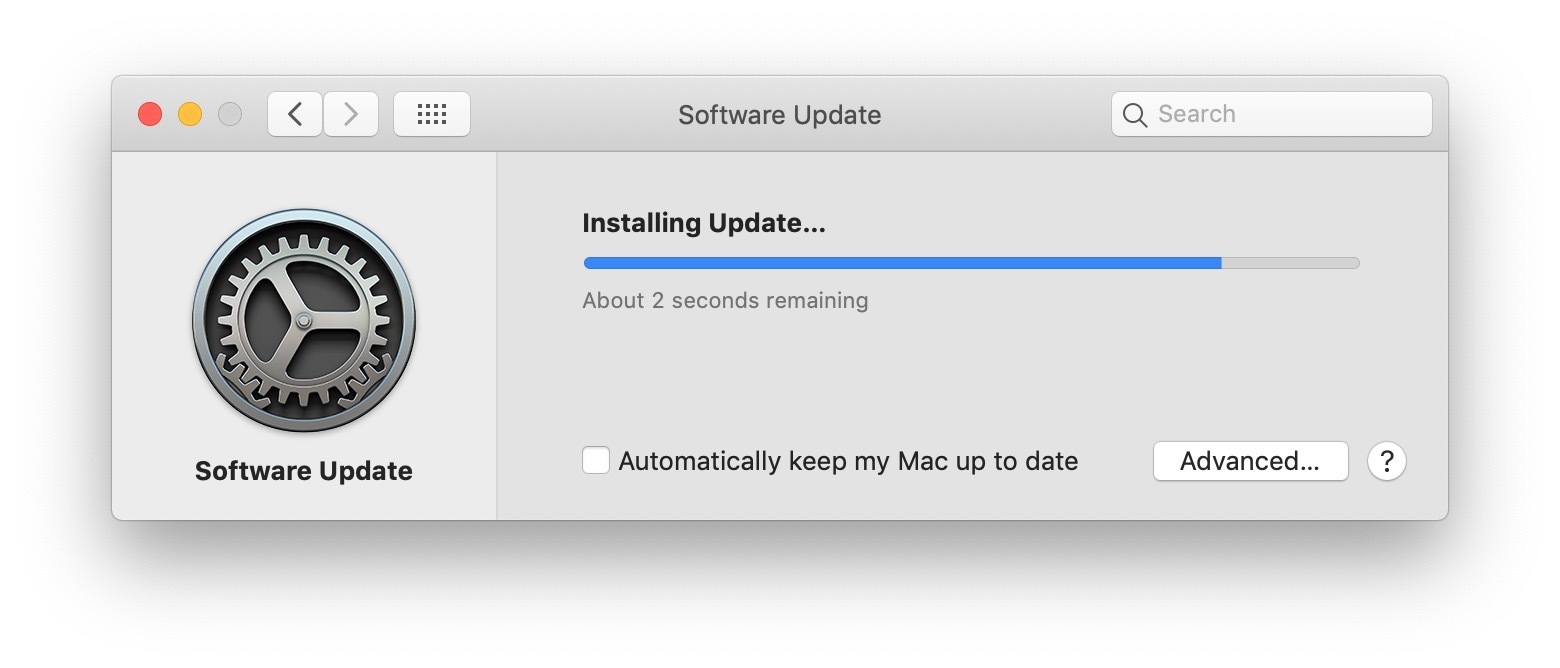
Sometimes when you check for available macOS software updates in System Preferences you’ll find there are multiple software updates available for different things, for example there might be a Safari update, alongside a macOS supplemental update, along with a security update, or firmware update. But what if you only want to install one of those updates and not everything?
This article will show you how to selectively install software updates on the Mac with macOS Mojave 10.14, MacOS Catalina 10.15, and presumably onward where software updates are delivered through the System Preference panel.
Full Article