


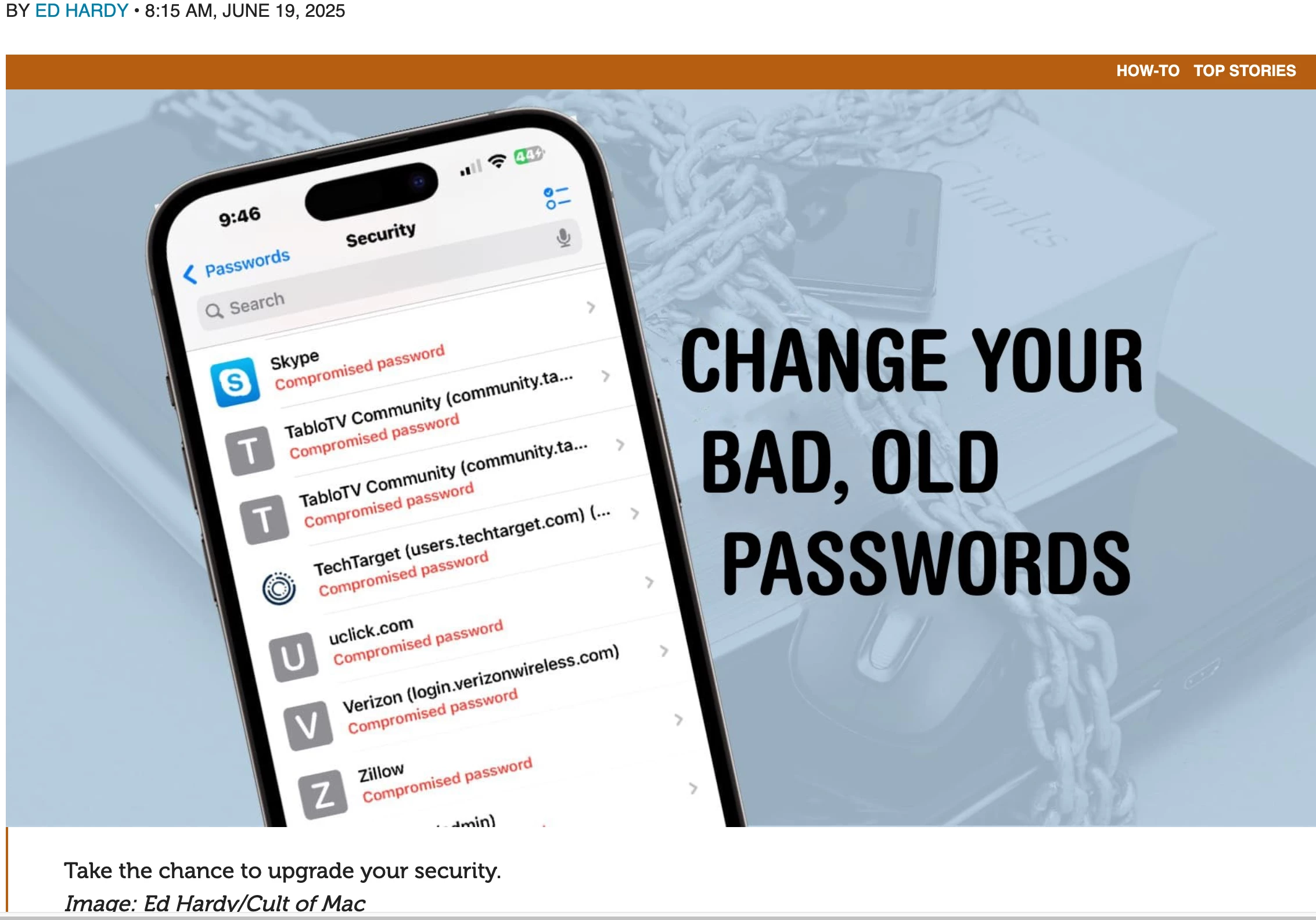
Protect yourself online by changing bad old passwords

  • June 25, 2025
  • 2 replies
  • 15 views

ProTruckDriver
Moderator


There’s been another big data leak of over 16 billion records, and that’s a great opportunity to do something you’ve probably been procrastinating on: Replace your website passwords that hackers stole because of some lax security. Fortunately, Apple’s new Passwords app makes it easy to find out which of your passwords leaked so you can change passwords right on your iPhone.

Stay one step ahead by fixing a potentially serious problem now, before something bad happens.


>> Full Article <<

2 replies

MajorHavoc
Bronze VIP
Forum|alt.badge.img+25
  • Bronze VIP
  • June 25, 2025

I also highly recommend buying 1Password, which will warn you of these things as well as tell you if a password or site  has been compromised. It also will not fill in a password on a Phishing site. 


ProTruckDriver
Moderator

I also highly recommend buying 1Password, which will warn you of these things as well as tell you if a password or site  has been compromised. It also will not fill in a password on a Phishing site. 

I used to use LastPass until the hacking of them. Now I’m using RoboForm (which works better than LastPass) for the past few years. RoboForm also notifies if the password has been compromised. ​@MajorHavoc I’m going to look at 1Password probably for a backup password manager.


