


Spotlight Can’t Find Local Files on Mac? A Fix & Workaround

  • November 3, 2025
  • 1 reply
  • 12 views

ProTruckDriver
Moderator

by: Paul Horowitz


A fair number of Mac users are experiencing a frustrating issue with the Spotlight search engine which seems to prevent Spotlight on the Mac from finding any local files at all.

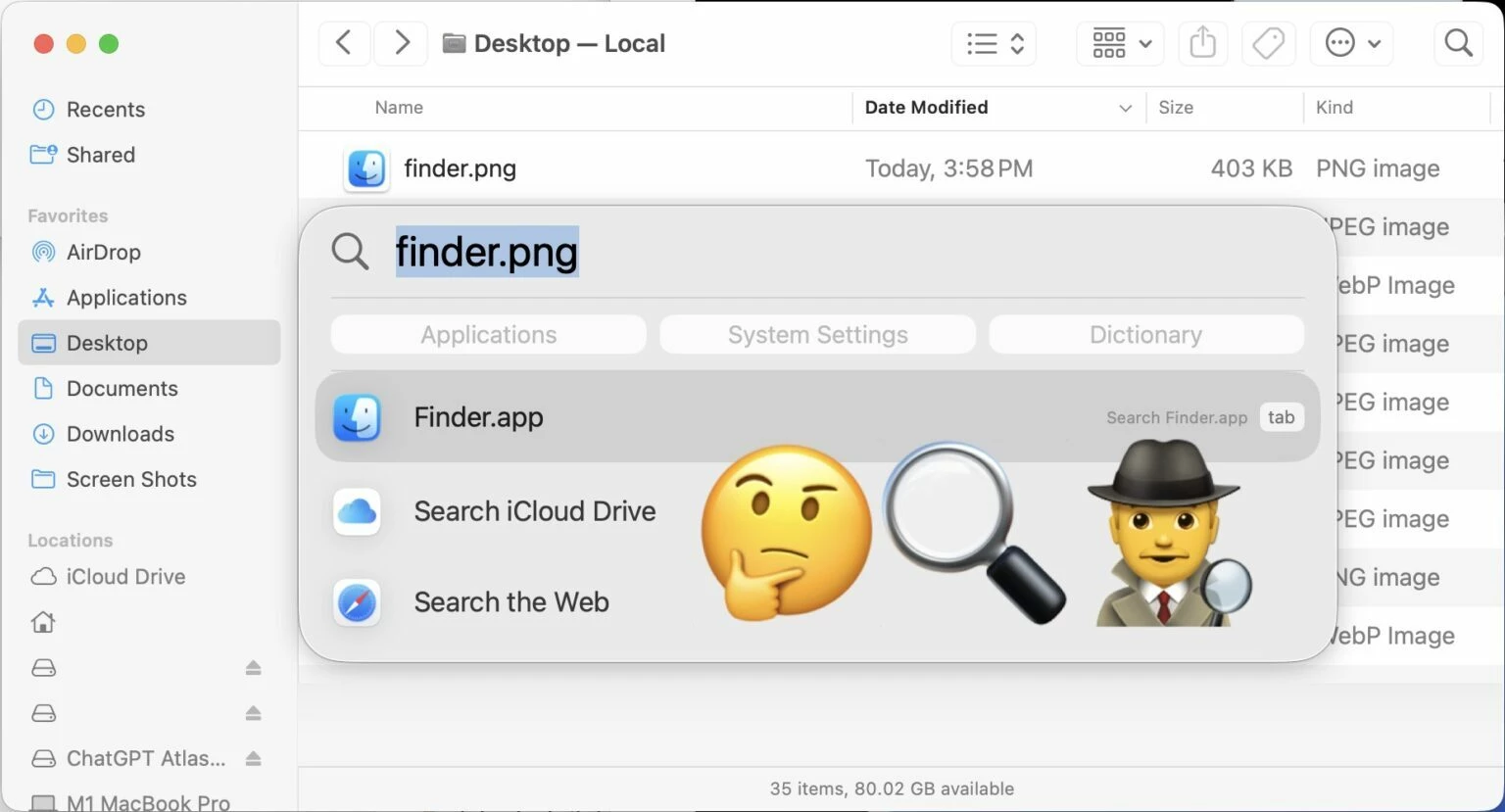
This Spotlight problem is not subtle, and when you’re experiencing it, Spotlight basically has no ability to find any local file, even if your search term is an exact match for a file name. In the screenshots accompanying this article, a file named “finder.png” on the Desktop can’t be found by Spotlight, despite searching for “finder.png”.

An inability to find your files makes an OS search feature pretty useless, so let’s dig into this issue a bit so that you can use Spotlight to locate and find your local files on the Mac again.


 

>> Full Article <<

1 reply

MajorHavoc
Bronze VIP
Forum|alt.badge.img+25
  • Bronze VIP
  • 1304 replies
  • November 3, 2025

Oh yes. On my older Intel machine, search NEVER showed any applications. If I searched for “Final Cut Pro” I git many links and files that belonged to FCP, but not the app. This was true for other apps as well. I would search for “Disk Utility” and the app would not show.

I tired all the on-line suggested fixes, and Apple support suggested I back up my machine, erase the drive, and reinstall the OS new. Seriously, software rots? 

Oh, and the author recommended a program called EasyFind. PASS. I tried it and it's INCREDIBLY slow even on a newer M series MBP. And searching for “Disk Utility” did NOT find the app called “Disk Utility”, so not much better then built in search, just a LOT slower.  But it did find a lot of hidden files that Finder Search will not find, so maybe I'll keep it for those cases. 

Thanks for posting this.

