Touch Bar Not Working After MacOS Update? Troubleshooting Black Touch Bar on MacBook Pro

  • May 16, 2025
  • 1 reply
  • 25 views

ProTruckDriver
Moderator

by: Jamie Cuevas


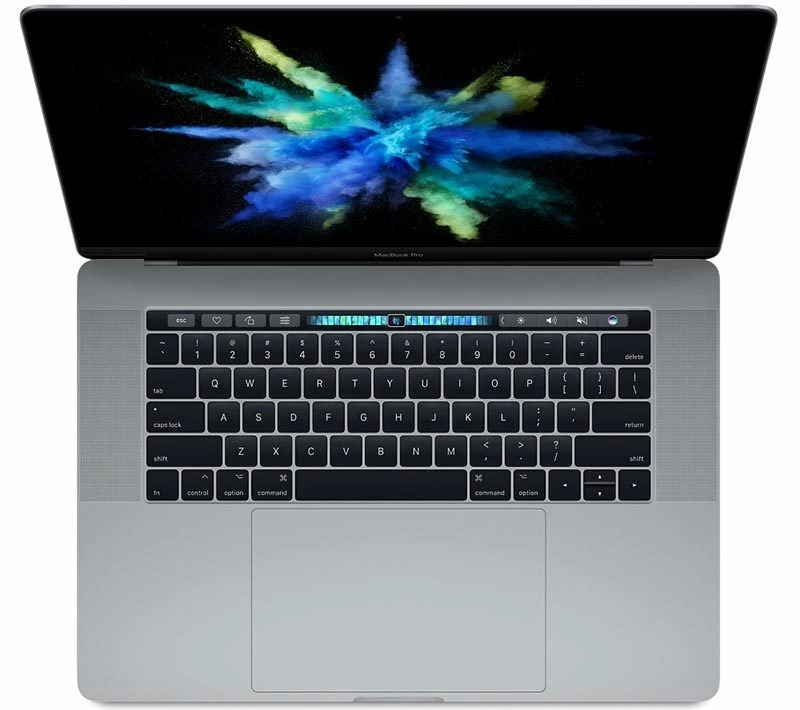
A fair number of MacBook Pro users with Touch Bar equipped Macs have discovered the Touch Bar stops working or goes black after installing a MacOS update. Given that the Touch Bar serves as Function keys, F1, F2, F3 etc keys, as well as toggles for adjusting brightness, system audio, and accessing many MacOS and app features, and even serves an Escape key for some Touch Bar Macs, having the Touch Bar vanish and fail is not particularly great. Even if you disabled the Touch Bar to have it simply display system toggles, having it disappear completely is still frustrating, because there’s no other way to access those toggles on the keyboard.

If your Touch Bar is not working or the Touch Bar vanished on your MacBook Pro, particularly after installing a system software update to MacOS, read along to troubleshoot the issue.


>> Full Article <<

1 reply

MajorHavoc
Bronze VIP
Forum|alt.badge.img+25
  • Bronze VIP
  • May 21, 2025

I HATED that Touch Bar. It was too easy to accidentally touch it in error, and it was very sensitive to light touches or close taps and you find yourself taken somewhere else, or something changed in your app or dcuemnt. The more I tried to use it, the more I disliked it. And the keyboard on machines with the Touch Bar had the worst keys ever. 

The worst was typing a large document and accidentally brushing the escape key, which wipes out your typing with no undo. So happy to see real buttons up there again.  

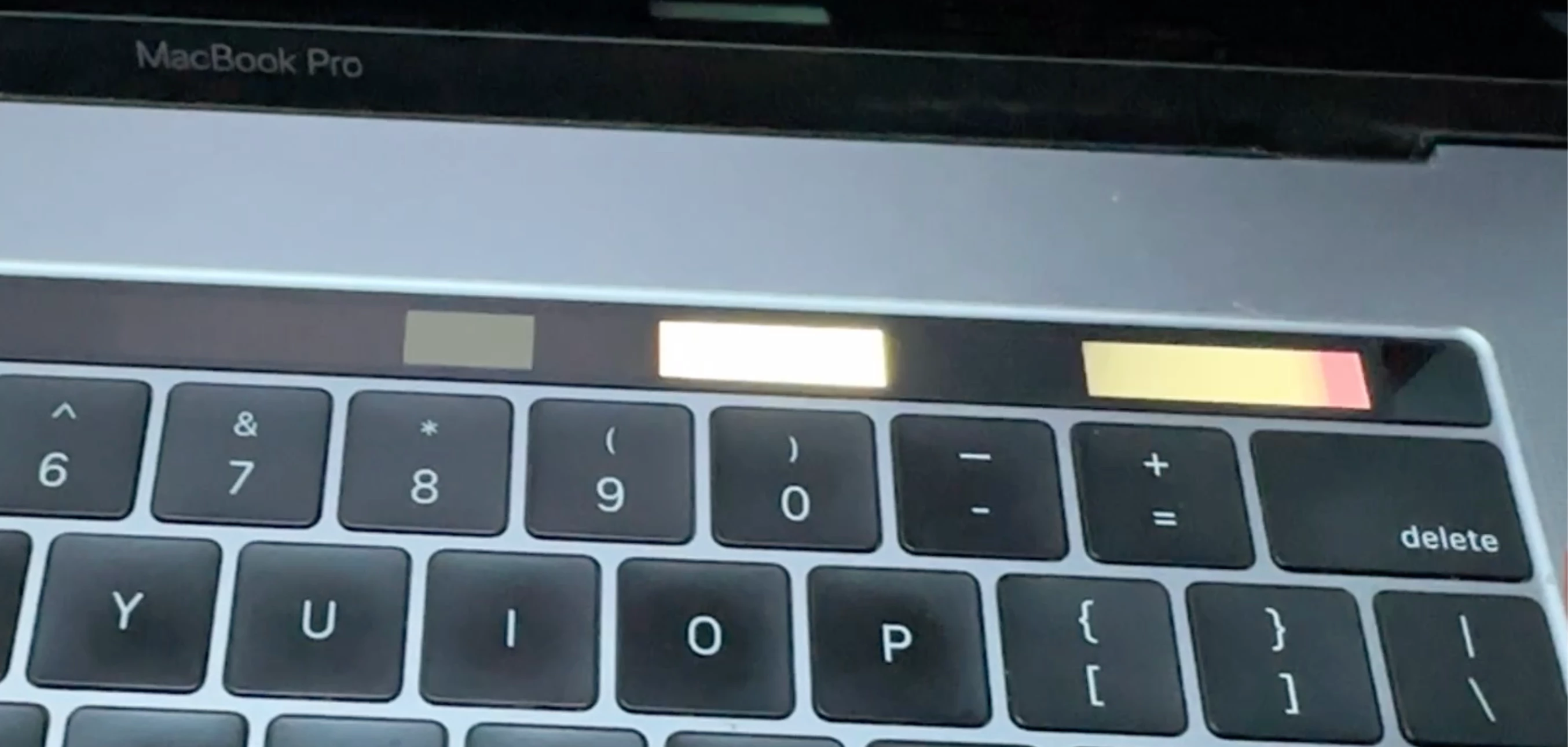
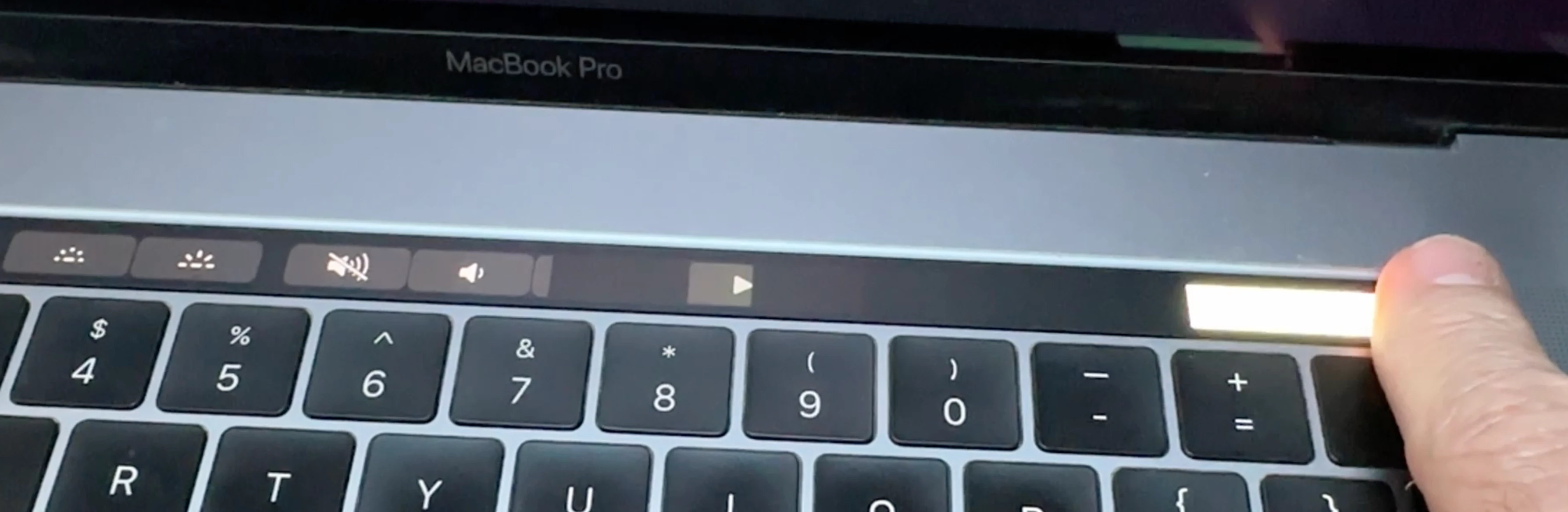
And as they begin to fail,  this is what my current touch bar looks like on my old MacBookPro when idle. It still functions, but difficult to use. (I can’t post a video, but it flashes like a Christmas tree with different patterns.)