You Can Now Download & Upgrade to MacOS Tahoe 26

  • September 16, 2025
  • 6 replies
  • 62 views

ProTruckDriver
Moderator

by: Paul Horowitz


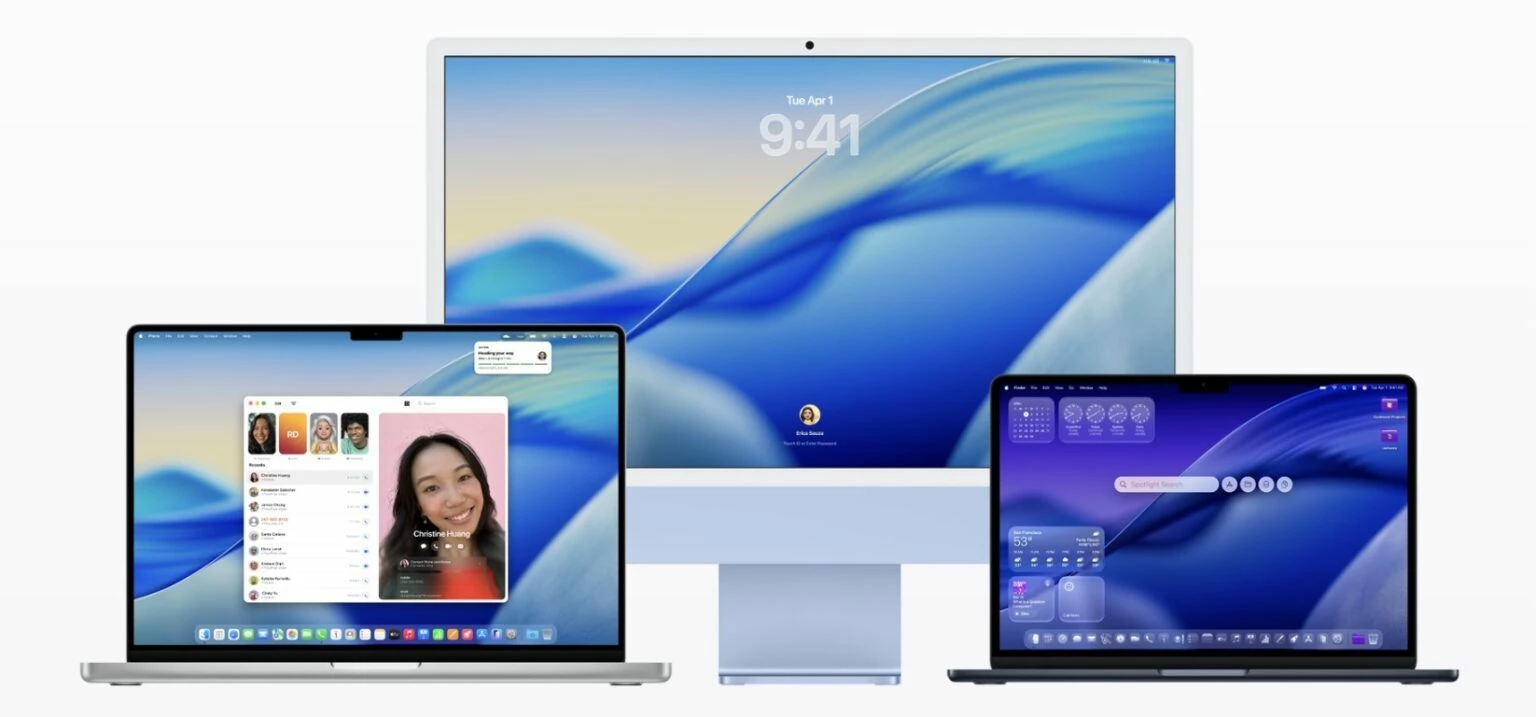
MacOS Tahoe 26 has been officially launched by Apple to all Mac users with compatible hardware. The new operating system for Mac includes some notable visual changes and a variety of new features, which is sure to generate considerable interest. MacOS Tahoe 26 is labeled that way but

The most significant new obvious change to MacOS Tahoe 26 is the introduction of the Liquid Glass interface look which is more animated, translucent, and shiny, with some new icon customization options and other visual changes. You will also find a refreshed lock screen with new wallpapers and new screen savers, some newly redesigned system icons, and various other changes on the appearance side of things. In terms of features, MacOS Tahoe 26 features major Spotlight changes like the inclusion of Launchpad and a new clipboard history feature, Live Activities from iPhone show on Mac, Messages app gets custom background options and group polling, Phone app with Voicemail comes to MacOS, Journal app, and many other little features, updates, and changes to the Mac operating system.


>> Full Article <<

6 replies

ProTruckDriver
Moderator
  • Author
  • Moderator
  • September 16, 2025

Go For It ​@Ssherjj  and ​@russell.harris 

Have fun with the Upgrade. I’m stuck with Catalina.


russell.harris
Popular Voice
Forum|alt.badge.img+5
  • Popular Voice
  • September 16, 2025

No thanks. I never upgrade until after Christmas with Mac updates! Let others do the testing


Ssherjj
Moderator
Forum|alt.badge.img+62
  • Moderator
  • September 16, 2025

No thanks. I never upgrade until after Christmas with Mac updates! Let others do the testing

Smart, smart,smartest thing to do!🤣🤭 Because once you upgrade you can't undo it!! Right? Right! I'm following you ​@russell.harris 


russell.harris
Popular Voice
Forum|alt.badge.img+5
  • Popular Voice
  • September 16, 2025

Of course you can undo (if your hardware allows it!)

You can erase your device, install the previous macOS and then restore all your data (from the full backup you obviously have!)


Ssherjj
Moderator
Forum|alt.badge.img+62
  • Moderator
  • September 16, 2025

Of course you can undo (if your hardware allows it!)

You can erase your device, install the previous macOS and then restore all your data (from the full backup you obviously have!)

Sure can... but it's not in the cards now a days. I'm too impatient lately. I've done that too many times in my life that I'm more careful about rushing in to do these updates.So you're absolutely 💯 right though. Thank you ​@russell.harris for your input -advice🤗 


russell.harris
Popular Voice
Forum|alt.badge.img+5
  • Popular Voice
  • September 16, 2025

It’s why we have this community, share the pain, share the knowledge!