You need to change this iPhone security setting ASAP

  • October 13, 2025
  • 2 replies
  • 22 views

ProTruckDriver
Moderator


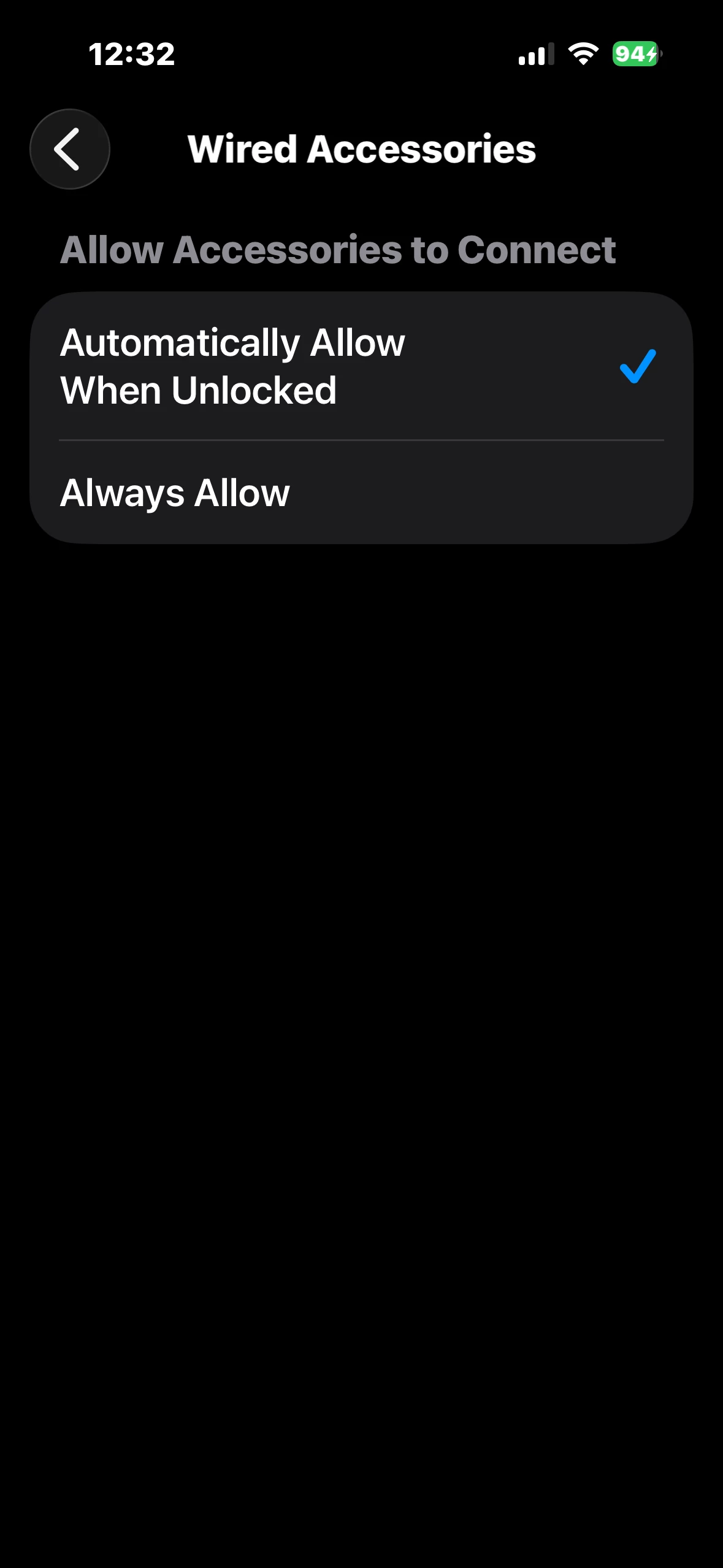
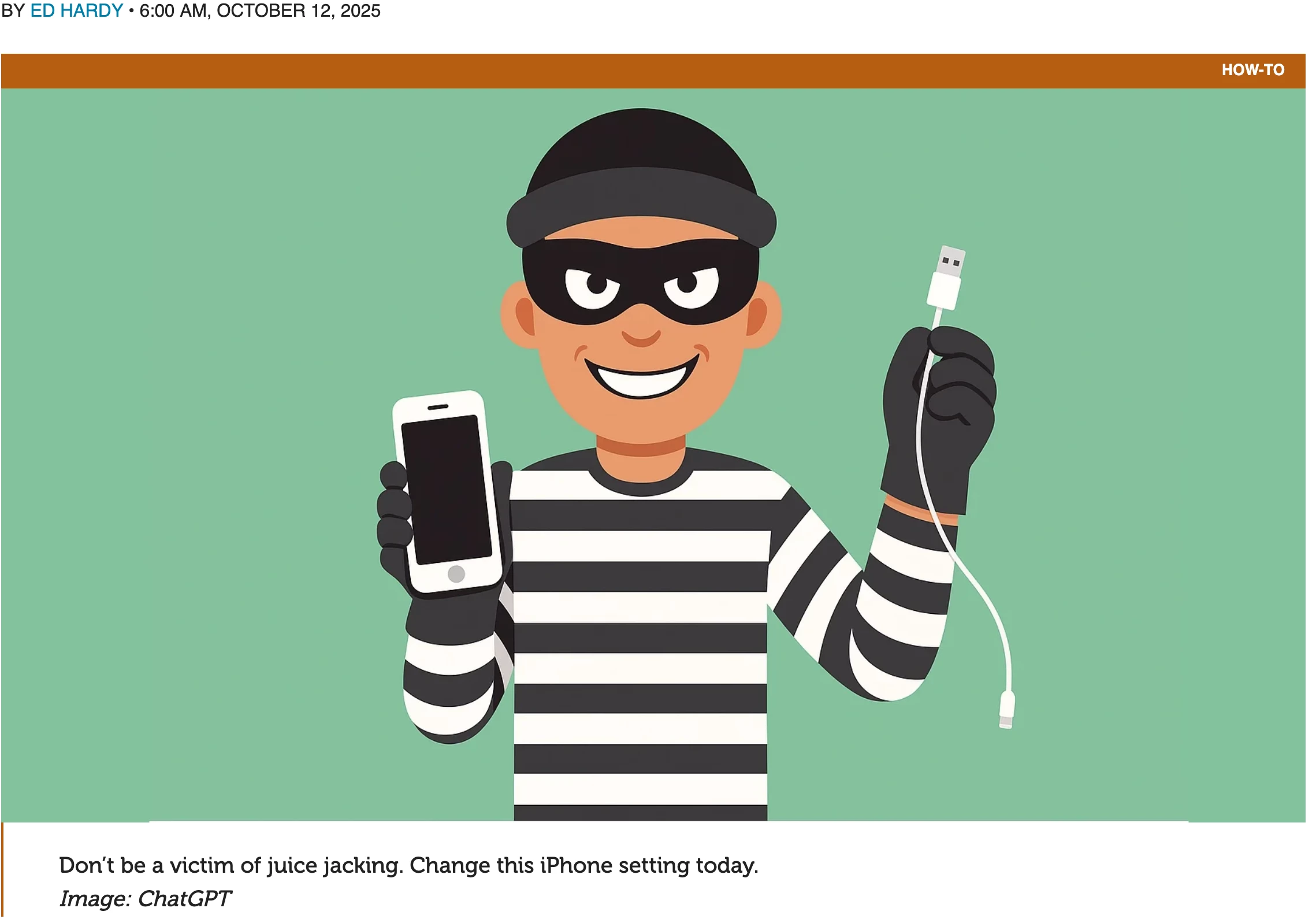
Your iPhone is too trusting of new USB accessories. Plug your handset into the wrong public charger at an airport or coffee shop and it might get hacked. Fortunately, there’s a setting you can (and should) change that prevents your iPhone from falling victim to data theft via juice jacking.

Here’s what to do. And don’t worry… it’s easy. I’ll walk you through it.


>> Full Article <<

2 replies

ProTruckDriver
Moderator
  • Author
  • Moderator
  • October 13, 2025

Where the hell do they come up with these sayings? “Juice Jacking” ROFLMAO.


MajorHavoc
Bronze VIP
Forum|alt.badge.img+25
  • Bronze VIP
  • October 14, 2025

Thanks for this. I always knew this was a possibility, but did not know that this had been opened. Great post, thanks. As for Juice Jacking? LOL!!!

The article suggests setting the Wired Accessories to “Ask for New Accessories”. Strangely, however, the suggested setting in the article is not available on my phone, which has the latest iOS update. Hmmmmmm. Anyone else have issues seeing this suggested setting?