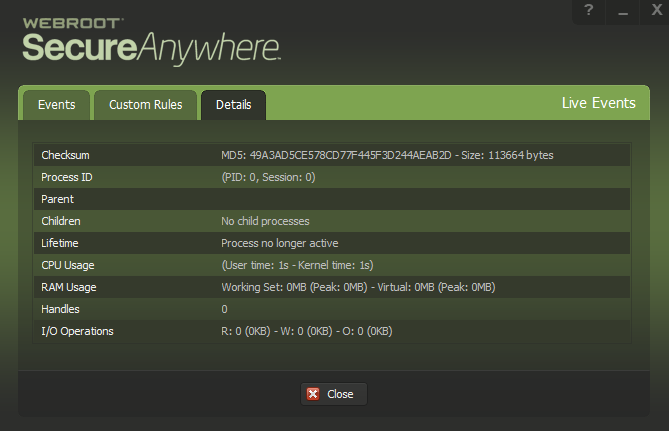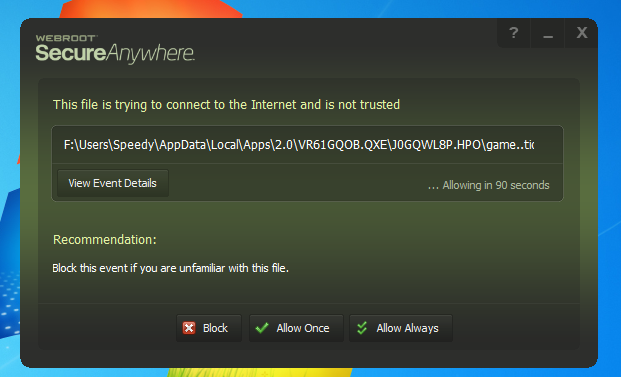
Unfortunately I was unable to view the full file path or even the file name or type to make an informed decision. Even after clicking on event details I don't remember seeing either, though I don't have a screenshot of it. Is there a way to view the full file path and file type from this warning?
Another issue I have seen is that when viewing the execution history and then clicking the more information button, the persistent event details area flashes 3 or 4 times per second when the cursor is not placed in that area.