Is Webroot Disabling OBS

  • February 8, 2015
  • 2 replies
  • 93 views

I use OBS to stream games to twitch, ever since I've started using Webroot OBS will crash Awesomenauts when I use game capture, if I'm using window capture my mouse will lag out and skip input streams, I have a Razer Naga Hex if that helps. My Drivers may not be up to date but OBS and Awesomenauts were not updated in the time frame of me getting Webroot. Also, I would enjoy it if I could Whitelist an entire folder.


2 replies

Petrovic
Gold VIP
Forum|alt.badge.img+52
  • Gold VIP
  • February 8, 2015
Hello  and Welcome to the Webroot Community Forums!
 
Check these settings:
Blocking/Allowing files
http://www.webroot.com/En_US/SecureAnywhere/PC/WSA_PC_Help.htm#C5_Quarantine/CH5b_BlockingAllowingFiles.htm
Managing protected applications
http://www.webroot.com/En_US/SecureAnywhere/PC/WSA_PC_Help.htm#C6_IDProtection/CH6c_ManagingProtectedApps.htm
 
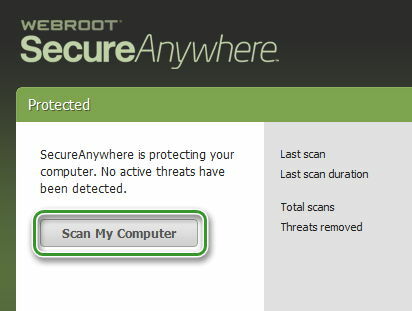
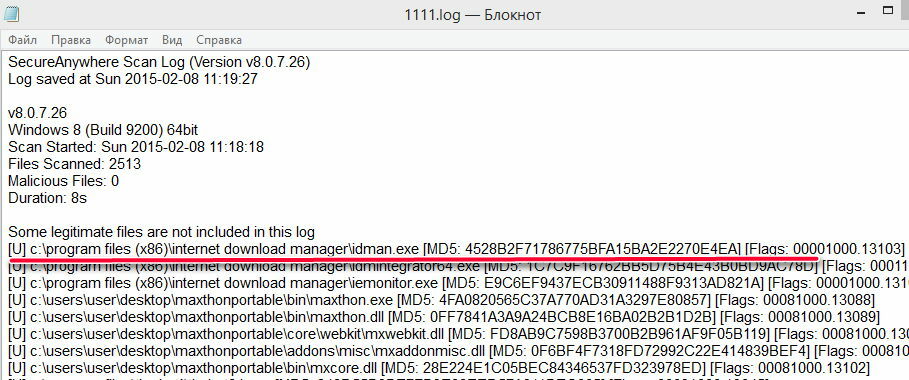
Whitelisting a monitored application for all WSA users normally only requires you provide them a copy of your scan log, or even just the lines from the scan log that say "monitoring."
What support wants is to gather scan logs so they can see the files that need whitelisting
Examples: [u] Unknown file [g] Known Good file


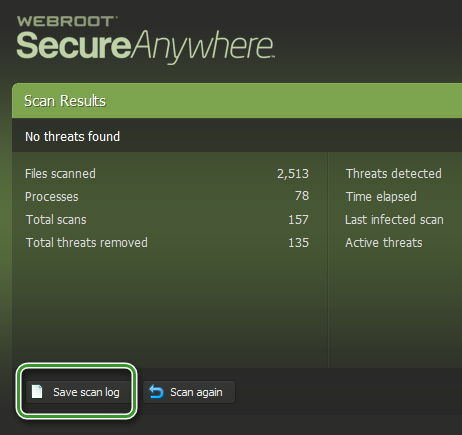
Saves a log of scanning activity that you can send to Webroot Support for.
Please click here to open a support ticket.


Baldrick
Gold VIP
  • Gold VIP
  • February 8, 2015
Hi killerkoyd
 
Welcome to the Community Forums.
 
Just to add to what Petrovic has advised...you do not actually need to provide any log information to the Support Team as part of your support ticket; the logs are automatically uploaded when you submit the ticket itself, and then they would check for any files listed as [u], etc..  You may of course do so if you wish but it is not necessary.  Just the information that you provided in your original post should suffice and if they require more they will contact you via the ticketing system.
 
Regards, Baldrick