Trying to put on my iPad but it won't let me log in...

  • September 24, 2014
  • 4 replies
  • 138 views

Cannot load to my iPad 4. Cannot log in to the password area.

4 replies

Ssherjj
Moderator
Forum|alt.badge.img+62
  • Moderator
  • September 24, 2014
@ wrote:
Cannot load to my iPad 4. Cannot log in to the password area.

Welcome to the Community Forum Patricia!
 
Great to have you here!
 
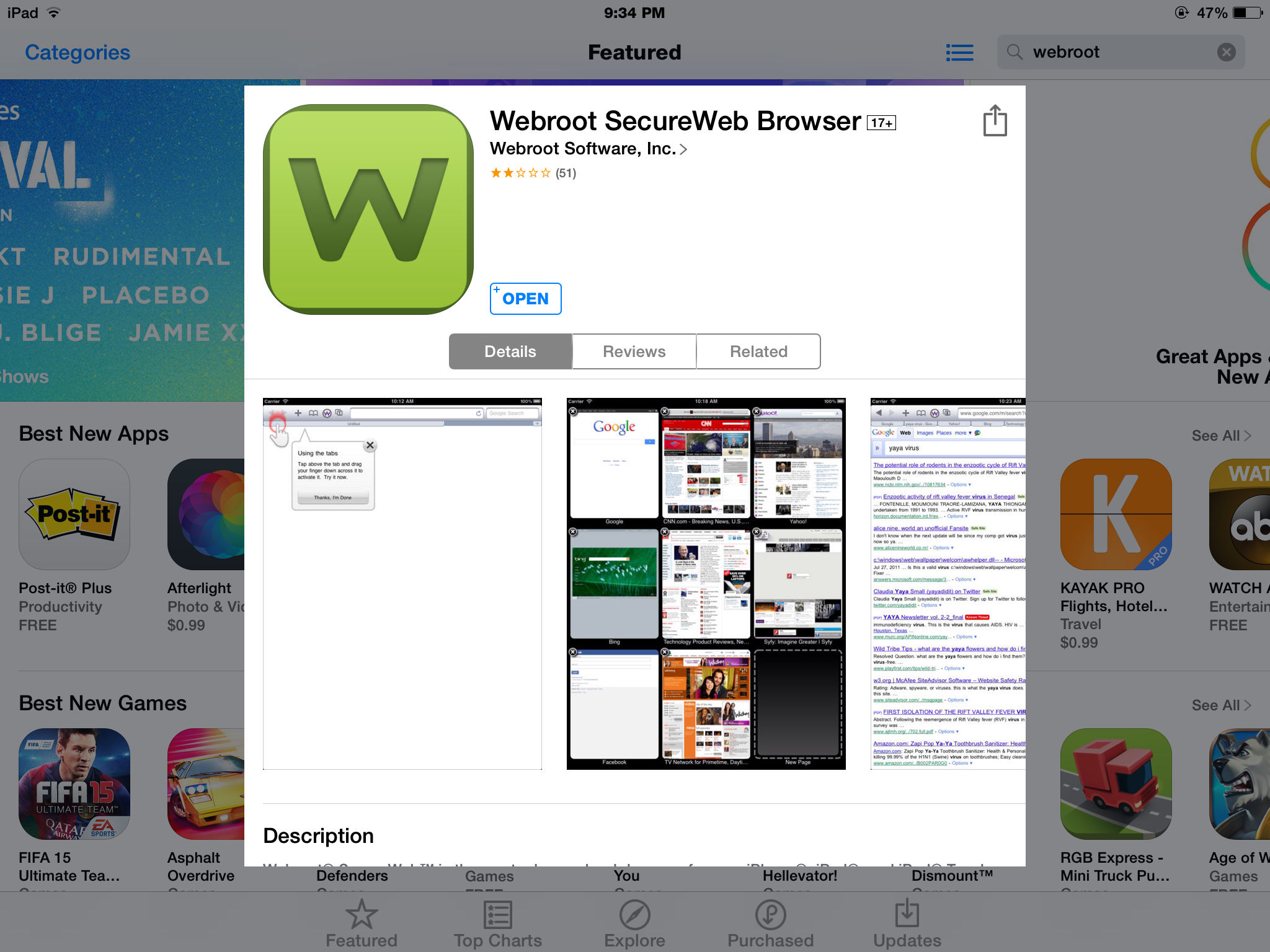
 For free version of SecureWeb Browser go to the Apple Store on your IPad and go here for more information!
 
Can you tell me what WebrootSecure Anywhere vesion you have?
 
Please let us know if you need more help and we will certainly get to the bottom of this!
 
 
Thanks,
 

  • Author
  • Fresh Face
  • September 27, 2014
When I use the link provided, my iPad is not there to choose from. I am using my iPad. ?????

Ssherjj
Moderator
Forum|alt.badge.img+62
  • Moderator
  • September 27, 2014
@ wrote:
When I use the link provided, my iPad is not there to choose from. I am using my iPad. ?????
Hello Patricia!
 
Sorry you are having these issues.
 
Please go to the Apple Store OR /iTunes on your Ipad and install Webroot Secure Browser and Backup & Sync and then sign into
 
Backup and Sync with your email and password that you provided to Webroot plus enter you keycode.
 
More instructions here:
 
  1. Open the App Store on your device and search for “Webroot SecureWeb.” Tap to install the app.Alternately, you can download and install the SecureWeb app from iTunes at: http://itunes.apple.com/us/app/webroot-secureweb-browser/id460986853?mt=8
  2. Enter your Apple ID password.The SecureWeb app opens and installs on your device. Once installed, you will see the Webroot SecureWeb icon on your Home panel. Tap this icon to open the app.Note: Password Management functions are not available to users installing the free version of the app.
  3. For more information, see Webroot SecureWeb for Apple Mobile Device Help.
 
Please let me know if this works for you. I'll be here if you need me!
 
 
Thanks,


Ssherjj
Moderator
Forum|alt.badge.img+62
  • Moderator
  • September 27, 2014
Hello Partricia,
 
 
I'm finding It is easier to go to the Apple Store on your iPad and download WebrootSecure Browser and Backup & Sync because to get to the iTunes Store you have to Google from your current Browser searching for WebrootSecure Browser as shown here from iTunes. So it's alot easier to obtain these programs from the Apple Store.Because iTunes on our iPad doesn't show this program without doing a search from your browser.


Regards,