Hi All
After password manager extension stopped working on firefox, I switched to chrome. Which was working fine for past few weeks, Since this morning i am unable to login to my password manager, I am getting error msg "Unknown email" when i login to my webroot console there is no 'Password' tab from where i can retreive my passwords. How can i get the file? I am worried about loosing all the logins :(
I am using webroot for 5+ years, Very disappointed right now.
- Home
- Community overview
- Webroot
- Webroot® SecureAnywhere™ - Home
- Can't login to password manager "Uknown email address" msg

Can't login to password manager "Uknown email address" msg

- September 29, 2018
- 20 replies
- 97 views
20 replies
- Moderator
- September 29, 2018
Hello echad, Welcome to the Webroot Community Forum.
Please submit a Support Ticket or Contact Webroot Support. This service is FREE with a Paid Subscription.
Support Ticket System is Open 24/7
Note: When submitting a Support Ticket, Please wait for a response from Support. Putting in another Support Ticket on this problem before Support responses will put your first Support Ticket at the end of the queue.
Please submit a Support Ticket or Contact Webroot Support. This service is FREE with a Paid Subscription.
Support Ticket System is Open 24/7
Note: When submitting a Support Ticket, Please wait for a response from Support. Putting in another Support Ticket on this problem before Support responses will put your first Support Ticket at the end of the queue.
Mac Mini, M-4, 24 GB Memory, 1 TB SSD, macOS Sequoia 15.7.2 ~ Backup with: Time Machine & iCloud. PWM: RoboForm. 👁¿👁 Spam Annihilater 👁¿👁
- Author
- Fresh Face
- September 29, 2018
Thank you ProTruckDriver
I already submitted the ticket, Hopefully i hear back soon.
- Author
- Fresh Face
- October 1, 2018
I did not hear back from customer support team. I need access to my psw file this is important and related to my job.
- October 1, 2018
Greetings echad, I was in the same boat you are in and here is what I did. First off I dont know where you are located but Webroot is located in Colorado and I am in California. There is a one hour difference between us. I called them at 866-612-4227 just a few minutes after they opened.
A few moments later I was talking to a technician and he was able to help.
Good luck !
A few moments later I was talking to a technician and he was able to help.
Good luck !
- Moderator
- October 1, 2018
Good Morning Robert@ wrote:
Greetings echad, I was in the same boat you are in and here is what I did. First off I dont know where you are located but Webroot is located in Colorado and I am in California. There is a one hour difference between us. I called them at 866-612-4227 just a few minutes after they opened.
A few moments later I was talking to a technician and he was able to help.
Good luck !
Can you tell us how Webroot Support resolved your PWM issue? Is it now working in Firefox or can you access in another browser? Do you have any idea what Support did? Just curious.. :)
IMac 2021 27 in i5 Retina 5, iMac OS Sequoia (15.7.2), Security: iPads, ALIENWARE 15 R6, W11 Microsoft Windows Workstation, x64, Webroot® SecureAnywhere™ Internet Security Complete, Android Samsung Galaxy Ultra Note 23, Webroot Beta Tester
- October 1, 2018
Hi Sherri, I was having a heck of a time accessing my saved passwords. For some unknown reason I kept getting a message that my Keycode had expired when in fact I knew that I had many Months left.
For the life of me, I couldn't log on to view my saved passwords and even though I knew my Password to the console, the problem with the " expired Keycode " stopped me cold.
I contacted Webroot via a phone call and they were able to "fix" it so I could at least see my Passwords and log on to various Websites.They confirmed that my Keycode was valid.
Password Manager is still not working but at least I can get to all my saved Passwords.
For the life of me, I couldn't log on to view my saved passwords and even though I knew my Password to the console, the problem with the " expired Keycode " stopped me cold.
I contacted Webroot via a phone call and they were able to "fix" it so I could at least see my Passwords and log on to various Websites.They confirmed that my Keycode was valid.
Password Manager is still not working but at least I can get to all my saved Passwords.
- Author
- Fresh Face
- October 1, 2018
- Moderator
- October 1, 2018
Hi Robert,@ wrote:
Hi Sherri, I was having a heck of a time accessing my saved passwords. For some unknown reason I kept getting a message that my Keycode had expired when in fact I knew that I had many Months left.
For the life of me, I couldn't log on to view my saved passwords and even though I knew my Password to the console, the problem with the " expired Keycode " stopped me cold.
I contacted Webroot via a phone call and they were able to "fix" it so I could at least see my Passwords and log on to various Websites.They confirmed that my Keycode was valid.
Password Manager is still not working but at least I can get to all my saved Passwords.
Thank you for reminding me.. I am sorry, I did remember you saying that you had key code issues prior.
I have been able to access my Online Account Console to get to my Password Management. But I got ahead of myself thinking that Webroot Support miraculously had a fix for PWM in Firefox.as they sometimes do.
I'm happy to hear you have Webroot running with your key code now. It's odd how that Webroot Keycode gets disrupted like that. Cloud issues I guess..
Thank you for letting us know what the problem was....again. 😉
IMac 2021 27 in i5 Retina 5, iMac OS Sequoia (15.7.2), Security: iPads, ALIENWARE 15 R6, W11 Microsoft Windows Workstation, x64, Webroot® SecureAnywhere™ Internet Security Complete, Android Samsung Galaxy Ultra Note 23, Webroot Beta Tester
- New Voice
- October 2, 2018
Hello
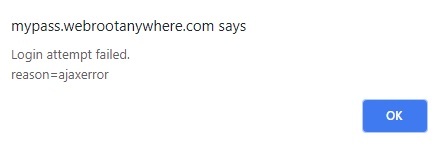
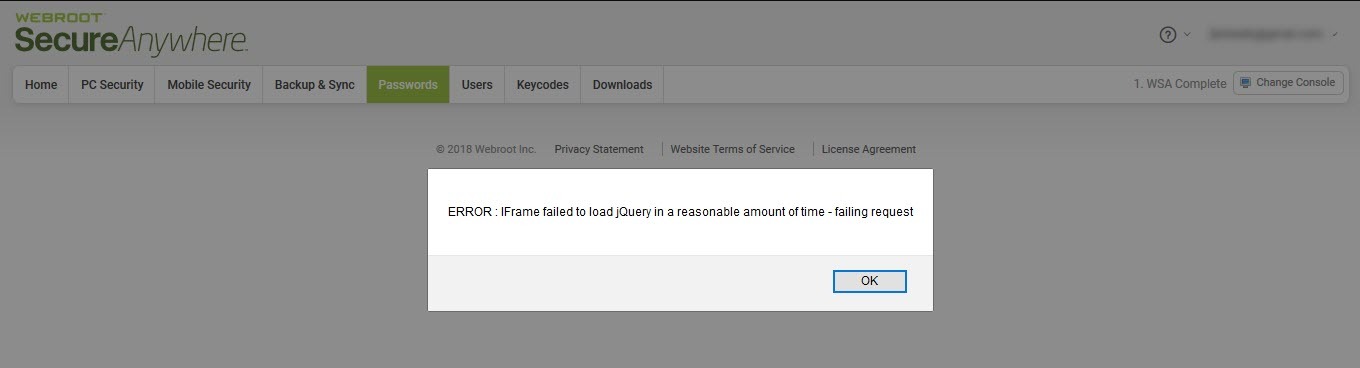
Is this still an ongoing issue? i have not been able to access my passwords since last Friday, i opened 2 tickets and got zero support. At first was getting message that my email was not valid, I added my keycode to the console and now im getting this message when using tool bar in either Chrome or IE
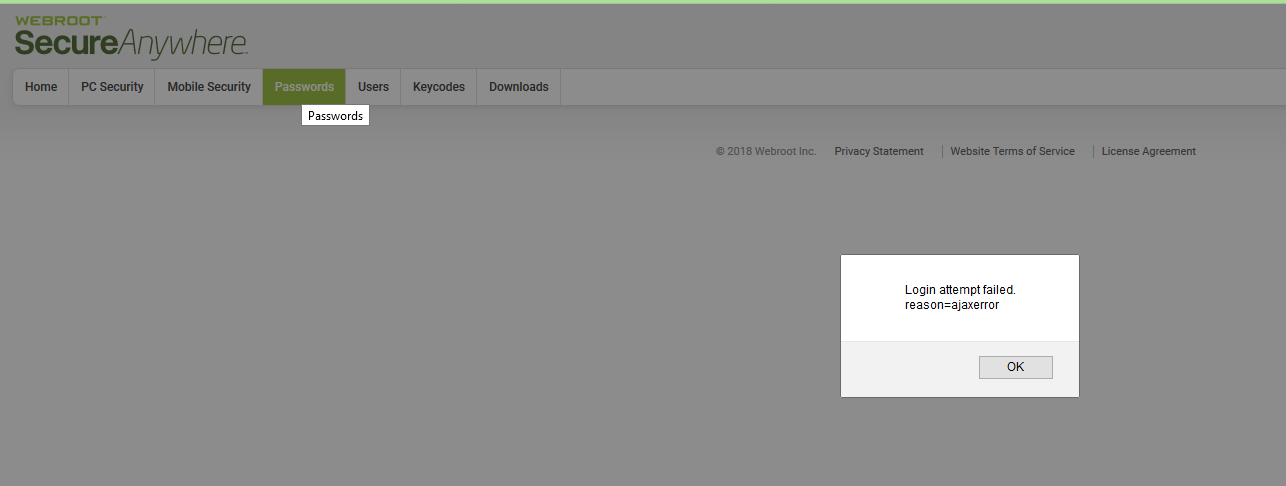
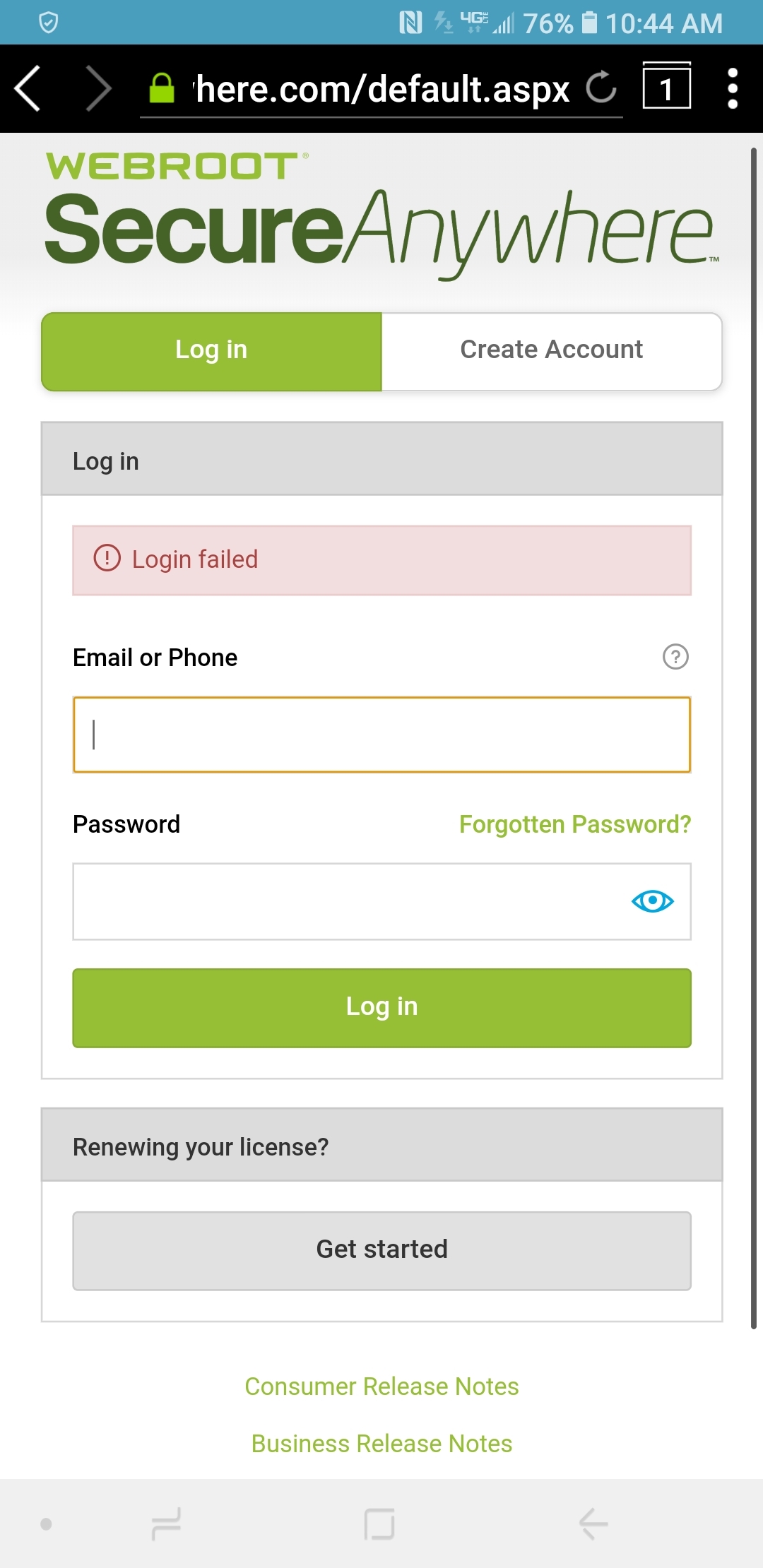
then if i try to log in thru webroot page im getting this ajax error message, same message on my cell phone non wifi so i dont think the issue is my internet connection
My subscription is good thru Feb 2019, How many tickets do I need to open until I actually get support?
Regards
Is this still an ongoing issue? i have not been able to access my passwords since last Friday, i opened 2 tickets and got zero support. At first was getting message that my email was not valid, I added my keycode to the console and now im getting this message when using tool bar in either Chrome or IE
then if i try to log in thru webroot page im getting this ajax error message, same message on my cell phone non wifi so i dont think the issue is my internet connection
My subscription is good thru Feb 2019, How many tickets do I need to open until I actually get support?
Regards
- Moderator
- October 2, 2018
Yes same here! And look here as well as it's been going on 4 weeks now: https://community.webroot.com/t5/Webroot-SecureAnywhere-Internet/Firefox-Password-Manager-toolbar-no-longer-works/m-p/328362#M12569
Daniel - Microsoft MVP Consumer Security (2012-2016) Windows 10 Pro x64 for Workstations 22H2 on my Alienware 17R2 and Windows 11 Pro x64 for Workstations on my Alienware 17R5 Laptops with Webroot SecureAnywhere Complete Beta Tester for PC & Android Samsung Galaxy A16 5G OS 16.
- Moderator
- October 2, 2018
I really feel sorry for the people that ONLY use Webroot's PWM without any backup PWM. Thank God I have also LastPass (Free) and RoboForm also. No response from the Employees on how the fix is going and the above member with 2 Support tickets without a response from support. I've been with Webroot since the launch of WSA and this Forum. This is about the sorriest event I have ever seen for Webroot non-communicating (Updating progress on fix) with the members.
We are only Volunteers here on the forum, it's out of our hands and in the hands of the Webroot Employees.
I believe I can speak for all the Volunteers, we are truthfully sorry this is happening to the members. :(
WEBROOT: THE BALL IS IN YOUR COURT!
We are only Volunteers here on the forum, it's out of our hands and in the hands of the Webroot Employees.
I believe I can speak for all the Volunteers, we are truthfully sorry this is happening to the members. :(
WEBROOT: THE BALL IS IN YOUR COURT!
Mac Mini, M-4, 24 GB Memory, 1 TB SSD, macOS Sequoia 15.7.2 ~ Backup with: Time Machine & iCloud. PWM: RoboForm. 👁¿👁 Spam Annihilater 👁¿👁
- October 2, 2018
- Moderator
- October 2, 2018
Hi Webrooters,
I am fortunate that I can still sign in to the PWM from the Online Account Console without any issues.
IMac 2021 27 in i5 Retina 5, iMac OS Sequoia (15.7.2), Security: iPads, ALIENWARE 15 R6, W11 Microsoft Windows Workstation, x64, Webroot® SecureAnywhere™ Internet Security Complete, Android Samsung Galaxy Ultra Note 23, Webroot Beta Tester
- October 2, 2018
That's good, Sherry. I cannot see passwords in my console but my PWM is still working in Firefox (rolled back to 61.0.2).@ wrote:
Hi Webrooters,
I am fortunate that I can still sign in to the PWM from the Online Account Console without any issues.
It looks as though the problem with the Password Manager is mutli-faceted and is affecting different users in different ways. Glad I'm not responsible for fixing it. I kinda feel sorry for whomever is. 😠
- October 2, 2018
Yep; me too Sherry. Once the Technician fixed the boo-boo ( Halloween Plug ) with my Keycode, I was able to see/change/delete/ some passwords that I no longer use. I feel for the loyal and long time volunteers like yourself; who have to put up with the lazy non committal stuffed shirts in the main office that use all of you folks like cannon fodder.
Thanks to all of you LOYAL VOLUNTEERS who take the brunt of the rudeness dished out by those who are supposed to be in charge of Webroot. My hats off to all of you.
- Moderator
- October 2, 2018
Thanks Robert for your Support as always. It gets harder and harder to not be able to help others without answers or even any help from management. This is very upsetting that Webroot is or has been getting a bad reputation for their product. It's just ridiculous. Especially after all these years that all of us who have been supporters and volunteers for Webroot! :(
@ ,
I changed my keycode on my Mobile device from Beta to my 5 year license and I'm getting an error when signing into Password Manager. It could be my gmail account isn't working or it could be the keycode. I'm having issues with my consoles. I can still obtain PWM from my PC devices.
IMac 2021 27 in i5 Retina 5, iMac OS Sequoia (15.7.2), Security: iPads, ALIENWARE 15 R6, W11 Microsoft Windows Workstation, x64, Webroot® SecureAnywhere™ Internet Security Complete, Android Samsung Galaxy Ultra Note 23, Webroot Beta Tester
- Moderator
- October 2, 2018
Update Webrooters,
I finally got my Mobile device straightened out and I can now log into the Vault with my Passwords. All I did was use the "Forgot Password" and everything is working as it is suppose to with WSAC.
Android version 5.1.1.23123
I finally got my Mobile device straightened out and I can now log into the Vault with my Passwords. All I did was use the "Forgot Password" and everything is working as it is suppose to with WSAC.
Android version 5.1.1.23123
IMac 2021 27 in i5 Retina 5, iMac OS Sequoia (15.7.2), Security: iPads, ALIENWARE 15 R6, W11 Microsoft Windows Workstation, x64, Webroot® SecureAnywhere™ Internet Security Complete, Android Samsung Galaxy Ultra Note 23, Webroot Beta Tester
- New Voice
- October 4, 2018
I called Webroot support yesterday and was told there were currently 138 other open tickets with similar issues accessing the password manager. Good to know Webroot is working so 'diligently' to resolve this issue.
It just boggles the mind that a company with such a good AV product cannot create a password program that actually works as advertised. If they cannot or will not suport it then they should stop marketing it and leave password programs to companies who actually know what they are doing. Regardless if I get my passowrds back or not Ill never purchase another Webroot product.
- October 8, 2018
Hi,
I have tried contacting Webroot Support for this issue but so far have not heard anything. Sent message on 1st October. How long before we should be contacted to at least acknowledge something is being done?
- November 4, 2018
Support did send me an email some weeks ago to say that someone would contact me to help sort this out. So far this has not happened and it is now over a month since the problem occured. I cannot wait any longer so am going to have to re-create my passwords from scratch manually. Not happy!
Login to the community
No account yet? Create an account
Enter your E-mail address. We'll send you an e-mail with instructions to reset your password.
Scanning file for viruses.
Sorry, we're still checking this file's contents to make sure it's safe to download. Please try again in a few minutes.
OKThis file cannot be downloaded
Sorry, our virus scanner detected that this file isn't safe to download.
OK