Solved

cannot open specific web site

  • March 6, 2014
  • 17 replies
  • 170 views

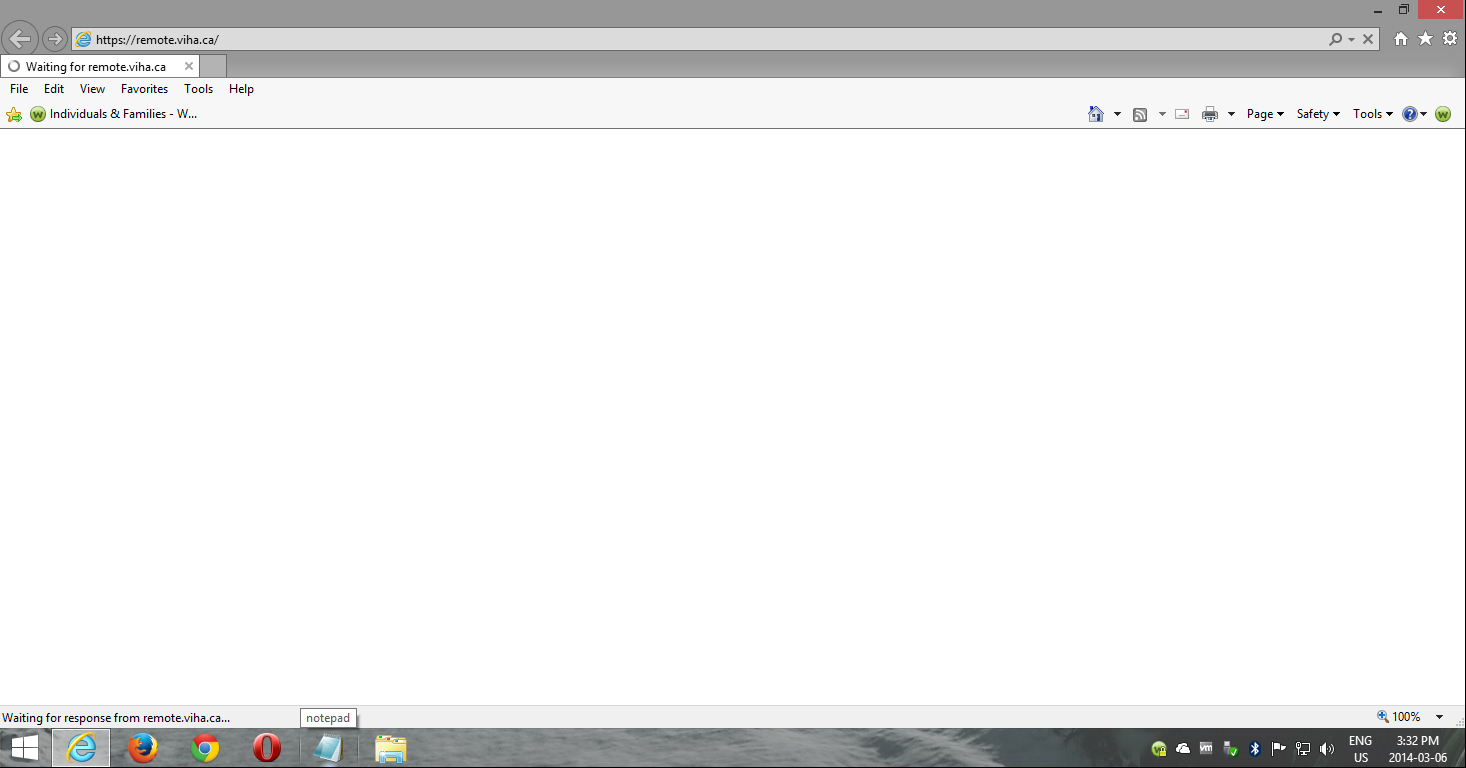
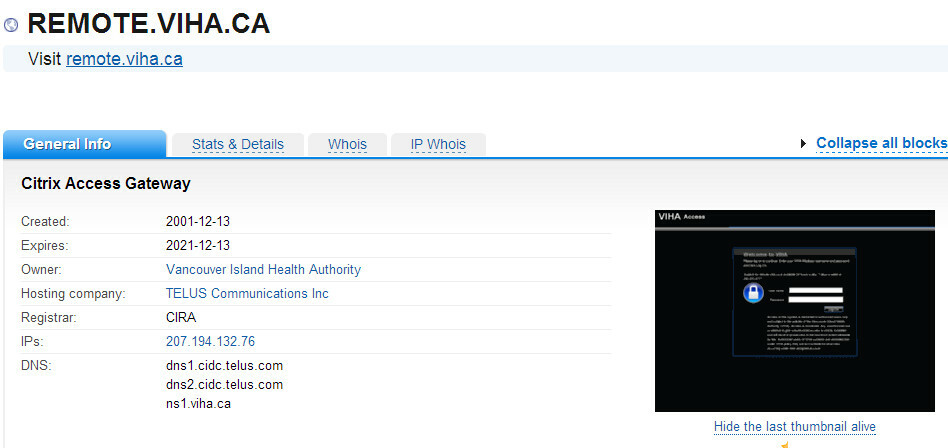
Using a Thinkpad 520 laptop running Windows 7 Pro (32 bit) with WebRoot antivirus I cannot open one specific web site: https://remote.viha.ca . Tried with Seamonkey, Internet Explorer and Google Chrome browsers with same result. The Seamonkey browser says it has connected with the web site but times out with a message saying the network connection was interrupted. I can however open the website using an old Thinkpad 30 running XP and AVG antivirus.
I would appreciate ideas on how to fix this.
-- Arthur

Best answer by amenu

My goodness! What an interesting discussion I started. Here is the latest from my efforts. I scoured Google for others who have had a similar problem opening a specific web site. I came across one thread in which a person recommended changing the MAC address of one's router. I tried that and now I can access remote.viha.ca using Chrome and IE (slower connecting than Chrome) but not Seamonkey.
 
Here is the link to the site where changing the MAC address is recommended and the rationale:
 
http://en.kioskea.net/forum/affich-92145-one-certain-site-will-not-load-help
 
How curious it all is!
 
Thanks to all who made suggestions. I tried them all but only the MAC address change worked.
 
-- Arthur

17 replies

RetiredTripleHelix
Gold VIP
Forum|alt.badge.img+56
Hello amenu and Welcome to the Webroot Community Forums! 


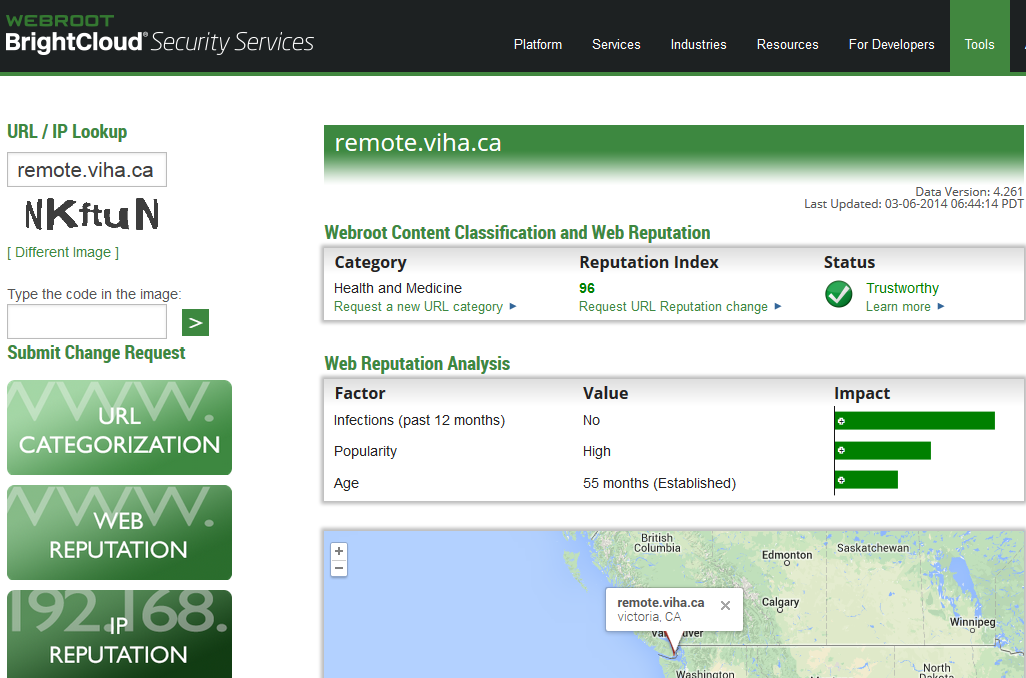
Doesn't seem to be a WSA issue as BrightCloud says it's Good but I can't connect also so it could be down? Also I'm getting strange results from here enter the URL yourself http://www.downforeveryoneorjustme.com/
 
TH  ;)


Petrovic
Gold VIP
Forum|alt.badge.img+52
  • Gold VIP
  • March 6, 2014
Hello amenu and Welcome to the Webroot Community Forums!
 
I opened without problems (win 8.1 pro x64)


Clear your browser cache and try again to open the site

RetiredTripleHelix
Gold VIP
Forum|alt.badge.img+56
Petr what Browser are you using? I got it to open on Opera 12.16 only.
 
Daniel

Petrovic
Gold VIP
Forum|alt.badge.img+52
  • Gold VIP
  • March 6, 2014
@ wrote:
Petr what Browser are you using? I got it to open on Opera 12.16 only.
 
Daniel
Yandex.Browser(chromium)
 
IE - works


Baldrick
Gold VIP
  • Gold VIP
  • March 6, 2014
Hi Daniel
 
I have just managed to open the site under Chrome Portable, under Win8.1 32bit
 
EDIT: Can open under IE11 & FF 27, under Win 8.1 32bit.
 
Regards
 
 
Baldrick
 

Petrovic
Gold VIP
Forum|alt.badge.img+52
  • Gold VIP
  • March 6, 2014
amenu

Checking Your Windows Hosts File
Checking for Modifications
Navigate to c:WindowsSystem32driversetc.
Open the hosts file with a text editor like notepad. Hosts will not have a file extension.
Compare your hosts file with the Microsoft defaults listed below.

Windows 7 and Windows 8
# Copyright (c) 1993-2006 Microsoft Corp.
#
# This is a sample HOSTS file used by Microsoft TCP/IP for Windows.
#
# This file contains the mappings of IP addresses to host names. Each
# entry should be kept on an individual line. The IP address should
# be placed in the first column followed by the corresponding host name.
# The IP address and the host name should be separated by at least one
# space.
#
# Additionally, comments (such as these) may be inserted on individual
# lines or following the machine name denoted by a '#' symbol.
#
# For example:
#
# 102.54.94.97 rhino.acme.com # source server
# 38.25.63.10 x.acme.com # x client host
# localhost name resolution is handle within DNS itself.
# 127.0.0.1 localhost
# ::1 localhost
 
check DNS settings
  1. Open the Control Panel by clicking on the Windows button, then click Control Panel
  2. Type "Network and Sharing" in the upper right hand corner and click on Network and Sharing Center
  3. Click Change Adapter Settings
  4. Right click on the network adapter you'd like to check (wired or wireless) and click Properties
  5. Select Internet Protocol Version 4 (TCP/IPv4) and click Properties
  6. Make sure you do not have the SCS DNS entries listed under Use the following DNS server addresses
  7. Instead, select Obtain DNS server address automatically
 

RetiredTripleHelix
Gold VIP
Forum|alt.badge.img+56
@ wrote:
Hi Daniel
 
I have just managed to open the site under Chrome Portable, under Win8.1 32bit
 
EDIT: Can open under IE11 & FF 27, under Win 8.1 32bit.
 
Regards
 
 
Baldrick
 
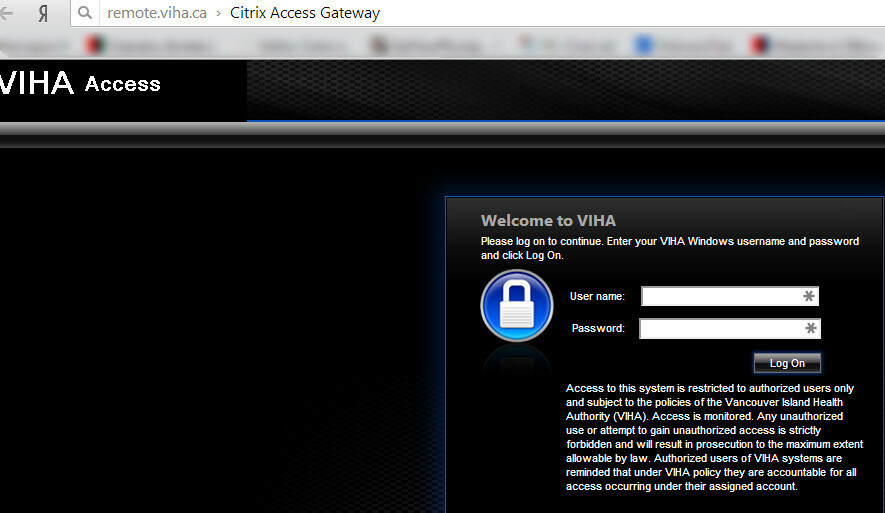
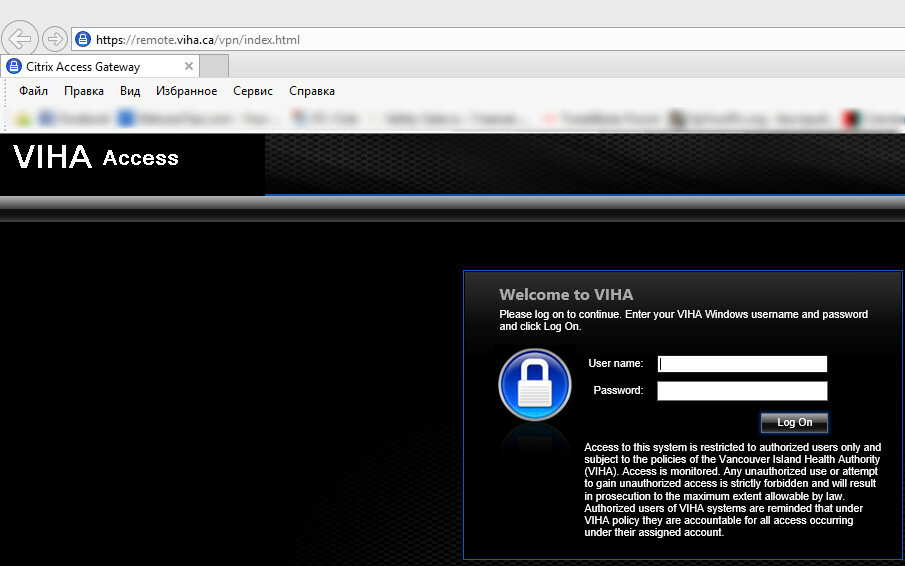
I opened my Win 8.1 Pro x64 VM and it will not open in anything except Opera 12.16! Very strange issue also it's a VPN service.
 
Daniel
 
Win 8.1 Pro x64 and IE11.


Baldrick
Gold VIP
  • Gold VIP
  • March 6, 2014
Indeed, Daniel...am wondering whether disabling the Filtering extension in each of the browsers concerned would be a way of better isolating the source of the issue?

Petrovic
Gold VIP
Forum|alt.badge.img+52
  • Gold VIP
  • March 6, 2014
At me opens without problems (chrome, ie), including when using proxy or not including proxy
extension webroot it is included

nic
Forum|alt.badge.img+56
  • Retired Webrooter
  • March 6, 2014
Not loading for me. The IP address resolves, but it won't respond to pings.

RetiredTripleHelix
Gold VIP
Forum|alt.badge.img+56
@ wrote:
Indeed, Daniel...am wondering whether disabling the Filtering extension in each of the browsers concerned would be a way of better isolating the source of the issue?
Tried that no go even turned off WSA. So it's not a WSA Issue!
 
Daniel 😉

Petrovic
Gold VIP
Forum|alt.badge.img+52
  • Gold VIP
  • March 6, 2014

Baldrick
Gold VIP
  • Gold VIP
  • March 6, 2014
Ah ha, that is what we wanted to determine, n'est-ce pas, Daniel?  With WSA removed from the equation I am suspecting an OS-related issue or a hardware one.  But which.  Perhaps the simplest thing to do is a reboot (maynsound silly...but you never know...;))

RetiredTripleHelix
Gold VIP
Forum|alt.badge.img+56
Tried that also and a restart of my VM still no go but it does open in Opera 12.16 I even tried via my VPN service and still no go. So it's not a WSA issue case closed IMHO.
 
Daniel 😉

Petrovic
Gold VIP
Forum|alt.badge.img+52
  • Gold VIP
  • March 6, 2014
"How to connect:
Note: Island Health Intranet pages are best viewed using Internet Explorer 6.0 or greater, and may not display correctly using other web browsers.
You will need your Island Health Windows Login ID and Password.
Open Internet Explorer and go to https://intranet.viha.ca
Enter your Login ID and Password when prompted.
You can now browse the Intranet!"
http://www.viha.ca/toolbox/intranet.htm
 

RetiredTripleHelix
Gold VIP
Forum|alt.badge.img+56

  • Author
  • Fresh Face
  • Answer
  • March 7, 2014
My goodness! What an interesting discussion I started. Here is the latest from my efforts. I scoured Google for others who have had a similar problem opening a specific web site. I came across one thread in which a person recommended changing the MAC address of one's router. I tried that and now I can access remote.viha.ca using Chrome and IE (slower connecting than Chrome) but not Seamonkey.
 
Here is the link to the site where changing the MAC address is recommended and the rationale:
 
http://en.kioskea.net/forum/affich-92145-one-certain-site-will-not-load-help
 
How curious it all is!
 
Thanks to all who made suggestions. I tried them all but only the MAC address change worked.
 
-- Arthur