Does webroot have and ad blocker?

  • February 10, 2016
  • 14 replies
  • 2313 views

I am having an issue with the inboxdollars search tool sayin that an ad blocker is installed and needs to be disabled.  I disabled and removed it but the problem persists and also the search engine has revently not been able to find anything being searched.  This problem happens on Chrom, Firefox and Edge browsers.  About the only thing left I am running that might be affecting this is webroot.  The operating system is Windows 10. 

14 replies

RetiredTripleHelix
Gold VIP
Forum|alt.badge.img+56
Hello and Welcome to the Webroot Community!
 
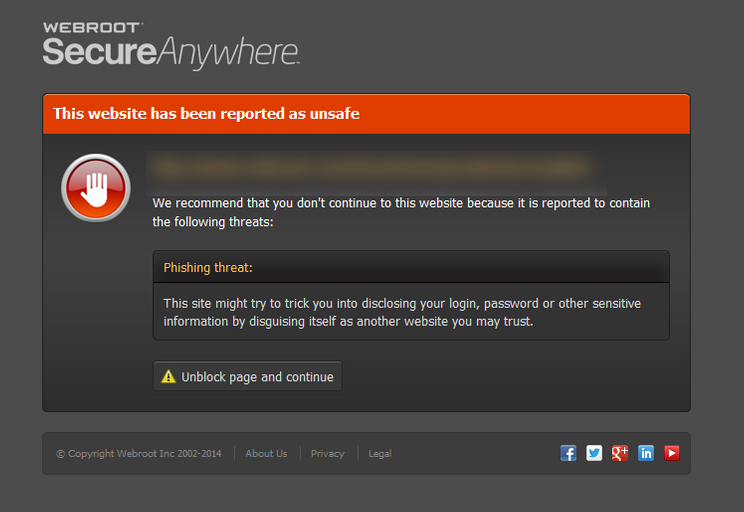
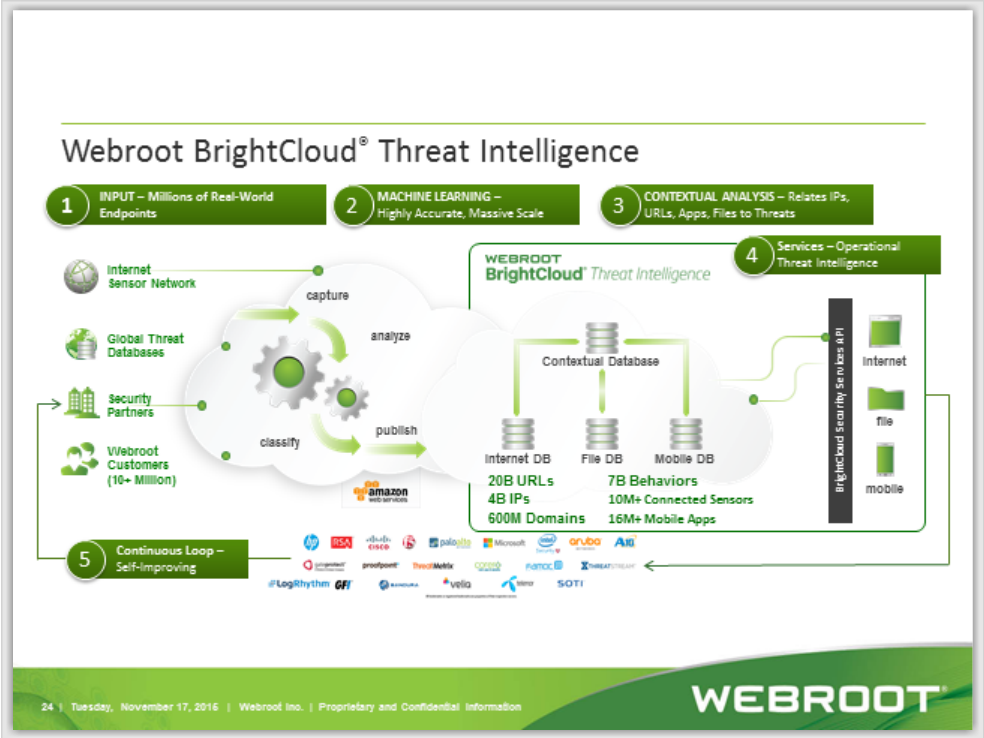
No not an Ad- blocker but a Web Filter which protects you from going to bad Websites. http://www.brightcloud.com/
but what you could have is what we call a PUA see here for more info: https://community.webroot.com/t5/Techie-KB/How-to-Remove-Potentially-Unwanted-Applications/ta-p/40744
 
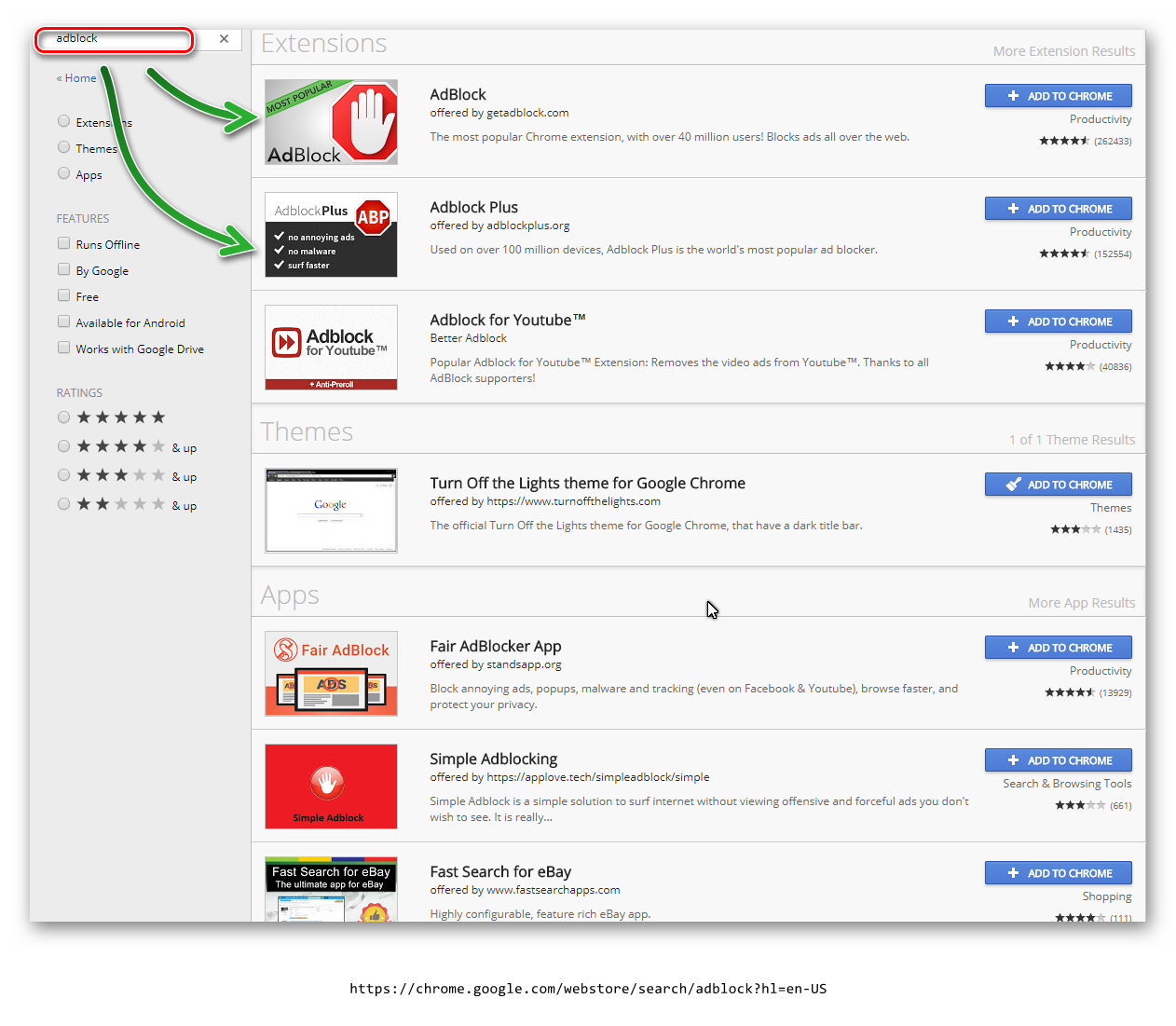
I recommend the use of any of these Ad-blockers and they are free!
 
Also add a good free Ad Blocker like the ones suggested below:
 
For Internet Explorer Ad Block Plus: https://adblockplus.org/
 
For Firefox uBlock: https://addons.mozilla.org/en-US/firefox/addon/ublock-origin/?src=ss or Privacy Badger: https://addons.mozilla.org/en-us/firefox/addon/privacy-badger-firefox/

 
Google Chrome uBlock: https://chrome.google.com/webstore/detail/ublock-origin/cjpalhdlnbpafiamejdnhcphjbkeiagm?hl=en or Privacy Badger: https://chrome.google.com/webstore/detail/privacy-badger/pkehgijcmpdhfbdbbnkijodmdjhbjlgp
 
Thanks,
 
Daniel ;)


baitnhooklure
Popular Voice
Forum|alt.badge.img+12
  • Popular Voice
  • November 10, 2017
I am confused. Is U-Block safe to us or not? Please advise. My latest Windows update removed it. If it isn't safe is there one that is?  I am constantly annoyed by ads on my att email account that takes up one third of the right hand of the screen.  Now I am getting popups by ATT saying - Set ATT as your default browser and the ads will go away.  Please advise as I'd like to use a U-Blocker that is safe and Windows 10.0 won't delete.  I added th U-Block and it does work great but is it SAFE? What else is there? Thanks

  • November 10, 2017
Hi baitndhooklure. Me too !!! those freeking annoying spam ads in my mailbox drove me crazy. Same holds true for the spam ads on the right hand side of my screen. With that said, I have had U-block org since it was suggested to me by one of the Forum Members. Now, I use Firefox as my go to browser and it works like a charm. All that %&++$@$ing crap has disappeared, never to rear their unwanted heads again. YES, its safe!
Instead of paying the $ 35.00 yearly fee to ATT to get rid of them, I added U-block about a year or so ago for free.
I absolutely hated those invasive unauthorized pesky ads to my Email inbox and U-block has gotten rid of them forever.

  • Retired Webrooter
  • November 10, 2017

Baldrick
Gold VIP
  • Gold VIP
  • November 11, 2017
@ wrote:
I am confused. Is U-Block safe to us or not? Please advise. My latest Windows update removed it. If it isn't safe is there one that is?  I am constantly annoyed by ads on my att email account that takes up one third of the right hand of the screen.  Now I am getting popups by ATT saying - Set ATT as your default browser and the ads will go away.  Please advise as I'd like to use a U-Blocker that is safe and Windows 10.0 won't delete.  I added th U-Block and it does work great but is it SAFE? What else is there? Thanks
Hi baitnhooklure
 
Very safe. Would not be without it on any of my systems...and it is about the lightest & most configurable as blocker out there in my opinion.
 
Funny what you say about WIndows 10 deleting it. Was running it under Windows 7 pre-Win 10 upgrade and no issues on upgrade and non in relation to the major upgrade from MS since.
 
Regards, Baldrick

acooldozen
Bronze VIP
Forum|alt.badge.img+36
  • Bronze VIP
  • November 11, 2017
I would'nt be without it!
There was an issue with one of the windows10 updates that did indeed uninstall UBlock from Edge Browser  prior to Edge allowing some extensions. It is again available now through the Edge Settings Manager under Extentions, (get extensions from store)

baitnhooklure
Popular Voice
Forum|alt.badge.img+12
  • Popular Voice
  • November 11, 2017
Correct - I added ad blocker and it is back on in the upper right hand corner however everytime I turn on my computer a message comes up saying Gadgets is not supported and removed.  I then either close it out by the X button or send to the notifications bar where it goes away.  Is there a way to get rid of this annoying notification?  Thanks!

acooldozen
Bronze VIP
Forum|alt.badge.img+36
  • Bronze VIP
  • November 11, 2017
What Browser are you using? If it is EDGE you will have to reinstall the extension.

baitnhooklure
Popular Voice
Forum|alt.badge.img+12
  • Popular Voice
  • November 11, 2017
chrome

  • November 11, 2017
I dont know anything about ADBLOCK ....but I DO know that UBLOCK  works. Also, I and many others prefer to use Firefox as a browser. Its free and works well with Windows10 AND if you decide to use Firefox, you just click  " on " and UBLOCK  starts working instantly. No more fooling around with clicking anything, it starts when you turn on your computer.

RetiredTripleHelix
Gold VIP
Forum|alt.badge.img+56
@ wrote:
I dont know anything about ADBLOCK ....but I DO know that UBLOCK  works. Also, I and many others prefer to use Firefox as a browser. Its free and works well with Windows10 AND if you decide to use Firefox, you just click  " on " and UBLOCK  starts working instantly. No more fooling around with clicking anything, it starts when you turn on your computer.
Agreed I use uBlock Origin on my systems with Firefox and Chrome!

RetiredTripleHelix
Gold VIP
Forum|alt.badge.img+56

Baldrick
Gold VIP
  • Gold VIP
  • November 11, 2017
Hi baitnhooklure
 
I think that there is some confusion here between 'AdBlockER' & 'AdBlock/AdBlock Plus'. Methinks that you are referring to the former whilst we are referring to the latter.


Personally I have never used the former, and would suggest that you get rid of it and use either the latter or uBlock Origin, and you should get no annoying notification as a result.
 
Regards, Baldrick

GreenEbola
Popular Voice
Forum|alt.badge.img+7
  • Popular Voice
  • November 12, 2017
Hello @ 
Can be the good alternative Adguard Browser Extension. Try it if you do not stick uBlock. https://chrome.google.com/webstore/detail/adguard-adblocker/bgnkhhnnamicmpeenaelnjfhikgbkllg?hl=en