
Solved
file deletion disappeared


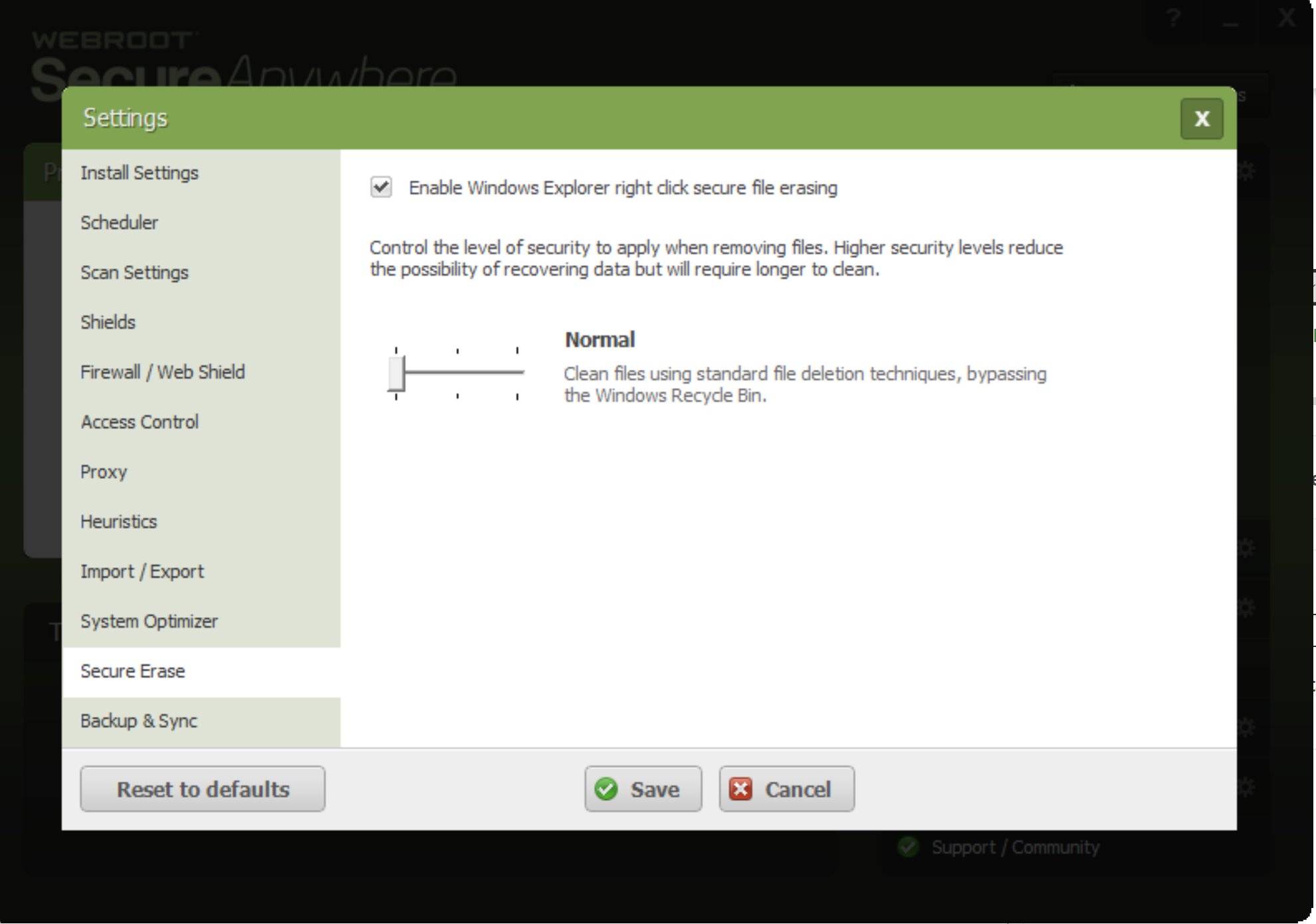
Recently reinstalled webroot onto win 10 anniversary pc. Previously when I right clicked a folder there was an option to securely delete files using webroot. This has gone. Any way to get it back?
Best answer by Ssherjj
Hi Relvin,
Sorry for the delay, Please look below if you do not see Webroot in All Programs/ControlPanel/Programs/Webroot/uninstall.
For Windows 10:
Sorry for the delay, Please look below if you do not see Webroot in All Programs/ControlPanel/Programs/Webroot/uninstall.
For Windows 10:
- Click the Search icon at the bottom of the screen in the Taskbar
- Type the following into the Start Search bar, exactly as it appears below. Note: This path is for the default location. If you installed the program elsewhere, be sure to modify the path accordingly. "C:Program FilesWebrootWRSA.exe" –uninstall
- Press the Enter key on your keyboard.
- When prompted to uninstall, click Yes.




Login to the community
No account yet? Create an account
Enter your E-mail address. We'll send you an e-mail with instructions to reset your password.