how do i do a full system tune up and infection sweep and virus removal

  • March 6, 2015
  • 1 reply
  • 105 views

how do i do full system tune up and infection sweep and virus removal

1 reply

Ssherjj
Moderator
Forum|alt.badge.img+62
  • Moderator
  • March 6, 2015
Hello shanda,
 
Welcome to the Community Forum,
 
Here is the PC User Guide:
 
By default, scans run automatically every day, at about the same time you installed SecureAnywhere. For example, if you installed SecureAnywhere at 8 p.m., it always launches a scan around 8 p.m. Depending on the selections in your schedule,
 
Full System Scan  


This user guide describes the features of all SecureAnywhere editions: AntiVirus, Internet Security Plus, Complete,  . Your edition may not include some of the features described here.
 
System Optimizer: Here
 
 
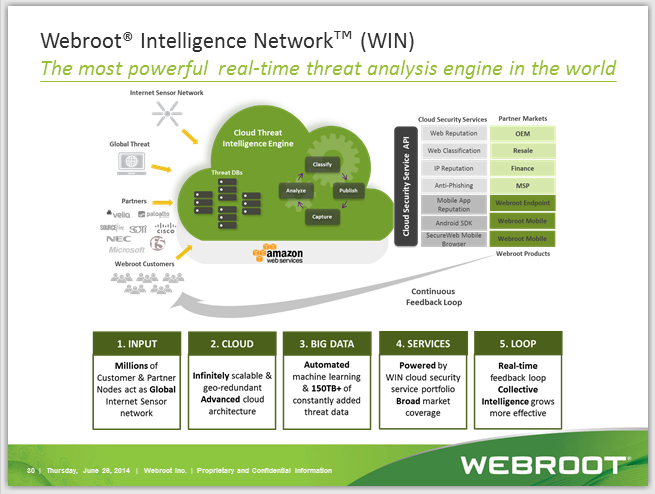
The Webroot WIN Cloud does all the work not your PC: http://www.brightcloud.com/platform/webroot-intelligence-network.php


For Windows clean up look here http://windows.microsoft.com/en-us/windows/delete-files-using-disk-cleanup#delete-files-using-disk-cleanup=windows-7
 
For Windows 8.1, http://windows.microsoft.com/en-us/windows/delete-files-using-disk-cleanup#delete-files-using-disk-cleanup=windows-8
 
Hope this helps to answer your questions and if not please get back to us.
 
KInd Regards,