
Solved
How do I install latest Java update direct from website w/ no other programs?

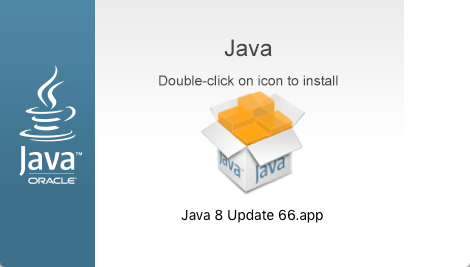
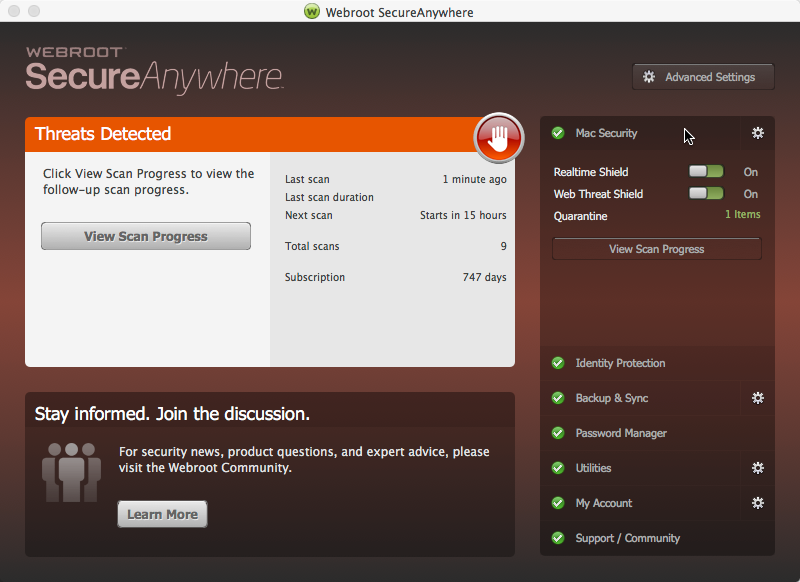
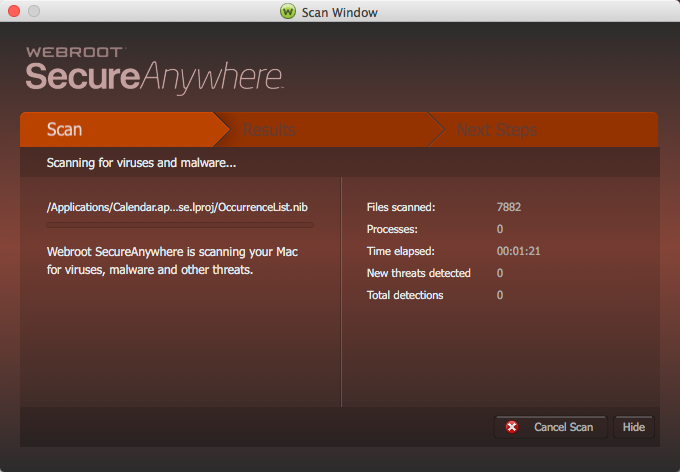
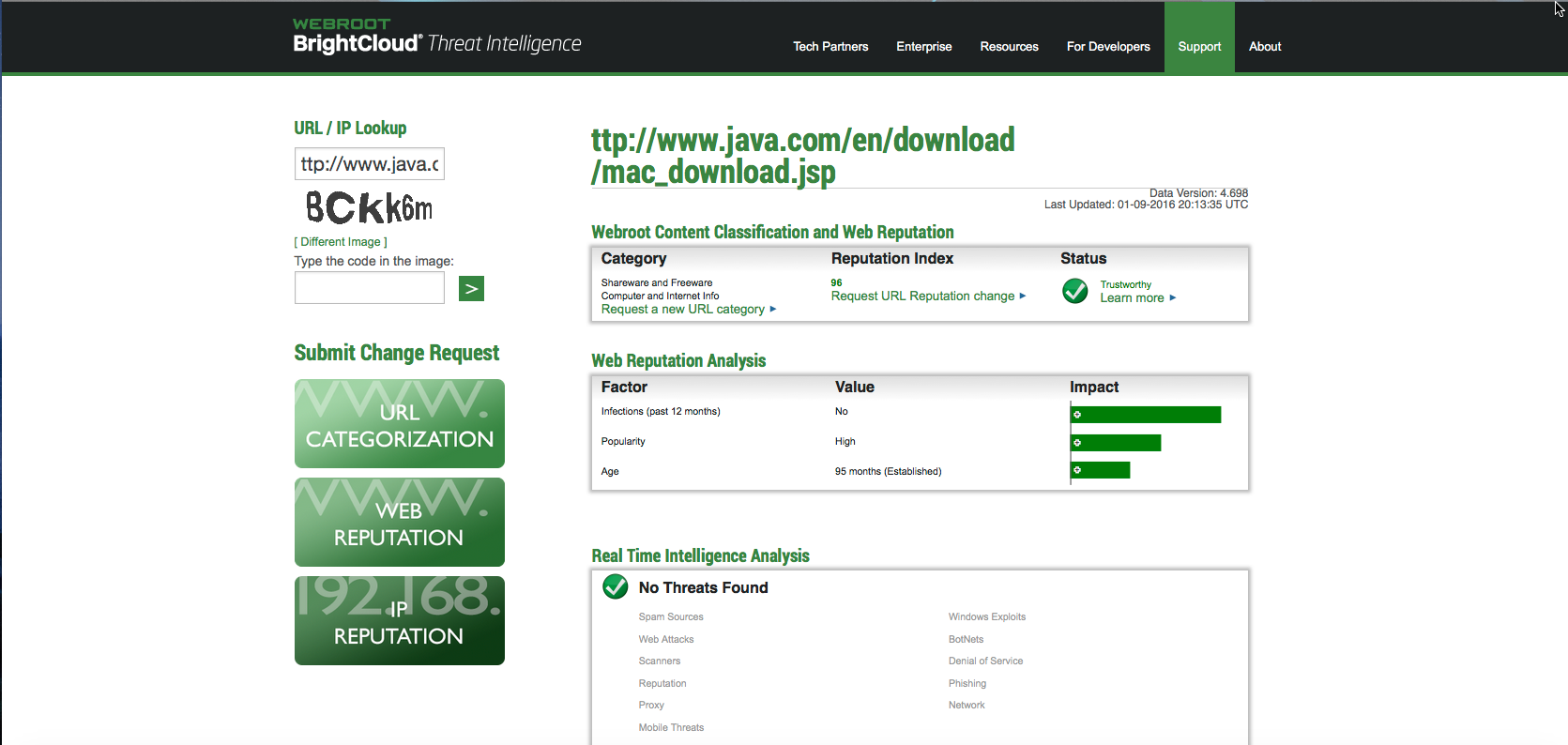
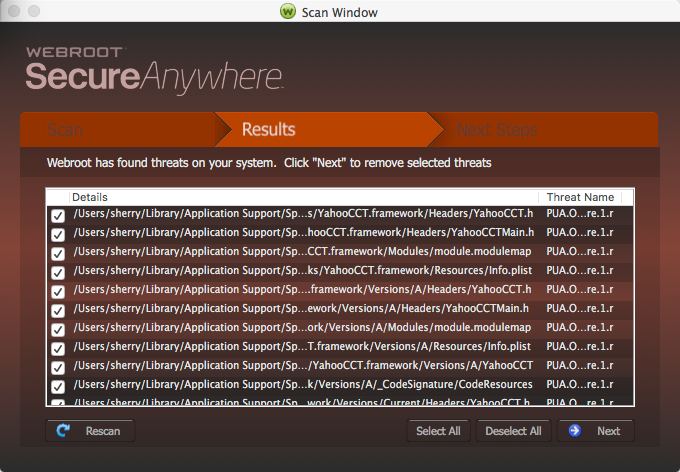
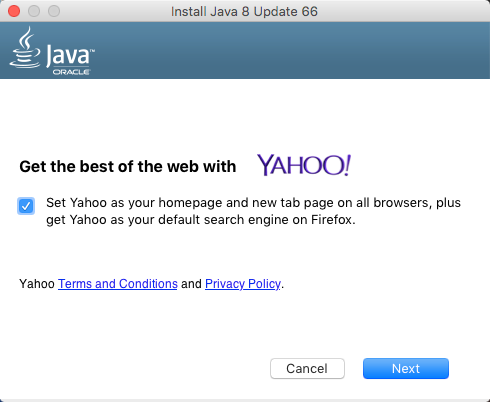
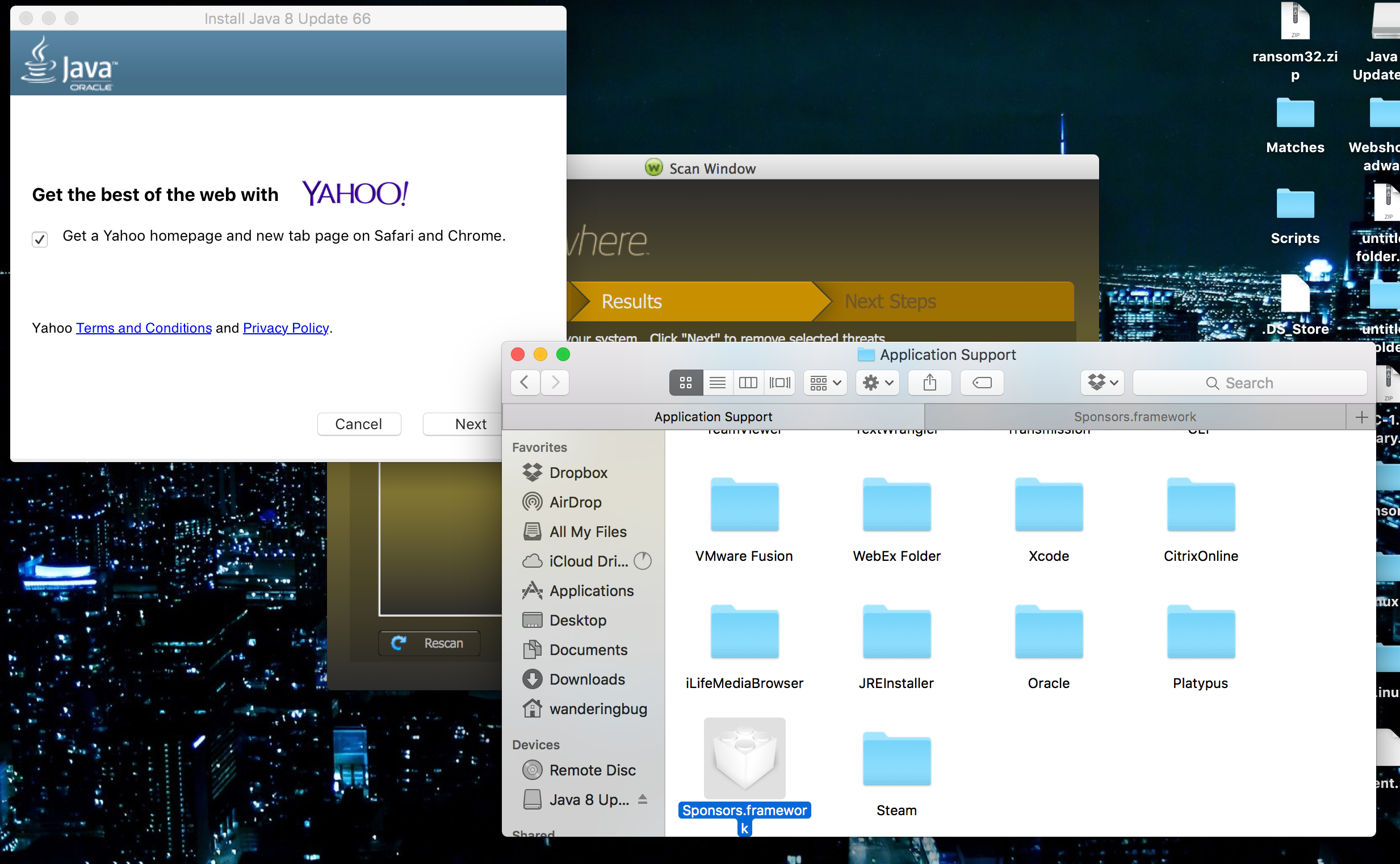
I've downloaded the Java 8 Update 66 directly from http://www.java.com/en/download/mac_download.jsp and uncheck the other option to install additional software. Webroot thinks it is a virus and puts most if not all of the files in threat status and I can't allow them. I am running OS X El Capitan 10.11.2. Thanks in advance for any help or advice.
Best answer by Ssherjj
Hello singerp5329,
Welcome to the Webroot Community,
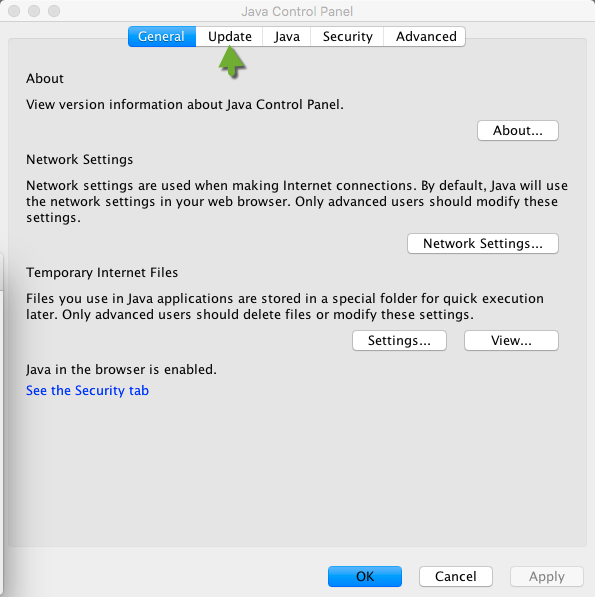
I have El Capitan as well. Can you go into System Preferences ( right click on the Apple in the left hand upper corner, or on the Genious bar .and click on the Java program and Java opens and then you click update. My version of Java has been updated to Java 8 update 66 automatically. Can you see if you have Java installed already?
Welcome to the Webroot Community,
I have El Capitan as well. Can you go into System Preferences ( right click on the Apple in the left hand upper corner, or on the Genious bar .and click on the Java program and Java opens and then you click update. My version of Java has been updated to Java 8 update 66 automatically. Can you see if you have Java installed already?













Login to the community
No account yet? Create an account
Enter your E-mail address. We'll send you an e-mail with instructions to reset your password.