
Hi everyone!
I uninstalled Webroot from my Windows 10 system through control panel with no apparent problems. Webroot is gone from programs list but Istill have some remnants of the program.
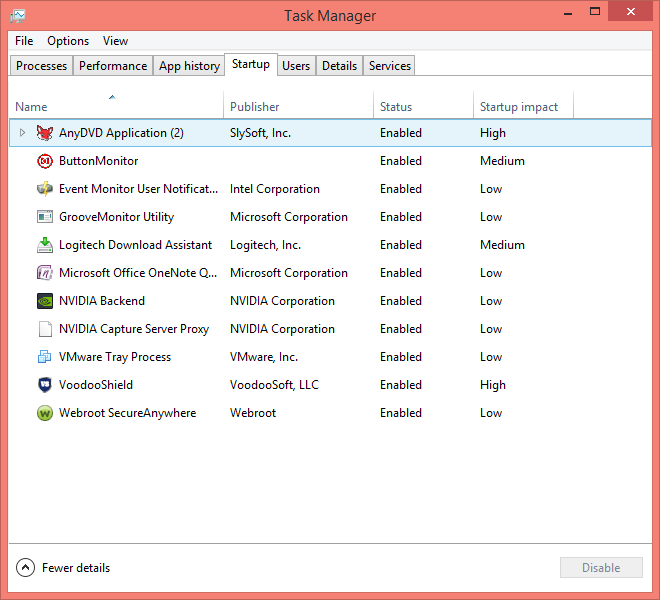
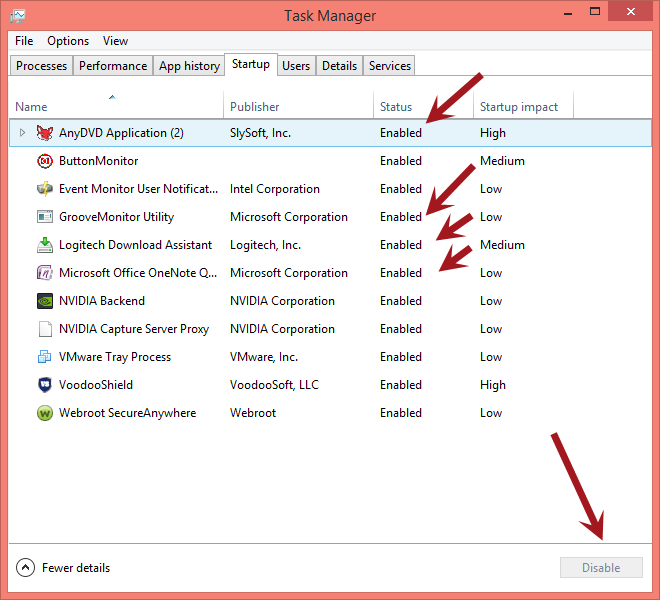
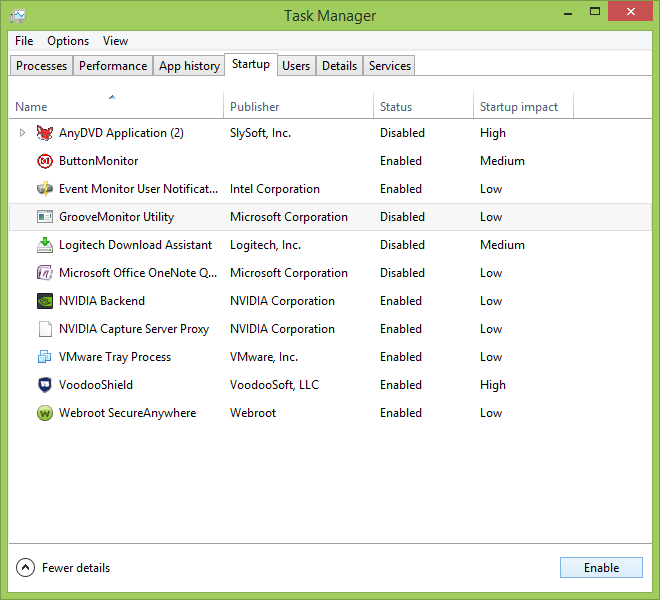
For example, in the startup tab within task manager I have following startup item: Webroot Installer.
Also if you go to SETTINGS , click System , then click Notification & Actions and then click: Select Which Icons Appear On TheTaskbar, within that list I have an entry called WRSA.exe (which I can turn on or off in the notification area in taskbar).
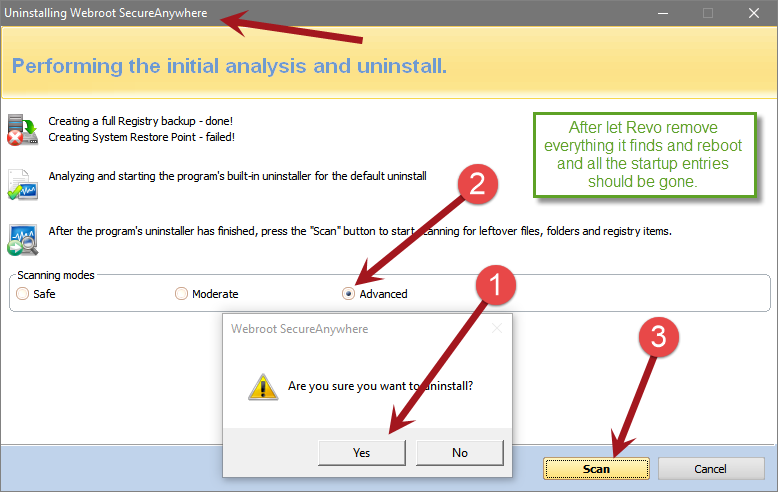
How can I completely remove all entries of the Webroot from my system? Does anyone know a cleanup or uninstall tool to completely remove all left over entries? If not, is there a way to manually remove all leftover entries?
Thank you so much for your help!
How to completely remove all entries of Webroot after Uninstallation in Windows 10







Login to the community
No account yet? Create an account
Enter your E-mail address. We'll send you an e-mail with instructions to reset your password.