

This content has been reviewed and updated by APruneau on February 18th, 2020.
How To Deactivate a PC in the online console:
- Log into your Account Console using an Admin login.
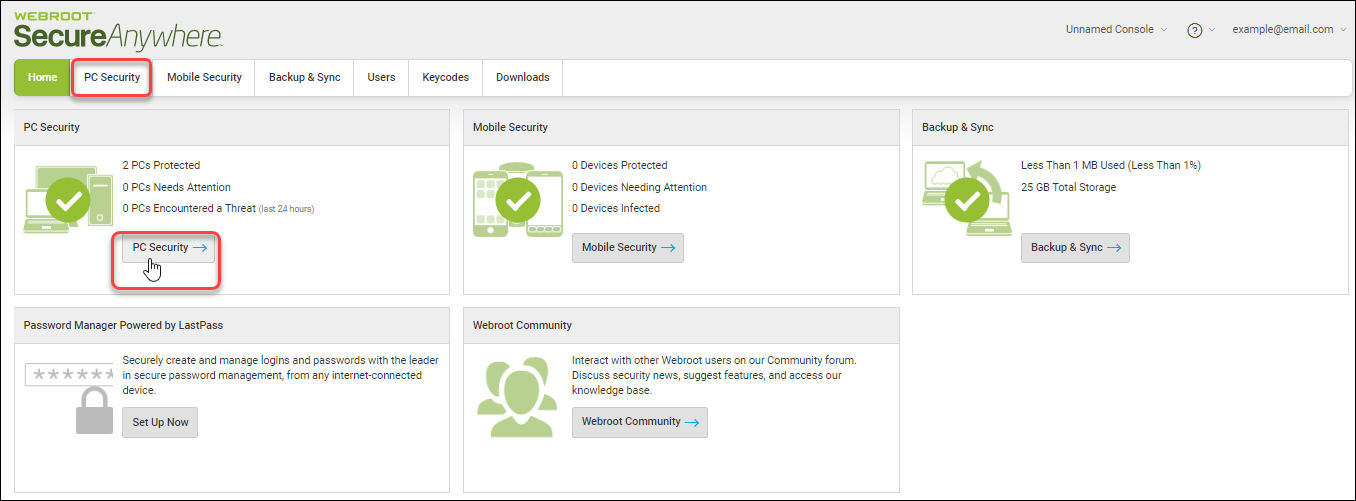
- In the main Console screen, select PC Security.
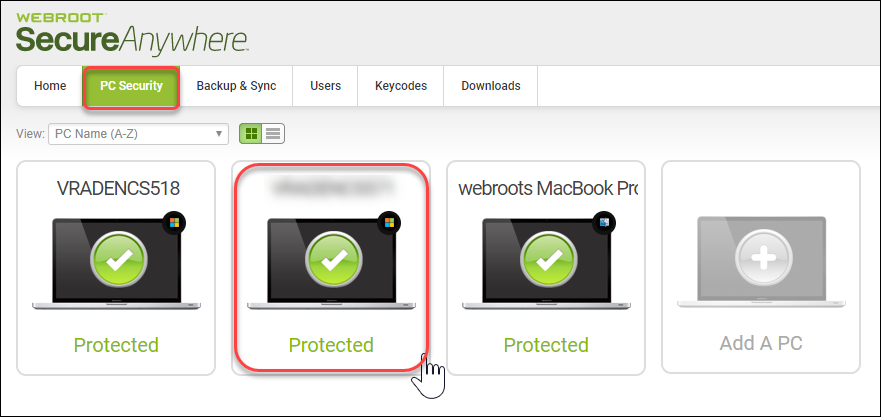
- Click the PC you want to deactivate.
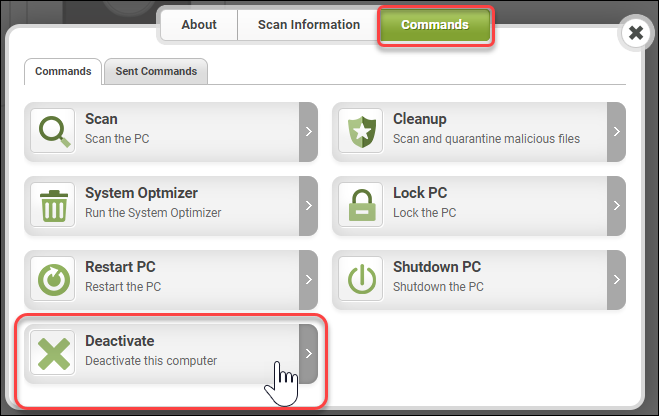
- Select the Commands Tab.
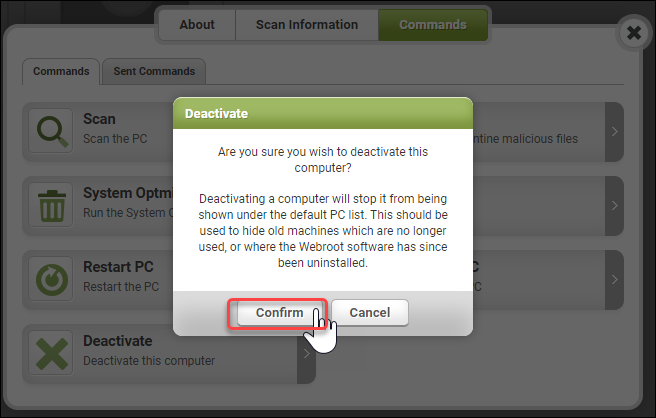
- Click Deactivate.
- Click Confirm.
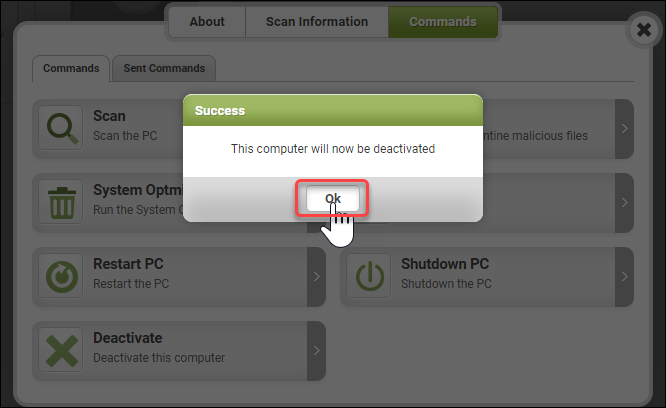
- Click Ok.
In the event you have Deactivated the wrong computer or changed your mind, you can Reactivate the PC




