how to enable phishing filters

  • March 23, 2016
  • 2 replies
  • 919 views

when I run the analyser it tells me that the phishing filter in internet explorer (which I do not use, only firefox) is not enabled, when I go into internet explorer and ask them to fix it, it just doesn't do it, how do I fix it myself.  Thanks

2 replies

Ssherjj
Moderator
Forum|alt.badge.img+62
  • Moderator
  • March 23, 2016
Hello ringling
 
Welcome to the Webroot Community,
 
Please try this below:
 
To turn on Phishing Filter
  1. Open Internet Explorer by clicking the Start button , and then clicking Internet Explorer.
  2. Click the Tools button, click Phishing Filter, and then click Turn On Automatic Website Checking.
  3. Click Turn on automatic Phishing Filter, and then click OK.
Also have a look here for more information. http://windows.microsoft.com/en-us/windows-vista/phishing-filter-frequently-asked-questions
 

RetiredTripleHelix
Gold VIP
Forum|alt.badge.img+56
Hello and Welcome to the Webroot Community!
 
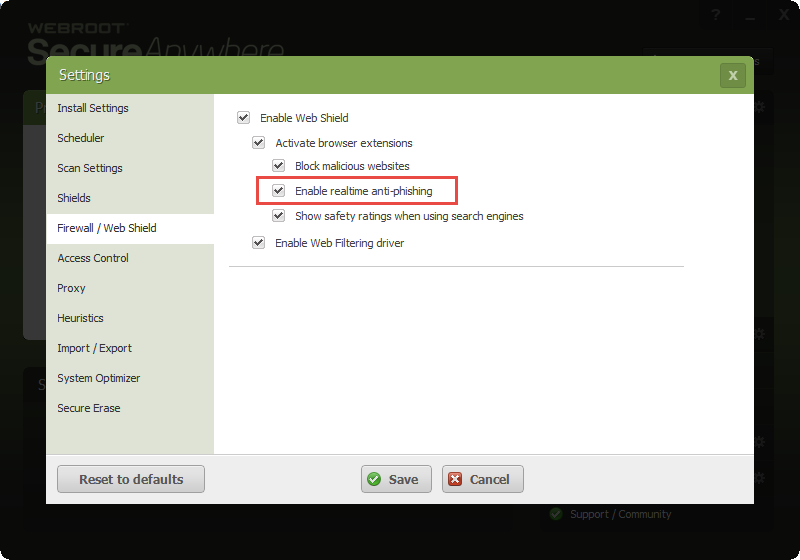
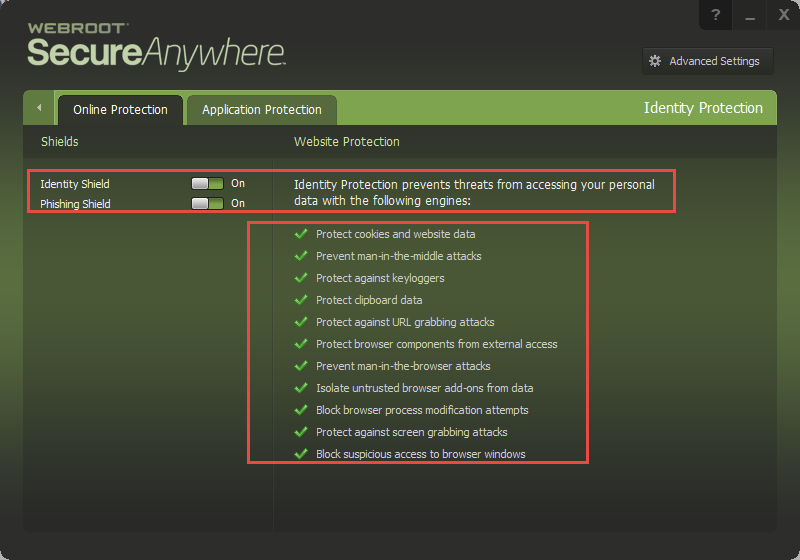
Just to add what Sherry said Webroot SecureAnywhere will protect you from Phishing websites so no worries there!
 
Daniel ;)