how to I whitelist web sites

  • January 19, 2016
  • 1 reply
  • 1527 views

The graphics in Blackboard Learn web site (my online college) are being blocked.  Also some graphics in the college email account.  How do I whitelist these sites so they are not blocked?

1 reply

Baldrick
Gold VIP
  • Gold VIP
  • January 19, 2016
Hi pkerns
 
Welcome to the Community Forums.
 
I am afraid that one cannot as of this moment whitelist a web site directly or manually in the way I believe you are looking for.
 
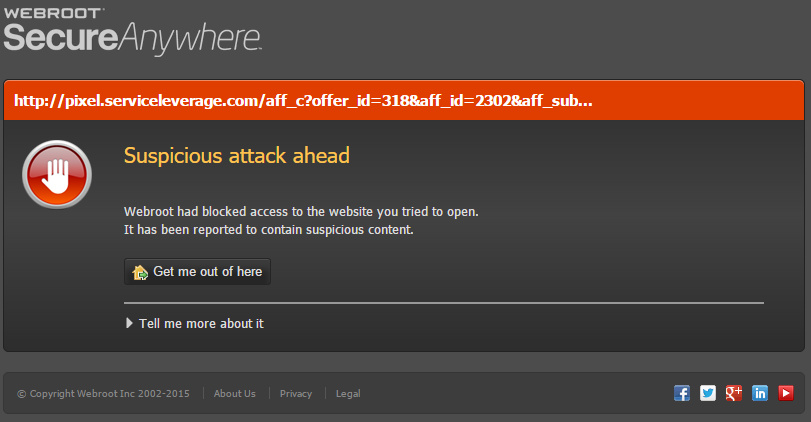
What you can do if the Webroot block page (see example below) is coming up for a site that you know is legitimate is to 


is to click on the 'Tell me more about it' option (at the bottom left hand side of the block page)and from the further page displayed you can choose to 'Proceed and unblock' so as to get you to the site in question. The act of doing that then whitelists the site details on your local client so that in future the override is picked up and you should no longer get the block screen.
 
Now, there is a workaround to populate the whitellist details in WSA but it is not advised unless you are happy to 'tweak' file, etc. If you would like to try it then let me know and I can provide guidance on how to do this but it is a bit of a pain to do.
 
Finally, I have Googled 'Blackboard Learn' and the website I came across shoudl up as well regarded as to repuatationa nd when I tried to access it I had no issue doing so so there may be something no quite right with your system. If you could post the link to the site we can check it out and advise further.
 
Regards, Baldrick