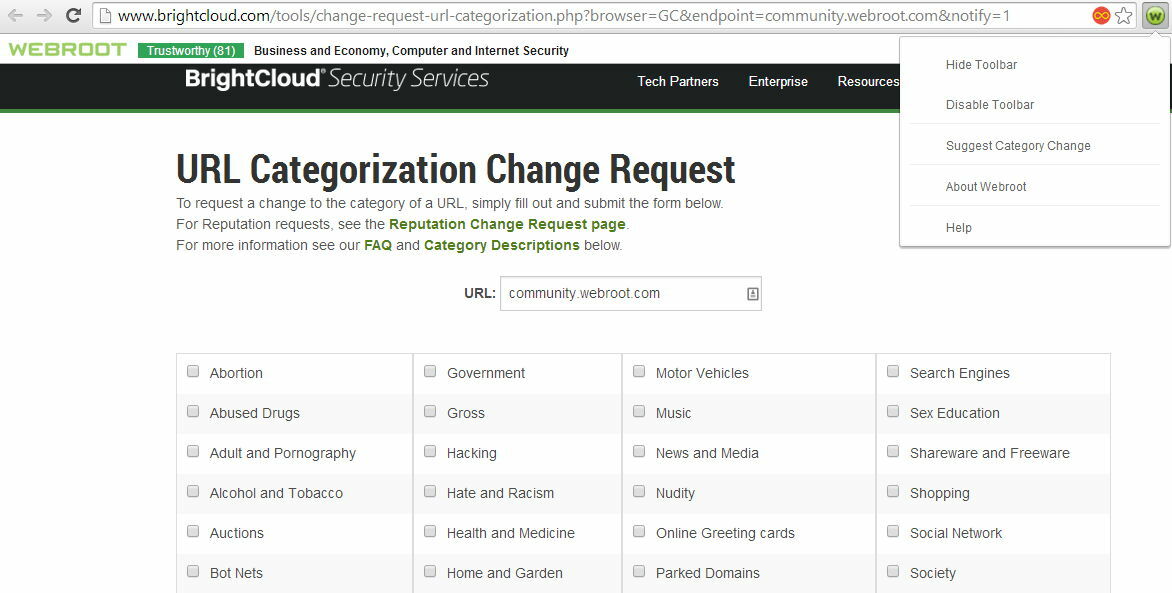
How to install webroot toolbar

  • January 5, 2015
  • 2 replies
  • 53 views

DrAlvan - aging warrior.

2 replies

Ssherjj
Moderator
Forum|alt.badge.img+62
  • Moderator
  • January 6, 2015
Hello and Welcome to the Community Forum,
 
Are you referring to Webroot Webfilter? What browser are you using?
 
If you are restoring the Webroot Toolbar it is pretty easy.  First is simply to go into your browser add-ons/extenions and see if it is actually still there but merely disabled.  If it is there, just enable it, close the browser and restart it.
 
If you are using Chrome Browser here is the Webfilter HERE
 
If you are missing the Password Manager toolbar which is only available with Webroot Security Plus or WSAC. Then I have the toolbar fix available if needed.
 
Can you tell me what version of Webroot do you have? Webroot AntiVirus? Webroot Internet Security? Or Webroot Secure Anywhere Complete?
 
 
Awaiting your response.
 
Regards,

Petrovic
Gold VIP
Forum|alt.badge.img+52
  • Gold VIP
  • January 6, 2015