

Hello gang!
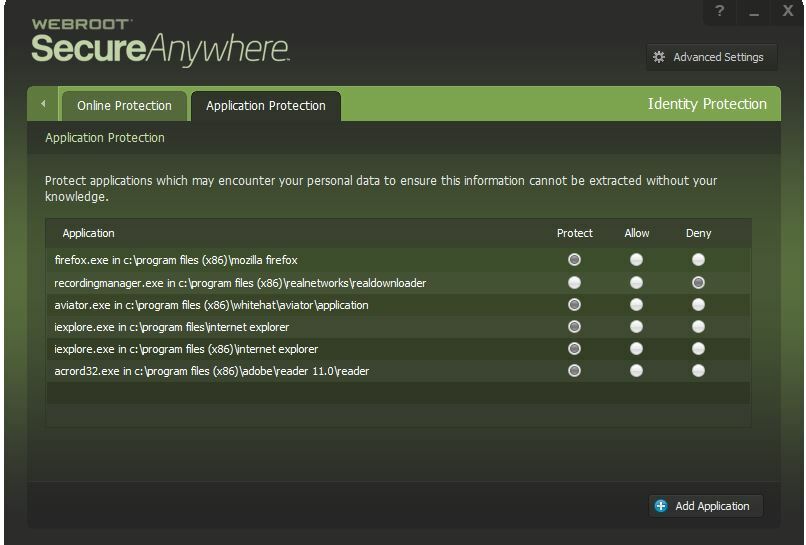
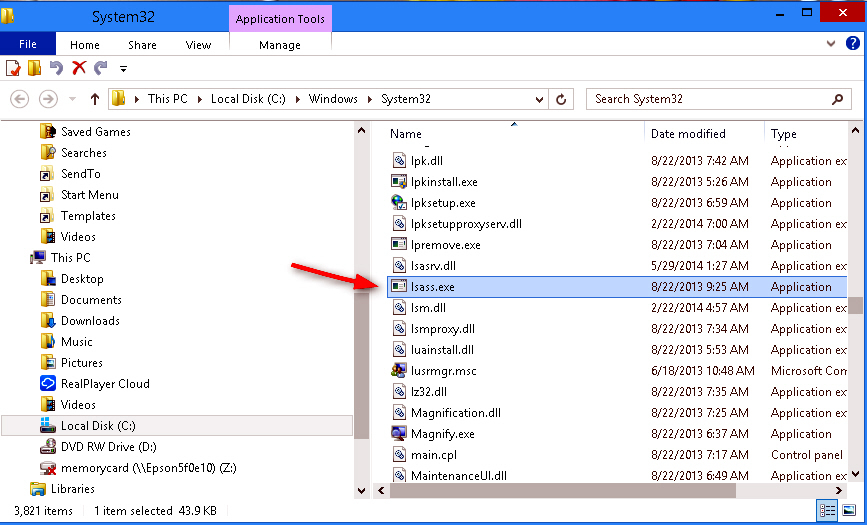
I accidentally blocked internet explorer thinking it was windows explorer and I have gone over the modules in this program 4 times and I cannot find where it would be blocked. I went to PC Security>Allowed/Blocked Files and nothing is listed yet it is being blocked. This was something out of the oridinary WSA was alerting me too. The path I saw on the pop-up was ieexplorer.exe/lsass.exe wanting outbound TCP>HTTP access. I don't remember LSASS ever being part of the path for internet explorer to get on the internet. By default in my FW I have always had LSASS.EXE blocked for any outbound communications per Stem (firewall expert at Wilders) for the last 4 years and I have never had a problem.
Knowing positively this was a WSA alert and not the FW, I then went into my FW (thinking maybe I got the programs mixed up possibly) and allowed that connection and rebooted and internet explorer was still blocked. So this made no difference, but I had to rule it out first. I love this little gem! This is the best antivirus I have ever used. I have been with you guys as soon as it first come out and I don't ever anticipate me ever looking at another. Thank you for all your hard work to really deliver something that was vastly different in quality etc. This is something we have never had before.
Sincerely Rilla
How to unblock something I blocked by accident in WSA Complete?






Login to the community
No account yet? Create an account
Enter your E-mail address. We'll send you an e-mail with instructions to reset your password.