Hi,
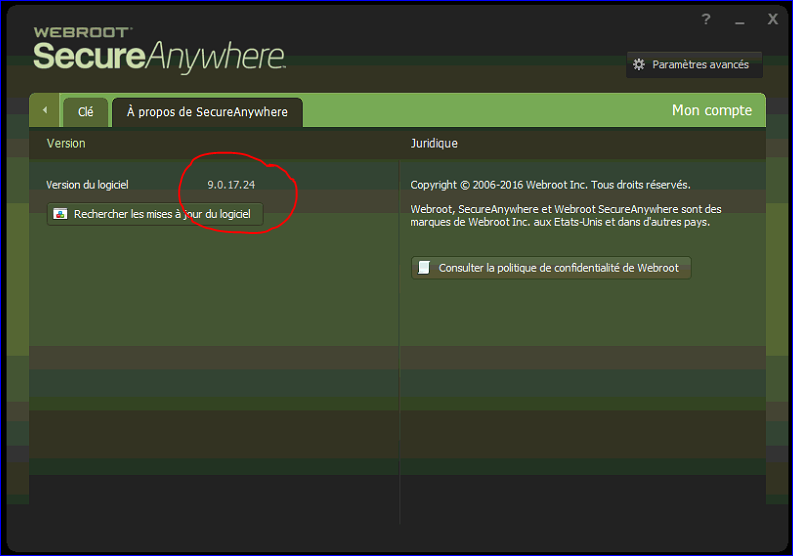
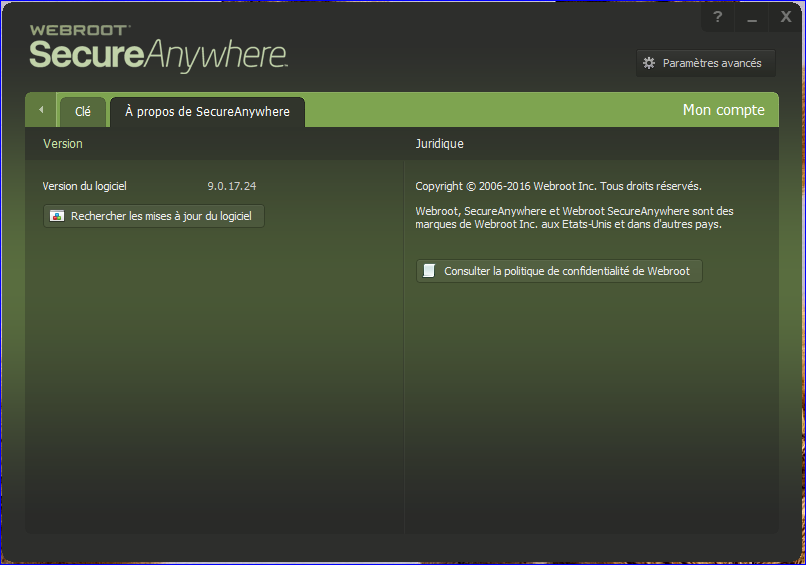
The latest version 9.0.17.24 installed automatically 3 days ago on my office PC.
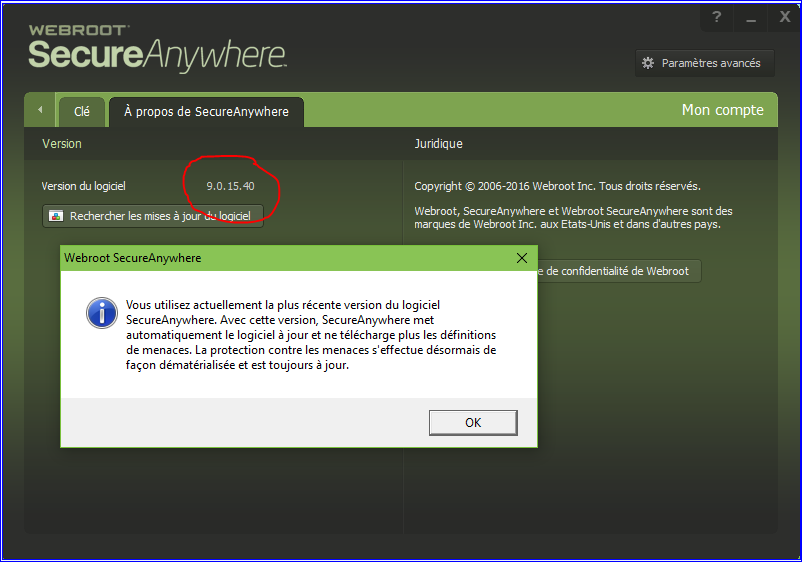
Today I took a look at my home PC and I was very surprised to see that WSAC is still on version 9.0.15.40:@
I tried to do a manual update but got the answer that I'm using the latest version of WSAC:@
What can I do?
Thanks.
Best answer by Baldrick
Hi Asklepios
It does not always follow that if you uninstall you lose your settings, as the uninstall does not always remove everything associated with WRSA.
But if you do have to uninstall/reinstall and need to reapply your settings then why not export (back them up) using the Back / Import facility that you can find under 'Adavnced Settings':
1. Click on 'Advanced Settings'
2. Click on 'Import / Export' tab
3. Click on 'Export'
4. Provide a name for the configuration file in which the settings will be saved (I tend to use 'WRSA - version no. - date) & identify where you want to save it, then press 'Save'.
Then after an uninstall/reinstall, if you need to just go to the same place but this time click on 'Import', enter the CAPTCHA code required, navigate to where you stored the configuration file, select it and repply it to the new installation of WRSA...et voila.
I should say that there may well be time when you DO NOT WANT TO DO THIS, i.e., not reapply a previous configuration as it may be something in the configuration itself that is the cause of the issue that required the uninstall/reinstall...so care is required.
That can happen sometimes so if you have not already reboot your PC and try the same update uption again. If that does not work the please download the latest version of the installer from HERE.
Uninstall the current verison on you system, reboot and then do a clean reinstall uisng the new version of the installer you have just downloaded.
Having said all of that it is not unknown for it to take several dayys for the latest version to roll out...so perhaps wait for another day before actioning the above?
No worries...as I said...if after a couple of days the update has not appeared or you have tried to update manually with no success then I would go for the download new installer, uninstall, reboot, re-install, reboot and that should do the trick.
That can happen sometimes so if you have not already reboot your PC and try the same update uption again. If that does not work the please download the latest version of the installer from HERE.
Uninstall the current verison on you system, reboot and then do a clean reinstall uisng the new version of the installer you have just downloaded.
Having said all of that it is not unknown for it to take several dayys for the latest version to roll out...so perhaps wait for another day before actioning the above?
Regards, Baldrick
Hi @
When I click on your link it opens the Webroot Contact support site:@
Hi,
Yesterday I got automatically the new version:D
I prefear this solution, because if I have to uninstll the old version and reinstall the new version, I'm afraid to lost my settings:@
It does not always follow that if you uninstall you lose your settings, as the uninstall does not always remove everything associated with WRSA.
But if you do have to uninstall/reinstall and need to reapply your settings then why not export (back them up) using the Back / Import facility that you can find under 'Adavnced Settings':
1. Click on 'Advanced Settings'
2. Click on 'Import / Export' tab
3. Click on 'Export'
4. Provide a name for the configuration file in which the settings will be saved (I tend to use 'WRSA - version no. - date) & identify where you want to save it, then press 'Save'.
Then after an uninstall/reinstall, if you need to just go to the same place but this time click on 'Import', enter the CAPTCHA code required, navigate to where you stored the configuration file, select it and repply it to the new installation of WRSA...et voila.
I should say that there may well be time when you DO NOT WANT TO DO THIS, i.e., not reapply a previous configuration as it may be something in the configuration itself that is the cause of the issue that required the uninstall/reinstall...so care is required.