

To all the Time Machine users out there, you REALLY want to exclude the file "/Users/{YourUserName}/Library/Application Support/Webroot/BackNSync/log-BnS-FE.txt" from your backups.
To the Webroot developers: PLEASE a) provide a way to disable "Backup & Sync" on the Mac, and/or b) use log rotation for your logging.
Background:
I've been fighting a problem for MANY weeks where my Mac seems to always be running hot, fans always continuously on, CPUs almost pinned. I was actually starting to research getting a new laptop because this one really wasn't usable anymore - _something_ was just killing it too badly.
I finally traced a big part of the problem to Time Machine, but why was Time Machine backing up 160+ MB of changes every hour, even in the middle of the night when I'm wasn't using the machine, and hadn't used the machine for days? And because my Time Machine backup goes over a wireless network, over a PowerLAN bridge, to a Synology NAS, that 160 MB backup takes 25-35 minutes every time it runs, so every hour, 24x7, and it seems to throttle my machine while it's running.
Apparently most of the culprit is the "Backup & Sync" log file.
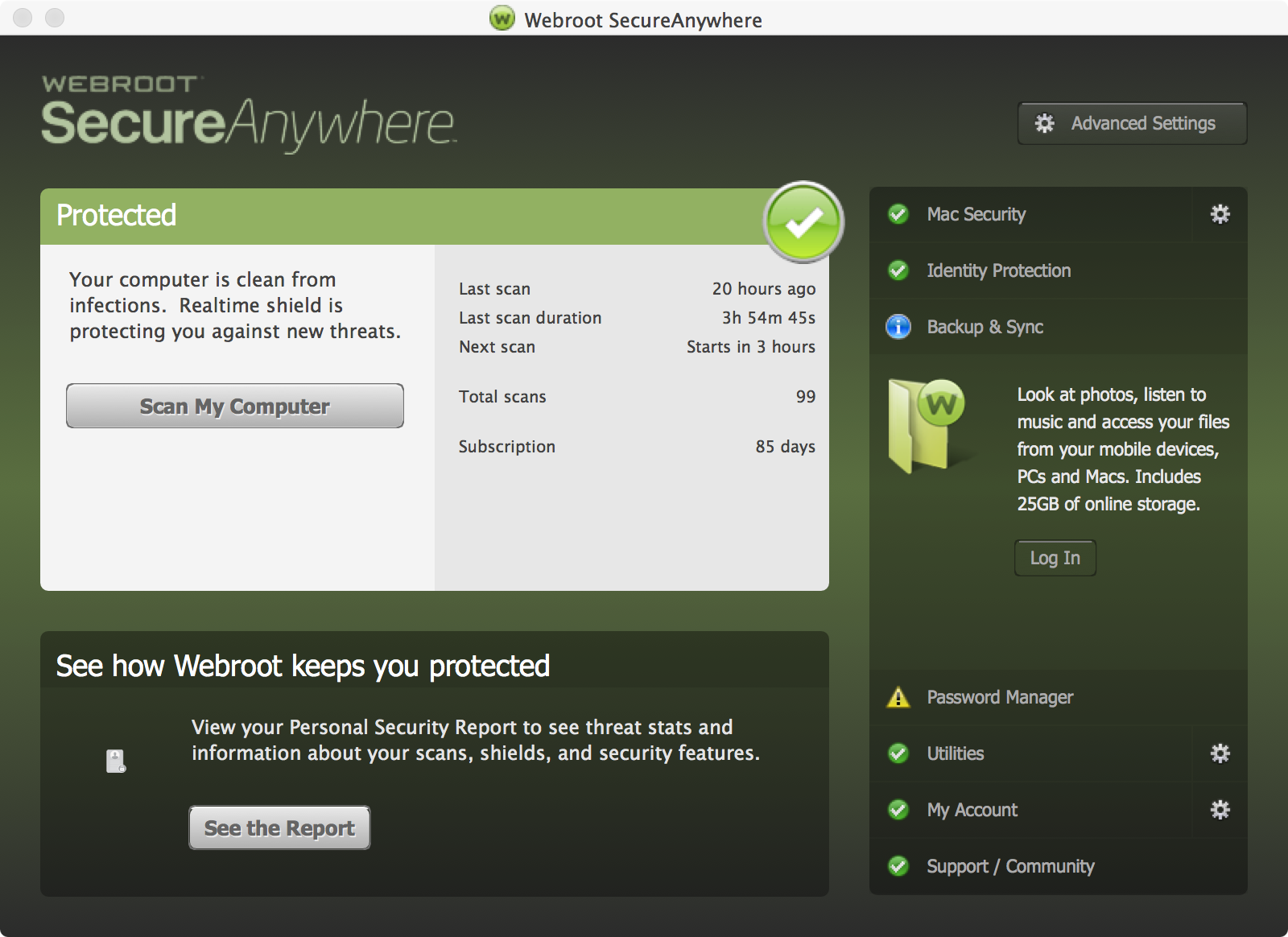
I don't use "Backup & Sync", but every 3 seconds since I installed Webroot 6 months ago, it has been logging the message "NoCredentials or NeedsAuthentication" (among other things) to its log file. Every 3 seconds.
The log file is now 120 MB in size -- in barely 6 months -- and because it changes every 3 seconds, every single Time Machine backup backs it up. Every hour, for 35 minutes. (Of course, I'm sure the backing up of this 120 MB file, every hour on the hour, has also pushed a large amount of useful files OUT of my real Time Machine archives as space ran out in there, but that's another problem.)
So ... I've now excluded the "Webroot/BackNSync/log-BnS-FE.txt" log file from my Time Machine backups, and my machine is once again usable.
However, since I don't use "Backup & Sync", and don't plan on using it, is there any way to completely disable Backup & Sync on my Mac?
Also as a suggestion for the developers, rather than using one massive and ever-growing log file, could the log file be rotated periodically instead? Using one single log file will cause this same problem for anyone doing any sort of incremental or differential backup. My "remote Time Machine" backup situation just made it more obvious and painful.
Solved
LARGE Backup & Sync log causes long-running Time Machine backups and hammers Mac (can't disable it)
Best answer by ProTruckDriver
Hello @ Welcome to the Webroot Community Forum. Sorry for the late reply on your problem with Backup & Sync. Looks like your post was overlooked for some unknown reason.
Please look at Managing Backup & Sync on Mac's
If this does not solve your problem, Please submit a Support Ticket or Contact Webroot Support to sort this problem. This service is FREE with a Paid Subscription.
Support Ticket System is Open 24/7
Note: When submitting a Support Ticket, Please wait for a response from Support. Putting in another Support Ticket on this problem before Support responses will put your first Support Ticket at the end of the queue.
Please look at Managing Backup & Sync on Mac's
If this does not solve your problem, Please submit a Support Ticket or Contact Webroot Support to sort this problem. This service is FREE with a Paid Subscription.
Support Ticket System is Open 24/7
Note: When submitting a Support Ticket, Please wait for a response from Support. Putting in another Support Ticket on this problem before Support responses will put your first Support Ticket at the end of the queue.








Login to the community
No account yet? Create an account
Enter your E-mail address. We'll send you an e-mail with instructions to reset your password.