

If I install a peice of PUA that is undetected by WSA and set to monitor, couldn't I therorectically choose 'block' to revert the changes of this PUA? If so, this would seem to be a much easier and more thorough way of uninstalling unwanted software (if done right of course).
That was just an example above for future reference.
Solved
Manually choosing block in System Control
Best answer by DanP
@ wrote:
Setting to block does initiate a roll back. In a previous reply, I tested the rollback with a not well known application called Focus Writer (simple word type program). I made a doc on the desktop from Focus Writer, set the process to block, and my file dissappeared due to the rollback procedure.
I guess my question is now:Journalling should start when an Unknown process enters memory and is Monitored.
When does the journaling start?
Ex: I install a PUA app. Its gets auto set to Monitor. Does journaling start after the installation or before?
If it is before, then the above test I did didn't work because the rollback procedure did not delete the installation files of Foucs Writer, only the changes the program did after installation.
Thanks!
Only the changes made by the monitored process will be journalled, so only those changes would be rolled back.
Using what you saw with Focus Writer as an example, journalling and rollback worked as would be expected. The Monitored file was the Focus Writer application file, which created the document, so the change of the created document was rolled back. Since that process did not create the installation files, those files would not be deleted.
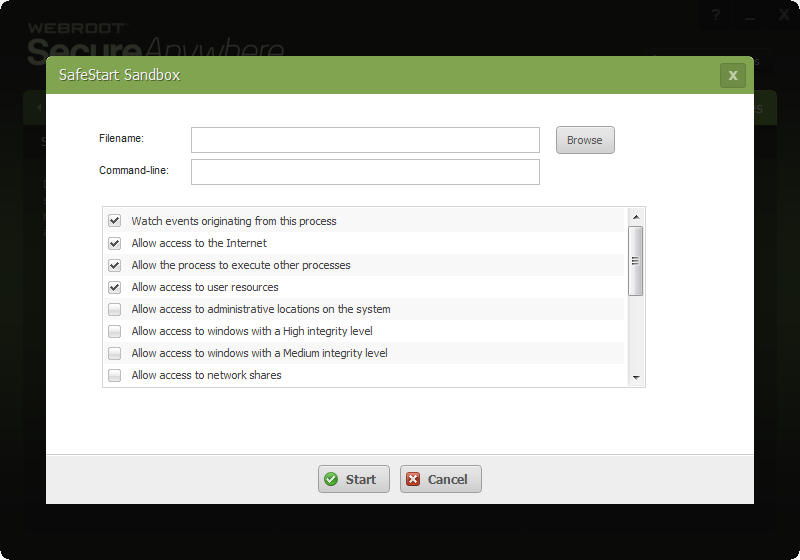
If you wanted to remove the installation files, you would need to go to Manual Threat Removal, and select the installation file for Focus Writer. If the installer was monitored and journalled, the changes made by the installer would rolled back.
-Dan






Login to the community
No account yet? Create an account
Enter your E-mail address. We'll send you an e-mail with instructions to reset your password.