
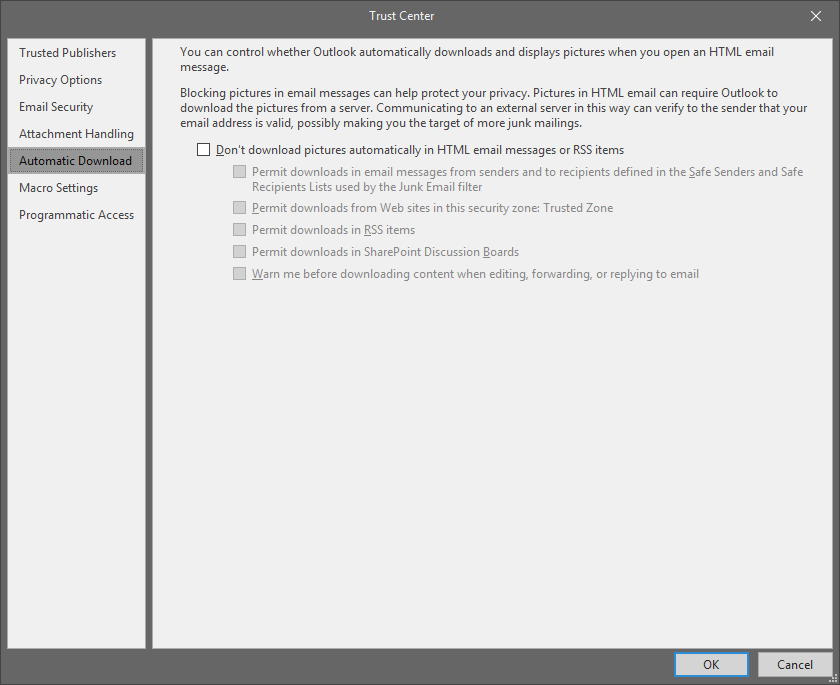
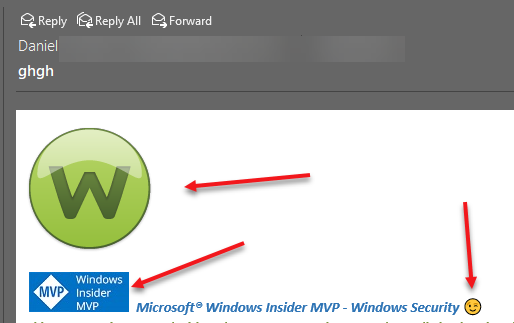
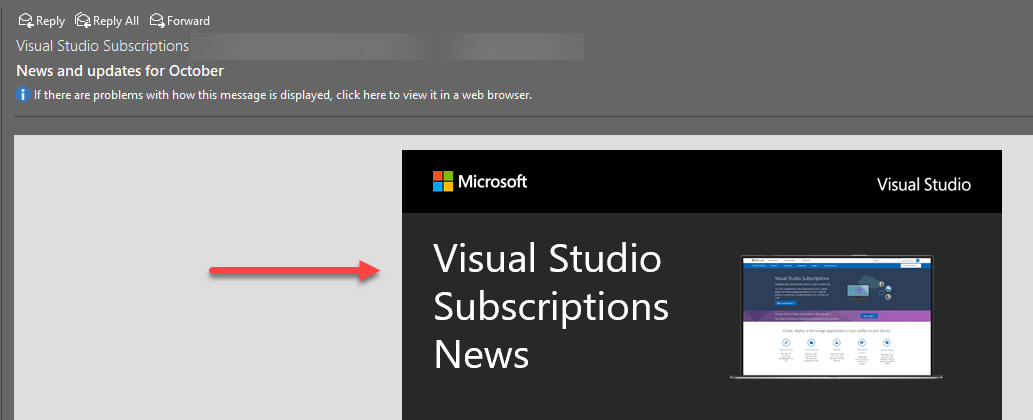
As title says, since the fall update if I have webroot active Outlook 2016 will not display external images. I just get the Outlook cannot display the external image placeholder.
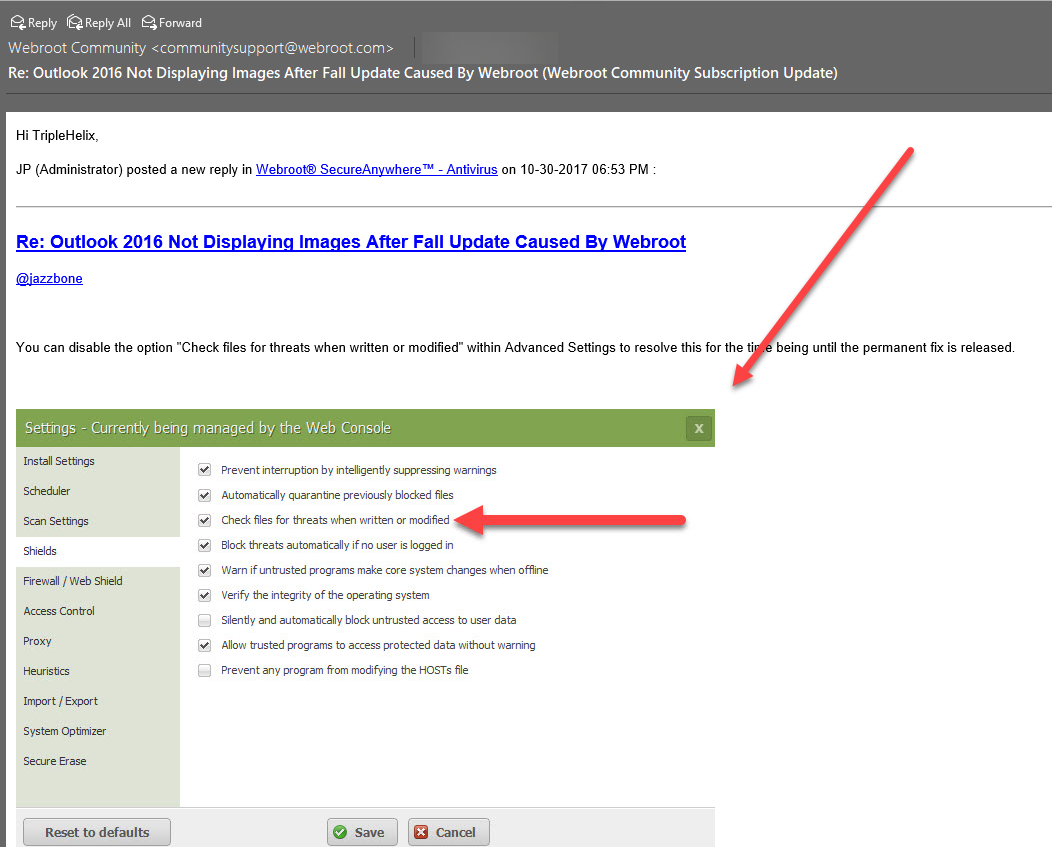
If I manually terminate webroot and restart outlook it works fine again.
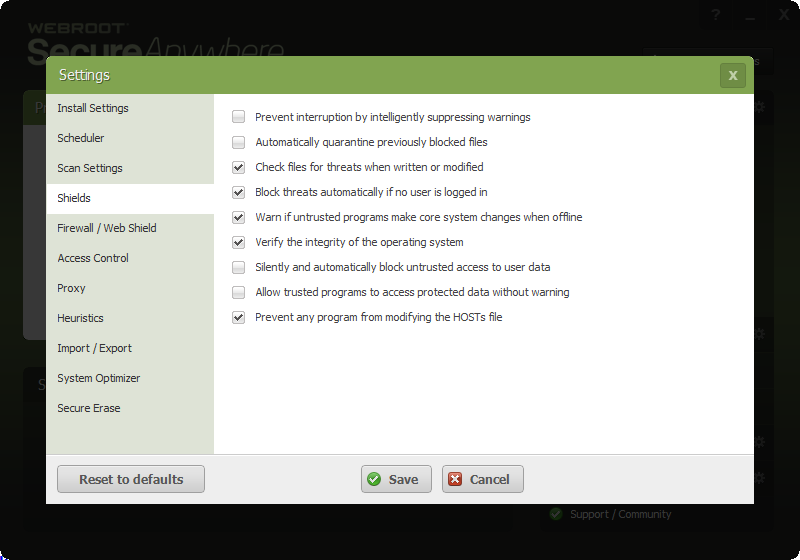
It must be protecting the Temporary Internet Files folder in INetCache as this is where the Outlook images are stored.
Can someone confirm and if there is any temporary fix that would also be nice.
Thanks
Solved
Outlook 2016 Not Displaying Images After Fall Update Caused By Webroot
Best answer by RetiredTripleHelix
It looks like some are having issues with Outlook 2016 after some recent October Updates: https://support.office.com/en-us/article/Fixes-or-workarounds-for-recent-issues-in-Outlook-for-Windows-ecf61305-f84f-4e13-bb73-95a214ac1230?ui=en-US&rs=en-US&ad=US so to me it's nothing to do with Webroot so it might be best to post at the Microsoft Community to find answers: https://answers.microsoft.com/en-us/msoffice/forum/msoffice_outlook
Daniel
Daniel











Login to the community
No account yet? Create an account
Enter your E-mail address. We'll send you an e-mail with instructions to reset your password.