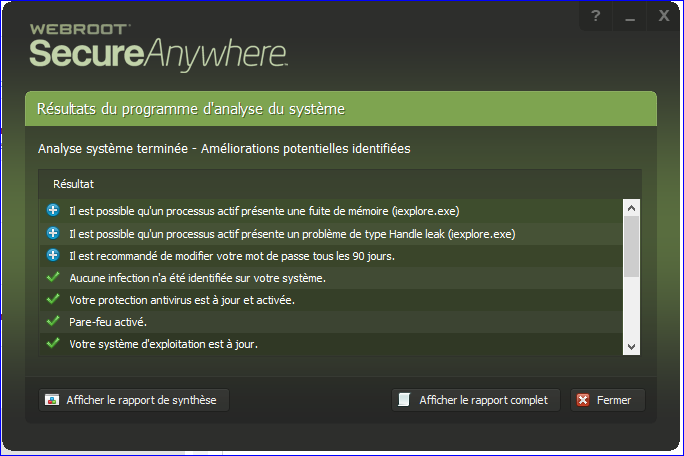
Hello,
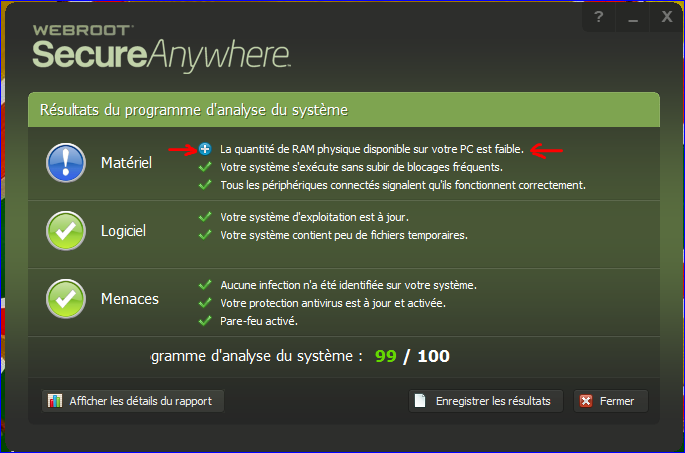
When I analyze my system with WSAC "system analyse program' it says: "The amount of physical RAM is low"
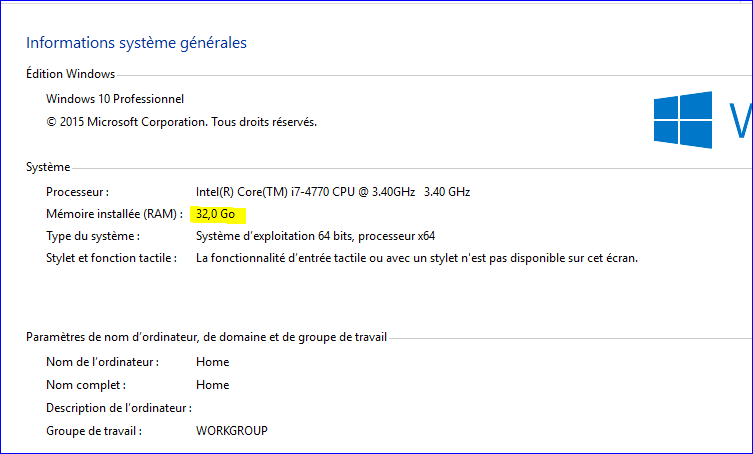
but when I go to the parameters of my system I can see that I have 32 Go of RAM.
Can you explain this?
Thanks.
Best answer by Baldrick
Hi Asklepios
No need to apologise...I was just observing that we have no System Analyzer-related posts for a while and then all of a suddent two come along at once...;)
As I said...the System Analyzer is really a secondary feature of WSA and as such I would say that you could report the issue but then you may reboot, rerun System Analyzer and finds that it does not report the same issue with your RAM.
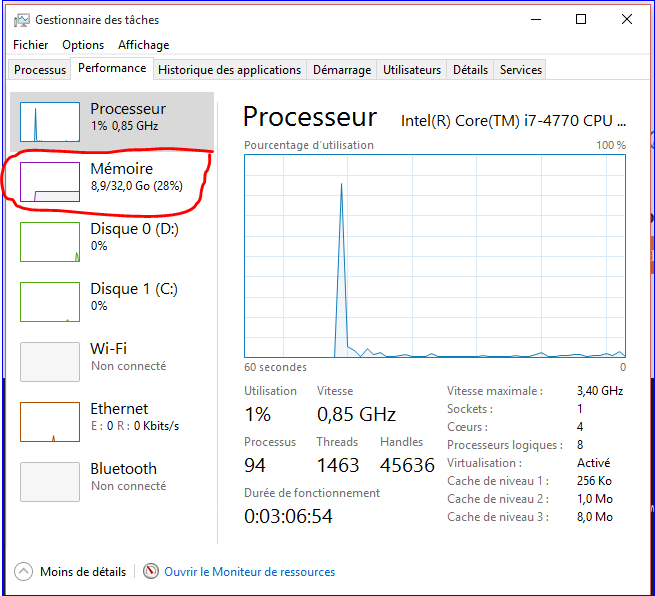
Just to make sure I would double check to make sure that all of your RAM is indeed accessible, just in case the System Analyzer is correct and has found an issue. Easiest way that I know is to right click on the Task Bar and select the Task Manager. If yo are running WInodws 10 you should then click on the Performance Tab, and then click on 'Memory' (on the left hand side of the panel displayed) which will open up a new panel detailing all the information on your RAM...you will be looking to see what the 'Available' or in your case I would guess 'Disponible'...and see what that is reporting.
As I have just said to jwgintujunga in relation to a similar post but this time about graphics memory, the System Analyzer is really just a baseline analyser and not really up to the standard of the specialist products that one can get hold of, some freeware.
Given that you have 32GB of RAM I would say that there is something not working quite right with the Analyzer and you are best to ignore what it is reporting.
Hello Baldrick
Thanks for the explanations.
Sorry but I didn't saw your post to "jwgintujunga" .
And if the Analyzer don't work right, that's an issue ?
No need to apologise...I was just observing that we have no System Analyzer-related posts for a while and then all of a suddent two come along at once...;)
As I said...the System Analyzer is really a secondary feature of WSA and as such I would say that you could report the issue but then you may reboot, rerun System Analyzer and finds that it does not report the same issue with your RAM.
Just to make sure I would double check to make sure that all of your RAM is indeed accessible, just in case the System Analyzer is correct and has found an issue. Easiest way that I know is to right click on the Task Bar and select the Task Manager. If yo are running WInodws 10 you should then click on the Performance Tab, and then click on 'Memory' (on the left hand side of the panel displayed) which will open up a new panel detailing all the information on your RAM...you will be looking to see what the 'Available' or in your case I would guess 'Disponible'...and see what that is reporting.
Hello Baldrick,
Thanks.
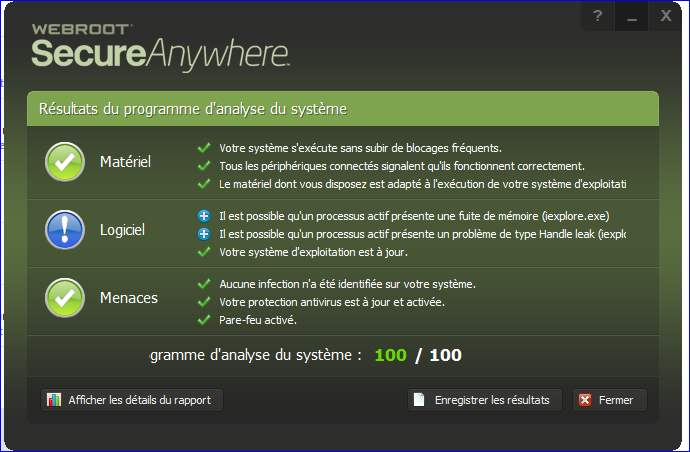
I have checked and restart analyzer.
You are right, Analyzer is not very stable and also it's not a very important feature but like for the translation WSAC deserves to be perfect:D