

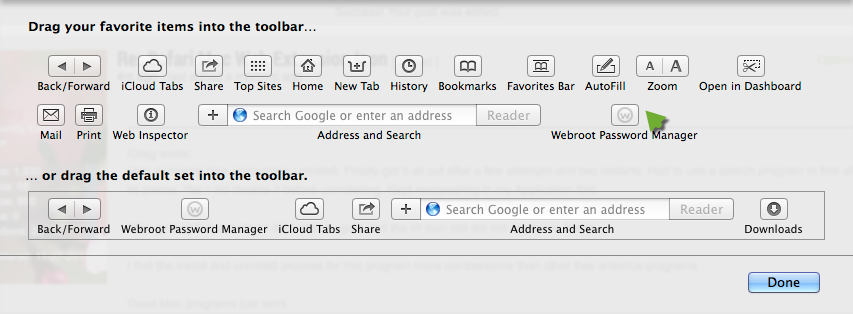
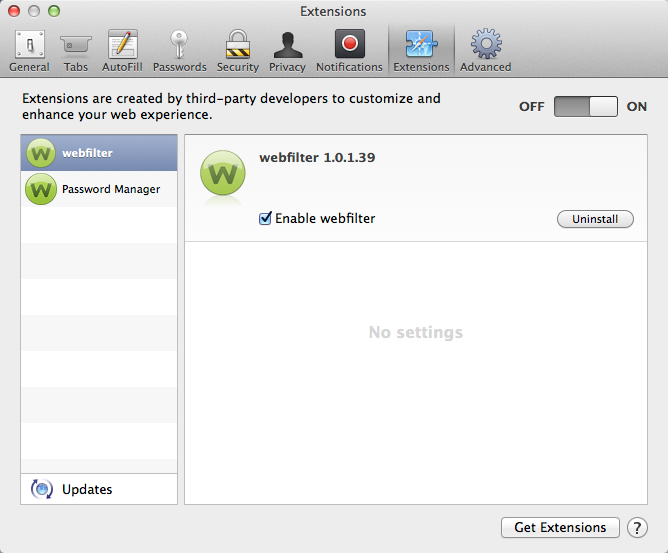
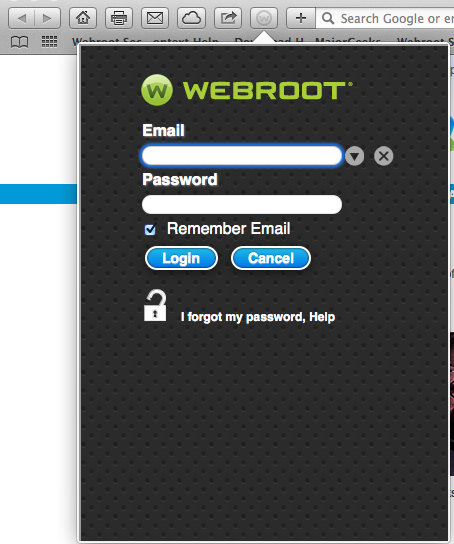
Extension installed and seems to work. Check marks appear and I get warnings about questionable sites. However, the icon is not appearing on the Safari 6.1.6 browser tool bar in Mac OS 7.
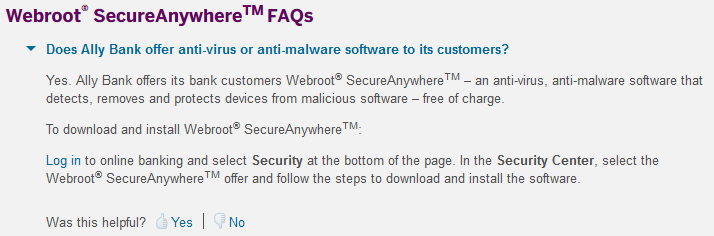
P.S. This version of Secure came from Ally Bank
Answer
Safari Mac Web Extension Icon
Best answer by iGreg
Support responded via email and said the only icon I should have is the one on my desktop in the menu bar.
"Hello, Its up at the top of the screen towards the right side for a Mac, the icon will be either a green W or a white circle with an exclamation mark. Thanks, Webroot Support Team"
That's what I have.
My version is SecureAnywhere Antivirus (Mac)
The confusion was a result of the numerous pictures in the manual etc showing two icons in web browser. So contrary to photos in the manual the plain antivirus provided by Ally Bank should have no icon in the web browser window.
"Hello, Its up at the top of the screen towards the right side for a Mac, the icon will be either a green W or a white circle with an exclamation mark. Thanks, Webroot Support Team"
That's what I have.
My version is SecureAnywhere Antivirus (Mac)
The confusion was a result of the numerous pictures in the manual etc showing two icons in web browser. So contrary to photos in the manual the plain antivirus provided by Ally Bank should have no icon in the web browser window.










Login to the community
No account yet? Create an account
Enter your E-mail address. We'll send you an e-mail with instructions to reset your password.