I had purchased "Webroot SecureAnywhere® Internet Security Plus 3 Device 2 Year Renewal" on 25 Nov 2016. I only have one PC using the webroot but that PC is dead last week and I purchased a new one.
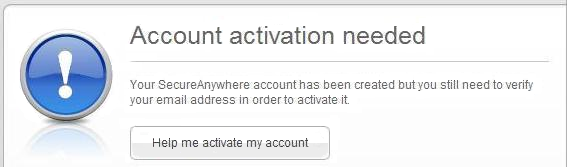
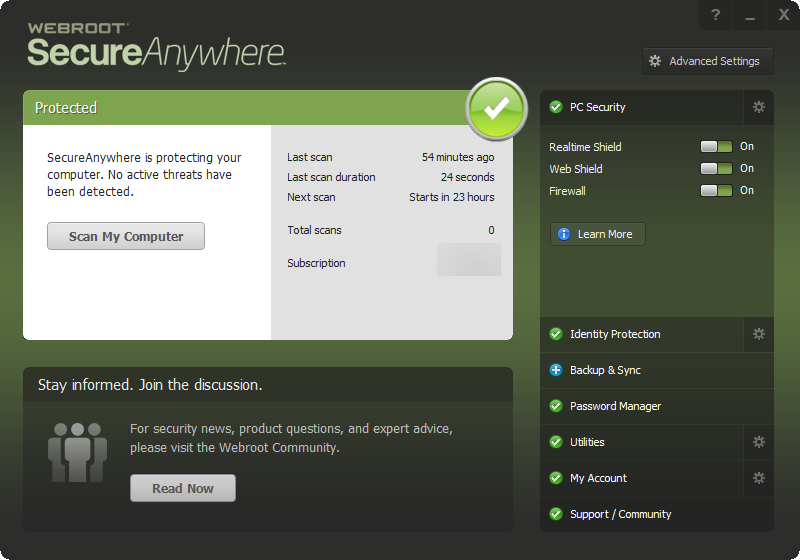
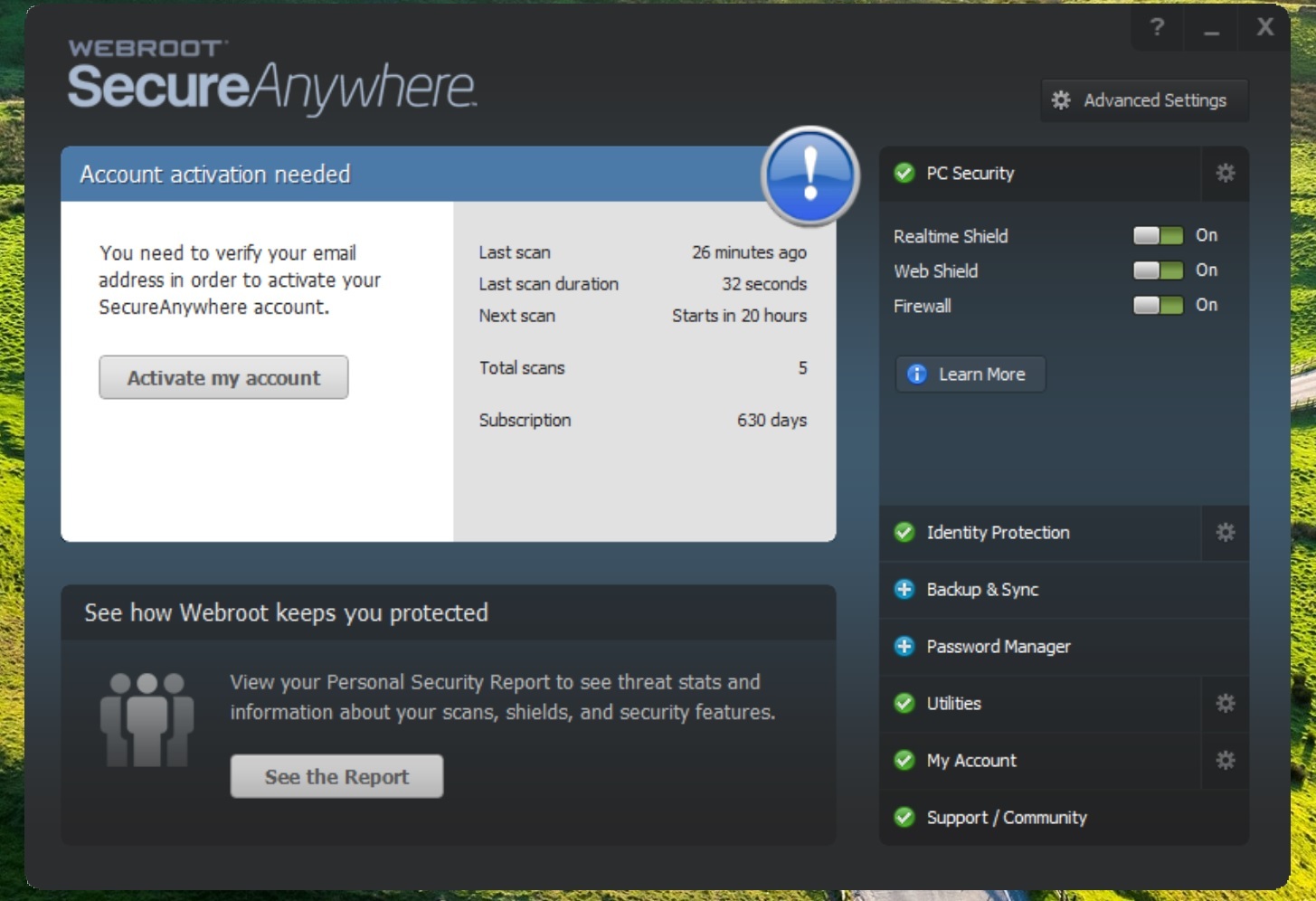
I was able to install back the webroot to my new PC but today when I click the webroot icon it said " you need to verify your email address in order to activate your SecureAnywhere account........Activate my account".
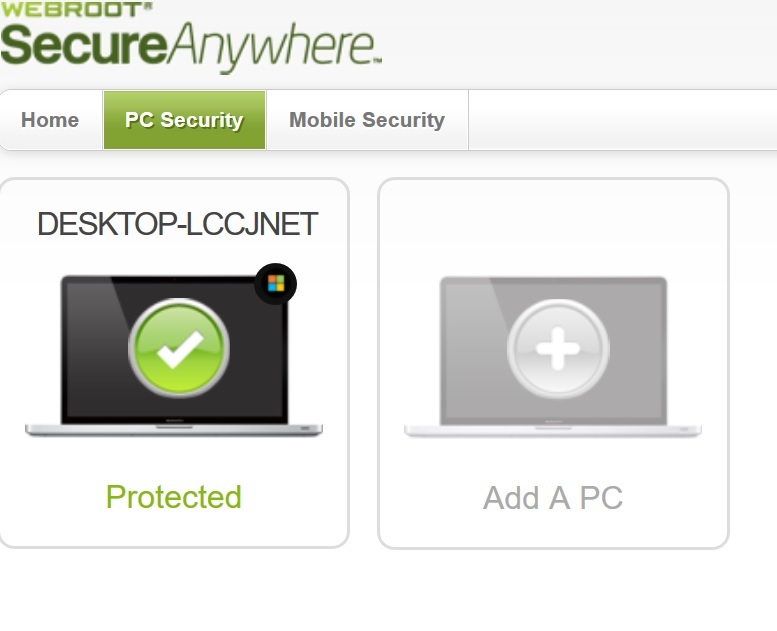
I follow all the steps to log in and it shown my PC is already protected ("DESKTOP - XXXXXXX , Protected"). However I still cannot start the webroot scan function as it keep showing "you need to verify your email address in order to activate your SecureAnywhere account".
Can someone please advise how to get through it. Thanks.
Solved
suddenly cannot use webroot
Best answer by stephensung
I followed CS advise to uninstall and then reinstall webroot; and it works!
Thanks everyone for your advice and help.
Login to the community
No account yet? Create an account
Enter your E-mail address. We'll send you an e-mail with instructions to reset your password.