

I have just been made aware by TripleHelix that the Webroot Gamer Version consists of the AV plus the System Optimizer and nothing else: the perfect combination imho to recommend to my friends, both gamers and non-gamers (I won't go into the details of why).
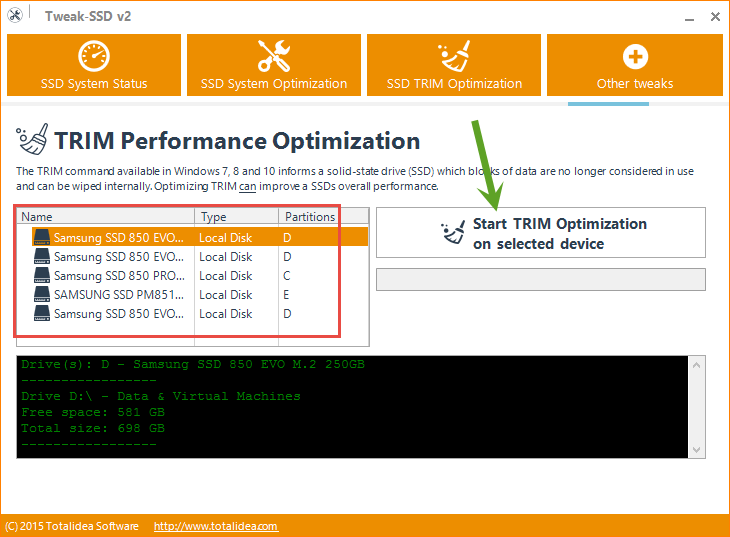
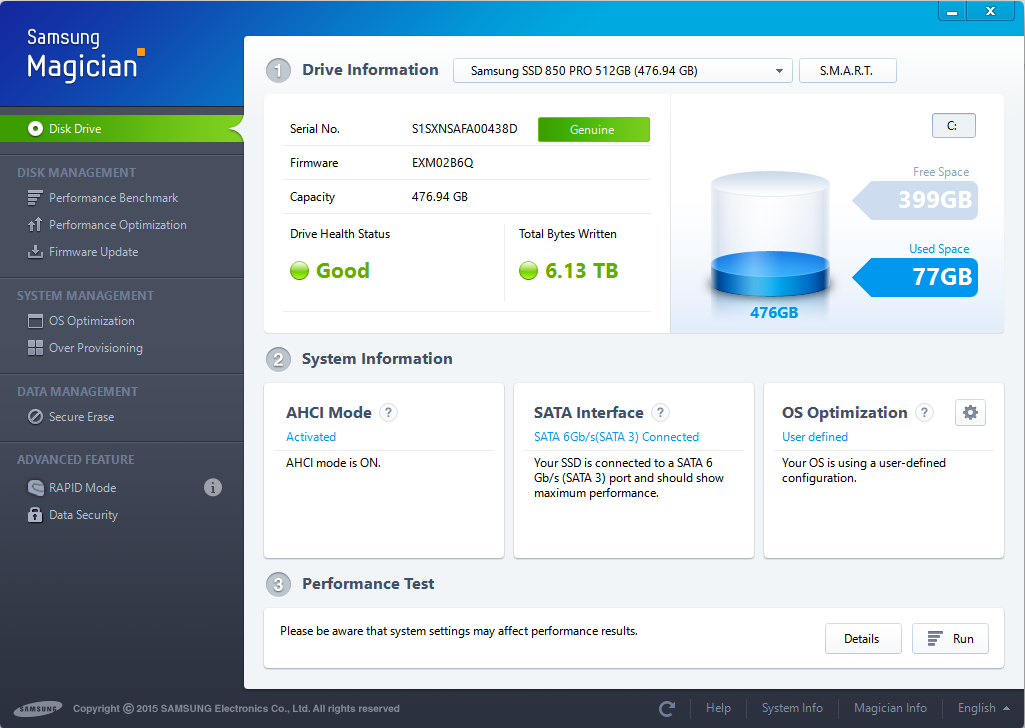
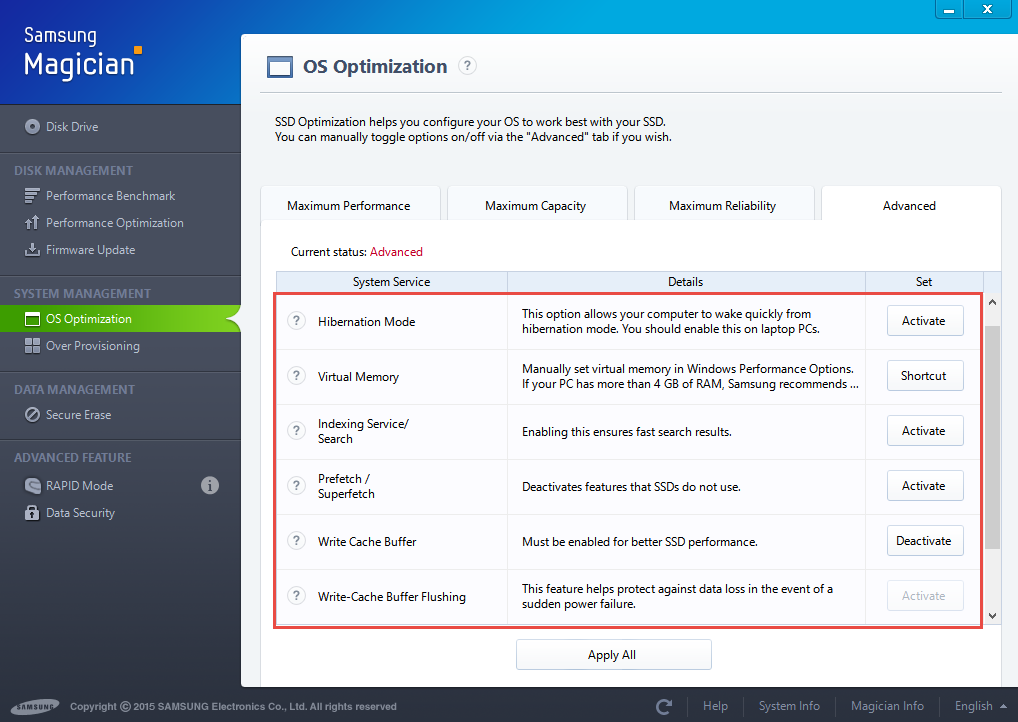
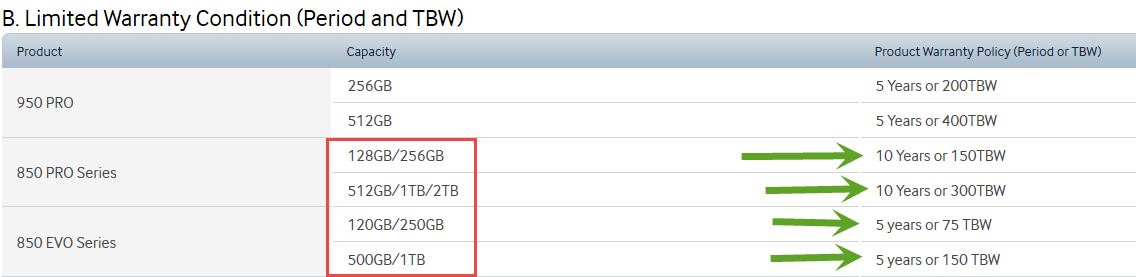
However, I have a question. It has been pointed out, for example in a couple of the end-posts in this thread, that optimisation is neither necessary nor desirable (because it shortens SSD disk life) if your computer uses an SSD disk (mine don't currently). My question is: whilst I've never felt the need to do privacy cleanups on my own computers and so the issue doesn't arise for me, for my friends are there any System Optimizer options relating to privacy, such as erasing cookies, erasing internet history* that would mean System Optimizer might still be a useful option even on a computer with SSD disk?
Thanks for any comments or responses to this question.
*How does one do this with Firefox or Chrome? Would that be the FF and Chrome "Cached Files" options in the Advanced SettingsSystem Optimizer options?
EDIT: The correct answer was given by TripleHelix in the very next post (below). However, confusion arose in my mind due to apparent conflicting advice that led to protracted exchanges and which was finally resolved here. Out of all this came some very helpful advice, mainly from TripleHelix, about the nature of and the proper maintenance of SSDs.
Solved
System Optimizer
Best answer by RetiredTripleHelix
Hi Muddy7 all System Optimizer does is clean out unneeded files like CCleaner and has nothing to do with SSD or affects them see here for more info: http://www.webroot.com/En_US/SecureAnywhere/PC/WSA_PC_Help.htm#C9_SystemOptimizer/CH9c_ChangingSystemOptimizerSettings.htm
HTH,
Daniel 😉
HTH,
Daniel 😉











Login to the community
No account yet? Create an account
Enter your E-mail address. We'll send you an e-mail with instructions to reset your password.