The webroot toolbar has stopped working on internet explorer ver. 11, windows 7

  • December 12, 2015
  • 1 reply
  • 24 views

Webroot vault will not work on the toolbar when I click on it

1 reply

Baldrick
Gold VIP
  • Gold VIP
  • December 12, 2015
Hi lanonahk
 
Welcome to the Community Forums.
 
Is this in relation to a recent install of WSA or has the Password Manager been working/accessible and has suddenly stopped?
 
What exactly happens when you click on it? Nothing or is there some form of message or activity as a result?
 
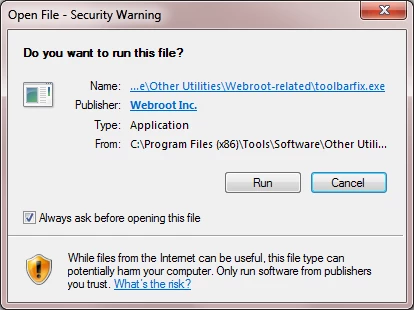
What you can try is to run the Toolbarfix utility to see if it will correct the issue. You can download it for here.  Once downloaded launch it by clicking on the executable, and you should see the following, if then that is fine and you should click on 'Run':


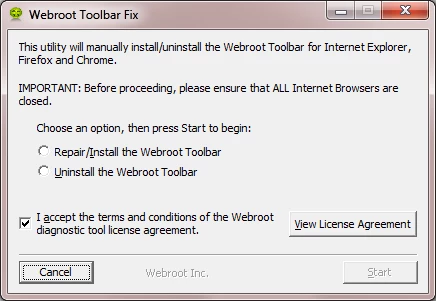
which should then take you to the following dialog:


on which you should choose/check the option 'Repair/Install the Webroot Toolbar' and then press 'Start'.
 
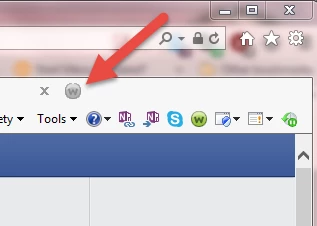
That should initiate the fix process and you just have to wait for it to finish, close the dialog and then check in your browser to see if the Password Manager Toolbar icon is now visible.  If the fix has been successful you should see the following greyed out icon in a toolbar at the top of the IE browser page:


One then double clicks on that so that the login dialog is presented, etc.
 
Please check the above out and come back if anything is not clear or if it does not help/respond to your query.
 
Rgeards, Baldrick