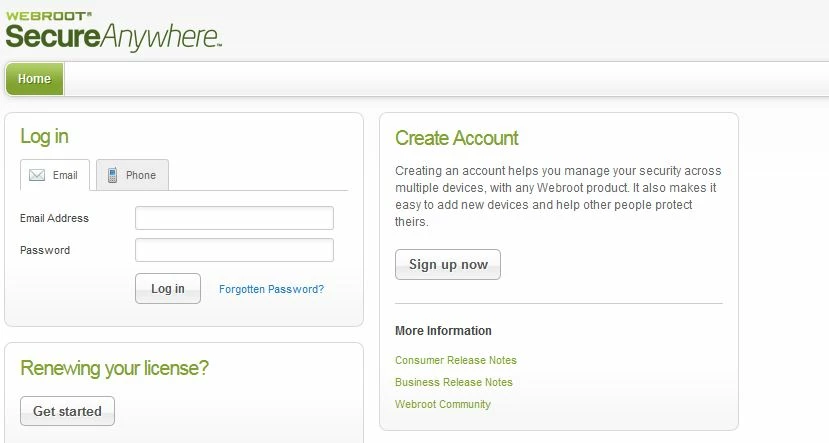
this is ridiculous! I followed the instructions per tech suppt e- mail, every time I went to enter


  • May 16, 2015
  • 1 reply
  • 23 views

really ticks me off! I paid good money for a product that I have no control over. the password that was supposedly provided via e-mail would not allow me to log in?where is your tech support?
 

1 reply

Ssherjj
Moderator
Forum|alt.badge.img+62
  • Moderator
  • May 18, 2015
Hello Pingy,
 
Welcome to the Webroot Community,
 
Sorry to hear you are having issues. I'm alittle confused on what password you are having issues with.
 
You would recieve a keycode that looks like this in your email:Example: SA69-AAAA-A783-DE78-XXXX
 
Have you created a Webroot online management account, you can view the security status of your devices from any location with an internet connection. This makes it easier to determine if all your devices are protected or if any need attention. For more information, see the SecureAnywhere Website User Guide.


If you have already created an online management account, you can log in to it here.

If you have not yet created an online account, click here for instructions on how to create one. You will be asked to create a Password and Personal Security Code. We highly recommend writing these down for future reference.

If you have already created an account, but have not confirmed it yet, click here for instructions on how to confirm your account. You will need to know your Personal Security Code to confirm the account.

For help resetting your Password or Personal Security Code, click here for instructions.Or You can go to your Online Account and go here to Forgotten Password


You can submit a Support Ticket free of charge with an active subscription and they would glady help you.
 
 Support Number: 1-866-612-4227
 
 
Hope this helps,
 
 
Kind Regards,