Answer

Unable to log in on Huawei Mate 10

  • April 29, 2020
  • 3 replies
  • 1226 views

Hello, 

I purchased Internet Security Plus for 5 devices. Keycode was successfully activated but in order to turn on 'Lost Device Protection' I have to sign in using my Webroot account. I keep getting this Error message :

'There was a problem communicating with Webroot servers. Try again in a minute or two.'

This has been going on for the last few hours now. 

It also does the same thing on my husband's phone, One Plus Pro, so on both Android phones. 

No issues with our laptops though. 

Your help is much appreciated. 

Best answer by Ssherjj

Hello @Vmiranda ,

Welcome to the Webroot Community, 

Please make sure you sign into your Online Account Console on your PC and set your Permissions in Users to "Access" in the Mobile Security Console. Also make sure you are set as Administrator. 

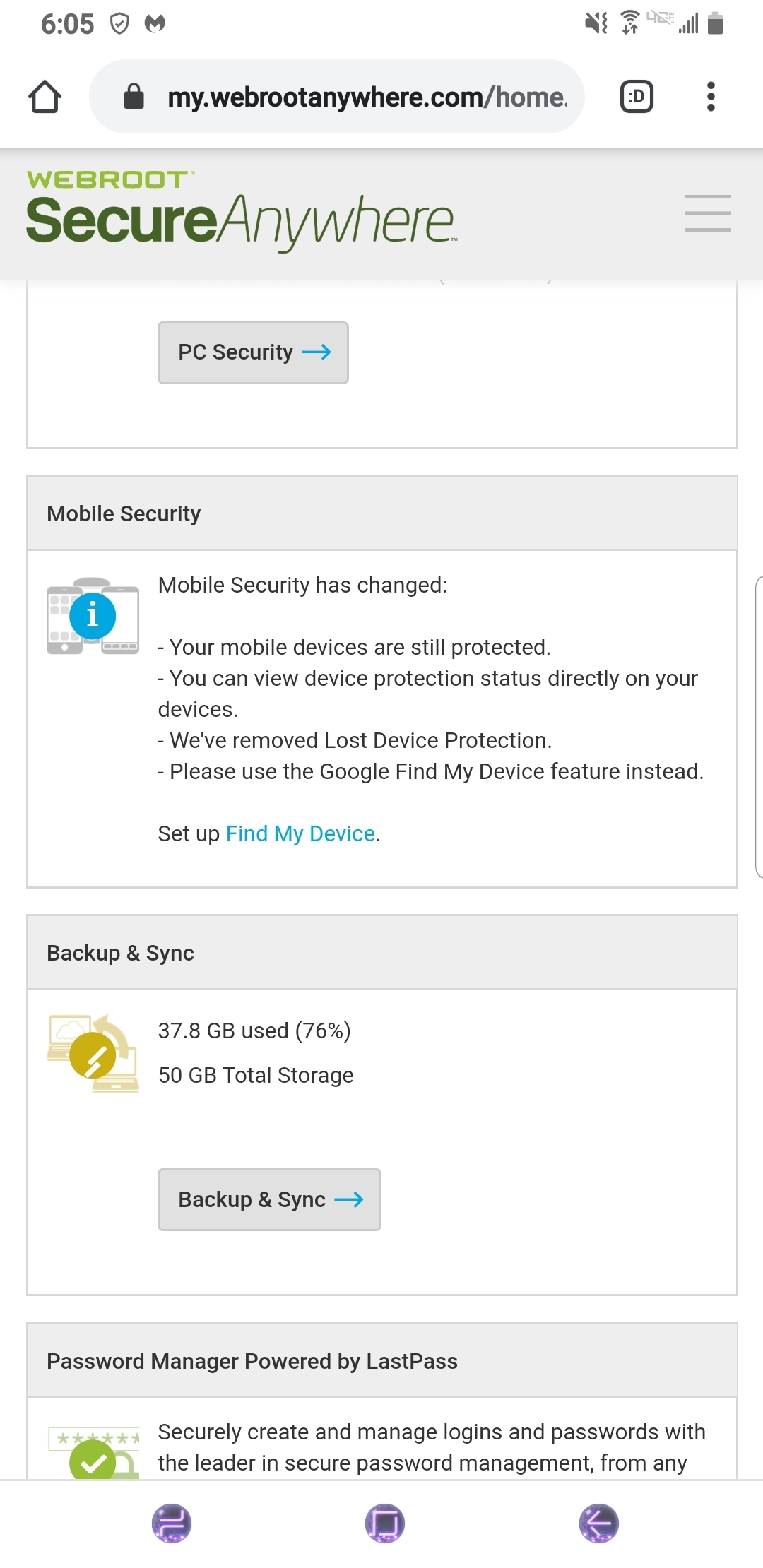
The sad thing is Webroot has removed Lost Device Protection. It now says to Please use the Google "Find My Device feature." Click on the link below to Set up "Find My Device." 

Hope this helps?


3 replies

Ssherjj
Moderator
Forum|alt.badge.img+62
  • Moderator
  • Answer
  • April 29, 2020

Hello @Vmiranda ,

Welcome to the Webroot Community, 

Please make sure you sign into your Online Account Console on your PC and set your Permissions in Users to "Access" in the Mobile Security Console. Also make sure you are set as Administrator. 

The sad thing is Webroot has removed Lost Device Protection. It now says to Please use the Google "Find My Device feature." Click on the link below to Set up "Find My Device." 

Hope this helps?


  • Author
  • Fresh Face
  • April 30, 2020

Hi, thanks for that. I have granted Access for Mobile Security on the console but since LDP is no longer available, it looks like I won't be able to view and manage the mobile phones under my keycode / account, is this correct? 


Ssherjj
Moderator
Forum|alt.badge.img+62
  • Moderator
  • April 30, 2020

You're welcome @Vmiranda,

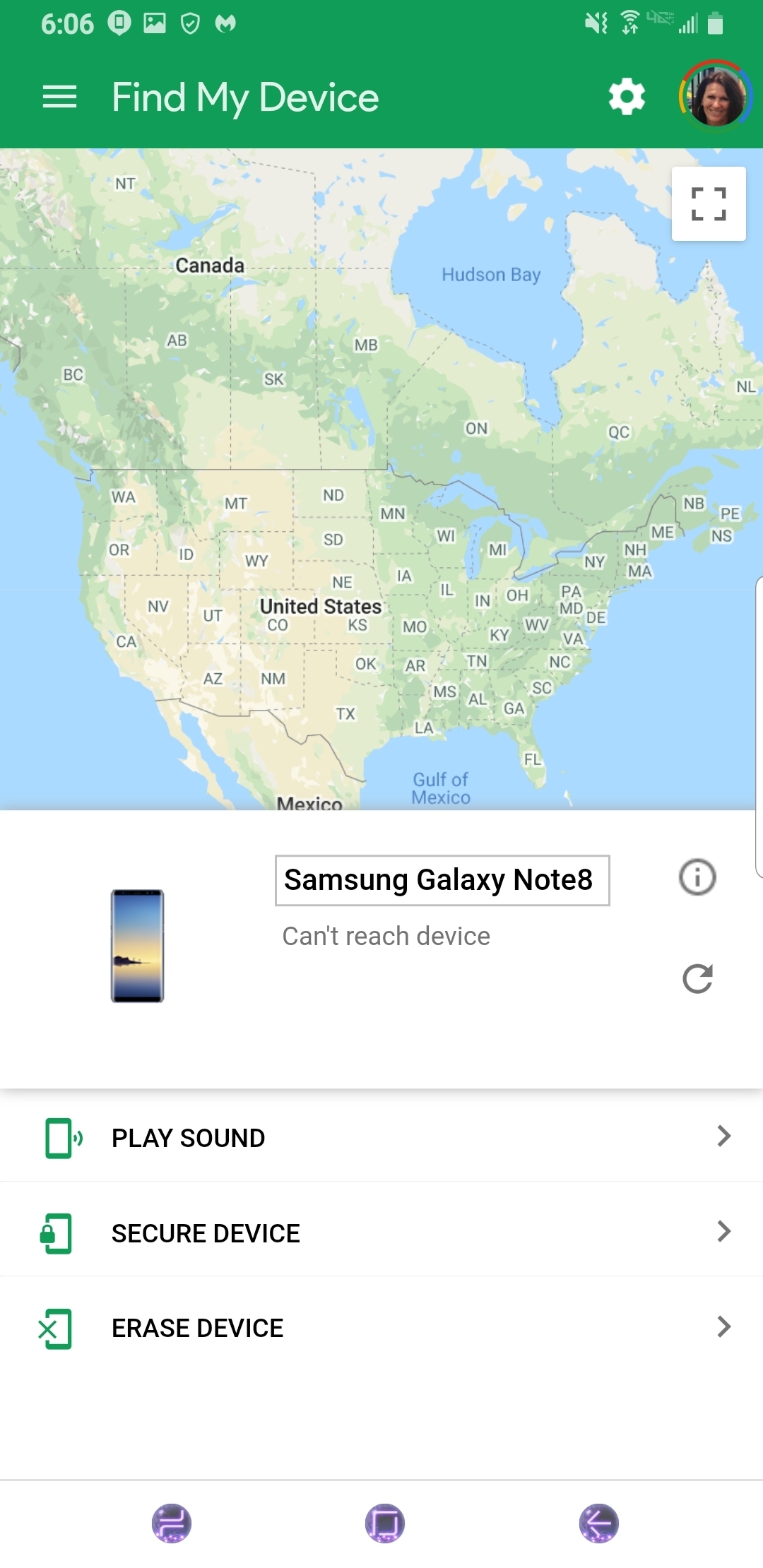
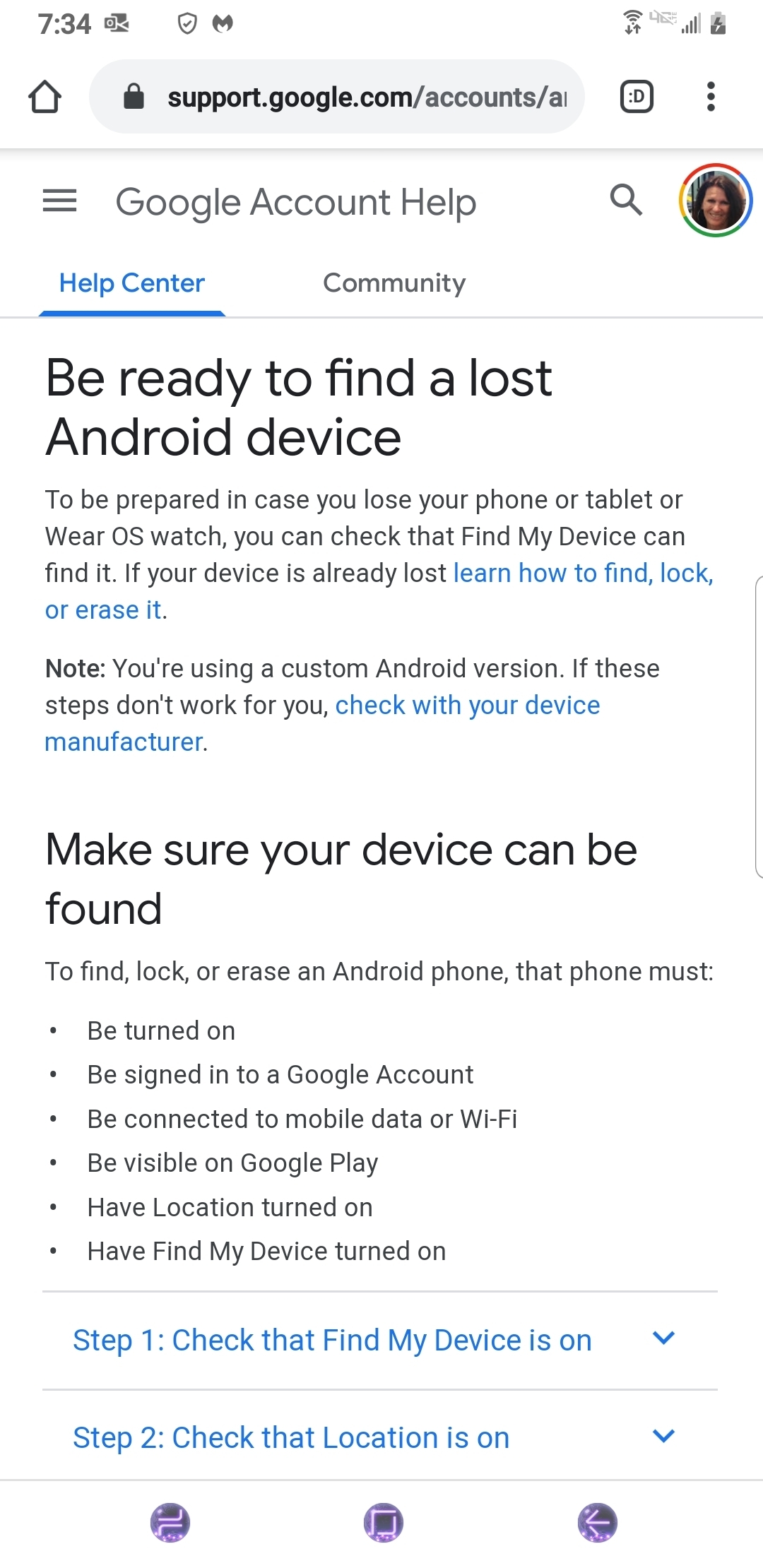
As of now Google is handling the LDP. If you click on the link as shown below,  you can manage LPD. You may need to sign into with Google. For me I'm already signed in. Make sure you have Location enabled on your mobile device in "Settings." I shut mine off for now but when the Location is on,   Google  can connect to your device and locate exactly where your phone is. There are other options as well in this program such as if you can't find your phone at home just click on "Play Sound" and your ringtone will go off for 5 minutes I believe.