Solved

Webroot Blocking all Nividia Product Updates

  • March 23, 2025
  • 40 replies
  • 785 views

Show first post

40 replies

TripleHelix
Moderator
Forum|alt.badge.img+63
  • Moderator
  • March 29, 2025

I was finally able to get into safe mode. Startup settings?

If your in Safe Mode then you can install NVIDIA Drivers because Webroot doesn’t run in Safe Mode but it will run in Safe Mode with Networking. Once you get NVIDIA Drivers installed boot back to normal mode then uninstall Webroot reboot and run the NVIDIA Drivers installer and do a Clean install during the setup then after reinstall Webroot and a Fix will be out this week to fix the issue within Webroot and I will let you know when it’s out.


Webroot has very good self protection so that Malware can’t disable it so that’s why you can’t kill it’s processes in Task Manager.


Very sorry your seeing this issue as when I had my issue I uninstalled NVIDIA Drivers but my screen was still normal and again at the time I didn’t know Webroot was the issue but the Product Manager knows and he’s getting it fixed and tested before releasing.

The only thing is i cannot access the desktop and the icon for file location….i know where the new downloaded nvidia app is and the drivers are but cannot even get to that….after signing in i see a black screen with a cursor-that’s it.

i am thinking, as the options get smaller, i will need to reinstall windows while preserving personal files option. Dunno wht else i can do.

@BradW 

You can try contacting Webroot Support maybe they can do something as they have other tools. To bad you couldn’t do a System Restore and Maybe get some good Back Up Software and do daily or weekly back ups?


https://www.webroot.com/us/en/support/home-contact


https://www.webrootanywhere.com/servicetalk.asp?


Again so sorry and keep us updated with your progress. 😣

I already send in a ticket to support they suggested stuff i cannot do. They also said they will have a solution in april. I tried to do a system restore and picked a point to restore from, but when it was done, it said it couldnt complete because of webroot and it left me with no desktop where i am now.

Yea the Fix for Webroot on this issue...


  • New Member
  • March 29, 2025

TripleHelix
Moderator
Forum|alt.badge.img+63
  • Moderator
  • March 29, 2025

  • New Member
  • March 30, 2025

Yeah, I figured. I was about to use DDU on Nvidia driver again before I saw it. I already used it once for video tdr failure blue screens. 


  • New Member
  • March 30, 2025

Thanks to everyone. The reinstall fixed everything and got rid of the wing dings. Gonna wait to hear from tech support here before I use webroot.


TripleHelix
Moderator
Forum|alt.badge.img+63
  • Moderator
  • Answer
  • April 17, 2025

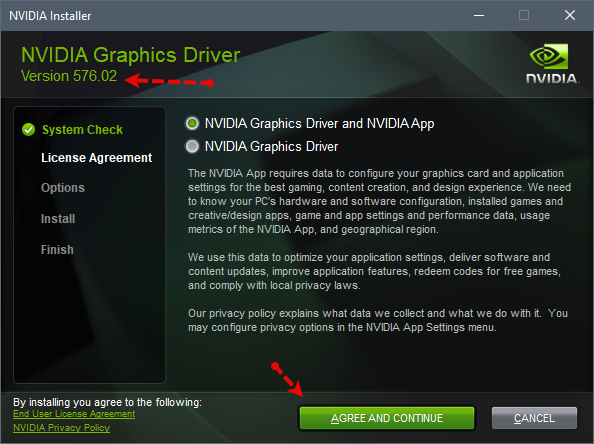
There was an update to the Core files and it fixed the NVIDIA installing issue!


Check to make sure you have it! 1.9.0.28 and if you have it, it fixed the issue!


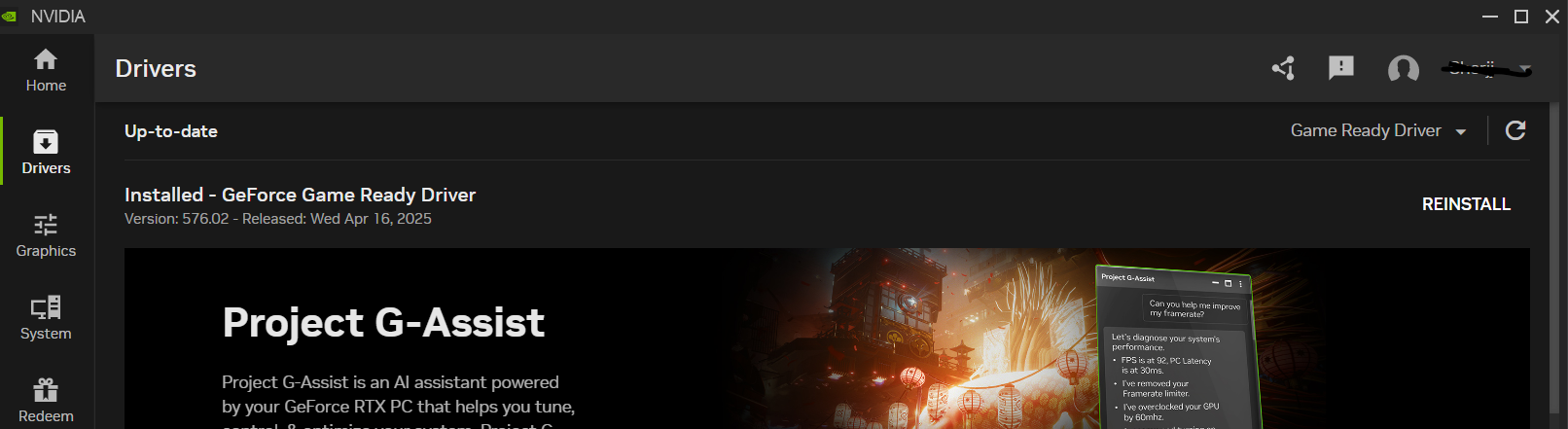
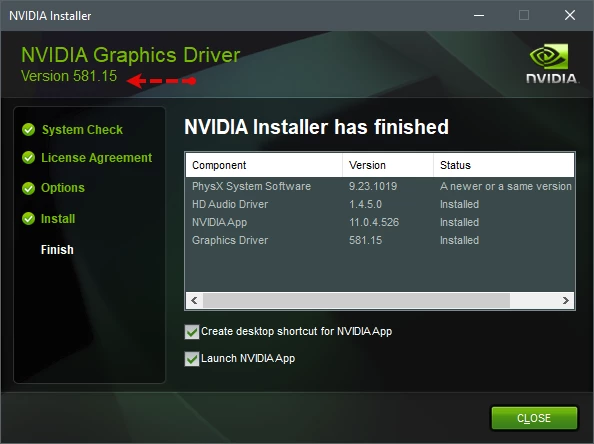
I installed the latest NVIDIA Update for my system without issues!


Ssherjj
Moderator
Forum|alt.badge.img+62
  • Moderator
  • April 18, 2025

There was an update to the Core files and it fixed the NVIDIA installing issue!


Check to make sure you have it! 1.9.0.28 and if you have it, it fixed the issue!


I installed the latest NVIDIA Update for my system without issues!


Thank you ​@TripleHelix ,I got the latest Nvidia drivers updated. WRCoreService is ( version 1.9.0.28). All set up!


Jasper_The_Rasper
Moderator
Forum|alt.badge.img+54

There was an update to the Core files and it fixed the NVIDIA installing issue!


Check to make sure you have it! 1.9.0.28 and if you have it, it fixed the issue!


I installed the latest NVIDIA Update for my system without issues!


Thank you ​@TripleHelix ,I got the latest Nvidia drivers updated. WRCoreService is ( version 1.9.0.28). All set up!


Well done ​@Ssherjj 


TripleHelix
Moderator
Forum|alt.badge.img+63
  • Moderator
  • August 22, 2025

Hello ​@BradW and ​@JR565 there is another issue updating the latest NVIDIA Driver again as it failed but I installed it in safe mode without issues so maybe the Core files need to be adjusted once again? Shutting down WSA didn’t help and I didn’t want to uninstall WSA so again I did it in safe mode.


https://www.nvidia.com/en-us/geforce/drivers/results/252938/


Driver Version: 581.08 - WHQL

Release Date: Tue Aug 19, 2025
Operating System: Windows 10 64-bit,
Windows 11
Language: English (US)
File Size: 895.26 MB

BradW
Forum|alt.badge.img+18
  • Sr. Release Manager
  • August 25, 2025

Hi ​@TripleHelix ,

Thank you for the report.  I am not aware of any other similar reports.  We will look into this.

Brad


  • OpenText Employee
  • August 25, 2025

Hello ​@TripleHelix,

Thank you for reporting the issue with Nvidia driver 581.08. I downloaded and installed the driver without issue.

For comparison, the machine I tested on has an Nvidia 3060, Webroot on version 9.0.40.54, and the Nvidia driver was downloaded and installed using the legacy GeForce Experience application.

To further investigate the issue, may I inquire what video card your device has, the version of Webroot you have installed, and if you manually downloaded and installed the 581.08 driver?

Regards,

Aharon N

Sr Consumer Escalations


TripleHelix
Moderator
Forum|alt.badge.img+63
  • Moderator
  • August 25, 2025

Hi ​@TripleHelix ,

Thank you for the report.  I am not aware of any other similar reports.  We will look into this.

Brad

Hello ​@TripleHelix,

Thank you for reporting the issue with Nvidia driver 581.08. I downloaded and installed the driver without issue.

For comparison, the machine I tested on has an Nvidia 3060, Webroot on version 9.0.40.54, and the Nvidia driver was downloaded and installed using the legacy GeForce Experience application.

To further investigate the issue, may I inquire what video card your device has, the version of Webroot you have installed, and if you manually downloaded and installed the 581.08 driver?

Regards,

Aharon N

Sr Consumer Escalations

I have a feeling it was another Security App this time called CyberLock so I will keep an eye on it when there is another NVIDIA Driver Update.


Sorry!


  • OpenText Employee
  • August 25, 2025

Hello ​@TripleHelix,

No worries, and thank you for the update.

Keep us updated if you encounter any issues during the next Nvidia update.

Regards,

Aharon N 


TripleHelix
Moderator
Forum|alt.badge.img+63
  • Moderator
  • August 25, 2025

Hello ​@TripleHelix,

No worries, and thank you for the update.

Keep us updated if you encounter any issues during the next Nvidia update.

Regards,

Aharon N 

Sure Thing! 😎


TripleHelix
Moderator
Forum|alt.badge.img+63
  • Moderator
  • September 5, 2025

@aharon1986 


Just to let you know I updated to the latest with no issues!