

Hi!
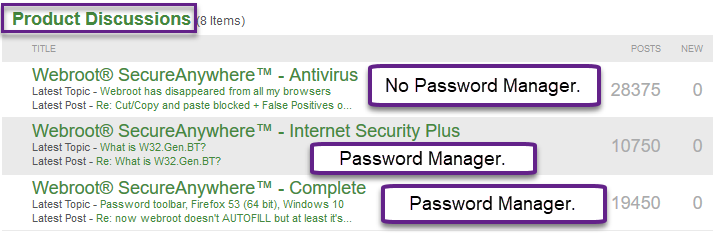
A few days ago, I opened Chrome, Firebox, and Internet Explorer and the webroot toolbar was gone. I cannot even open any sites using the webroot password manager. I cannot find any extension in any of the browsers. I went into settings to check the extensions, and the extensions are all gone. When I did a search on Chrome to add it, it didn't appear, either.Webroot Secure Anywhere seems to be working just fine, but I am unable to open up any of my email or school accounts that require a password unless I do it myself. Webroot has completely disappeared from all browsers with no trace of an extension even existing in order for me to enable it. Gone! Poof! I have Windows 8.
HELP! Thank you!
Webroot has disappeared from all my browsers






Login to the community
No account yet? Create an account
Enter your E-mail address. We'll send you an e-mail with instructions to reset your password.