

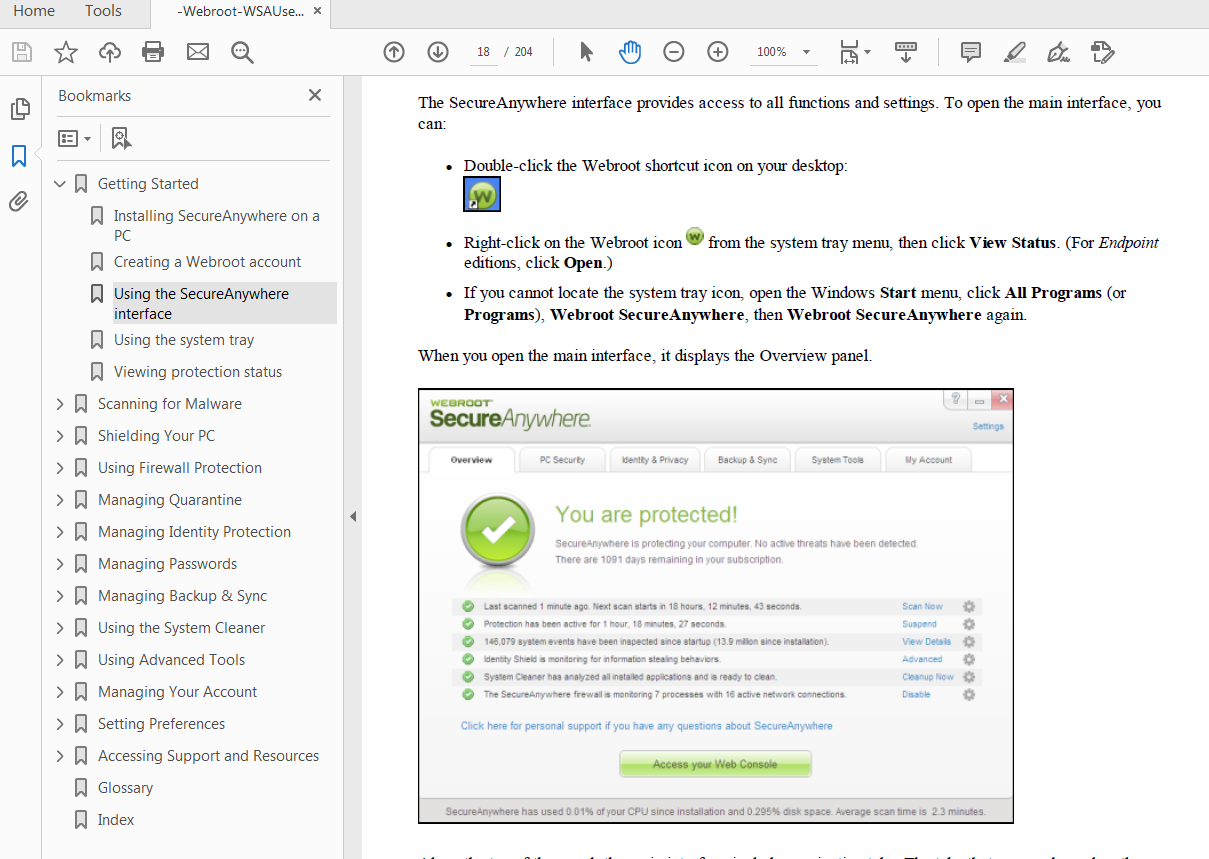
Why does my Webroot interface on my PC not the same as shown in the User Guide? How do I find out what version I am running on my PC?
Solved
webroot interface
 +3
+3Best answer by TripleHelix
Hello
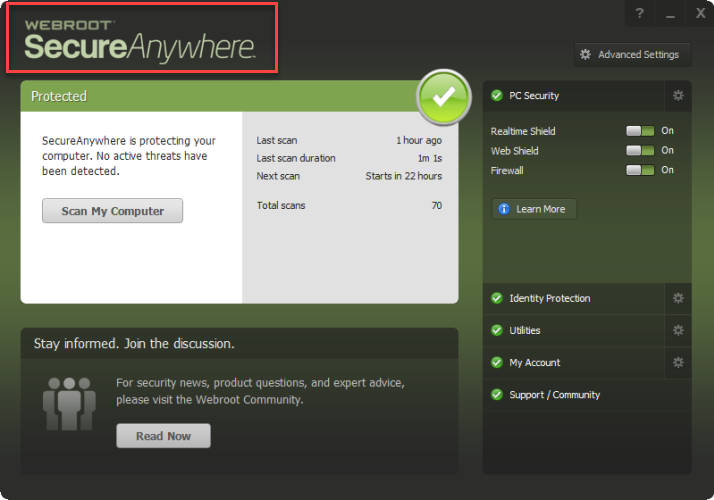
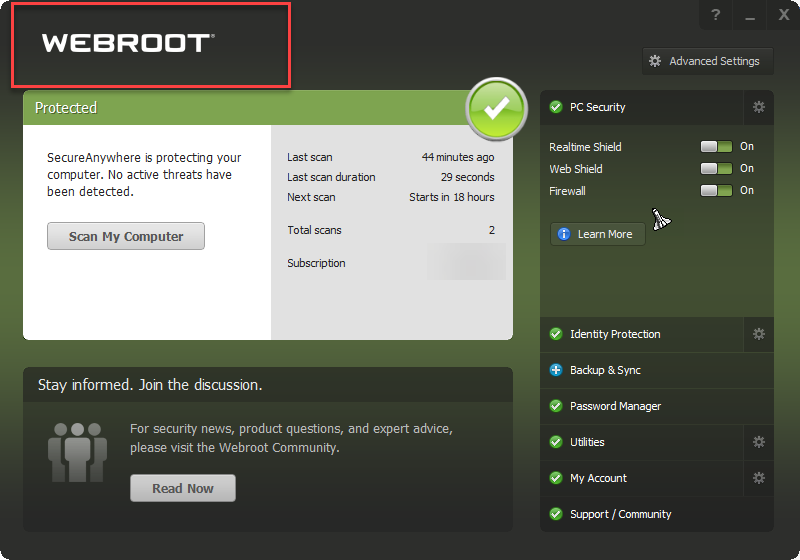
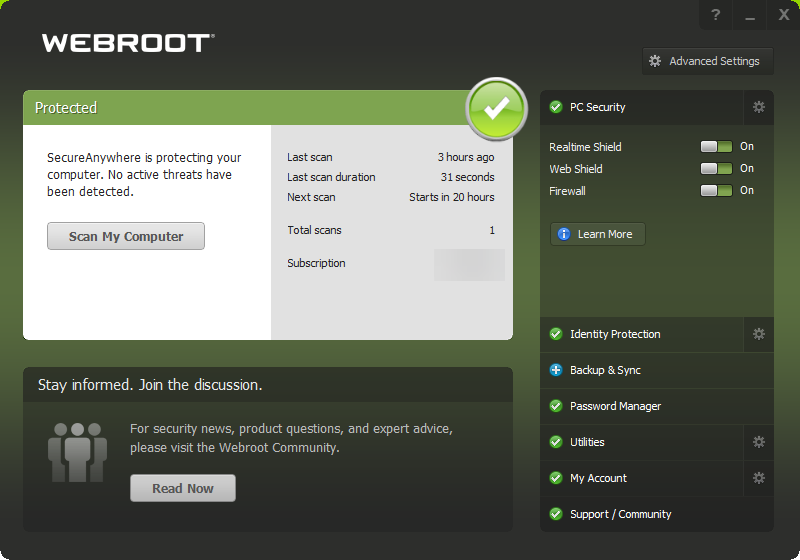
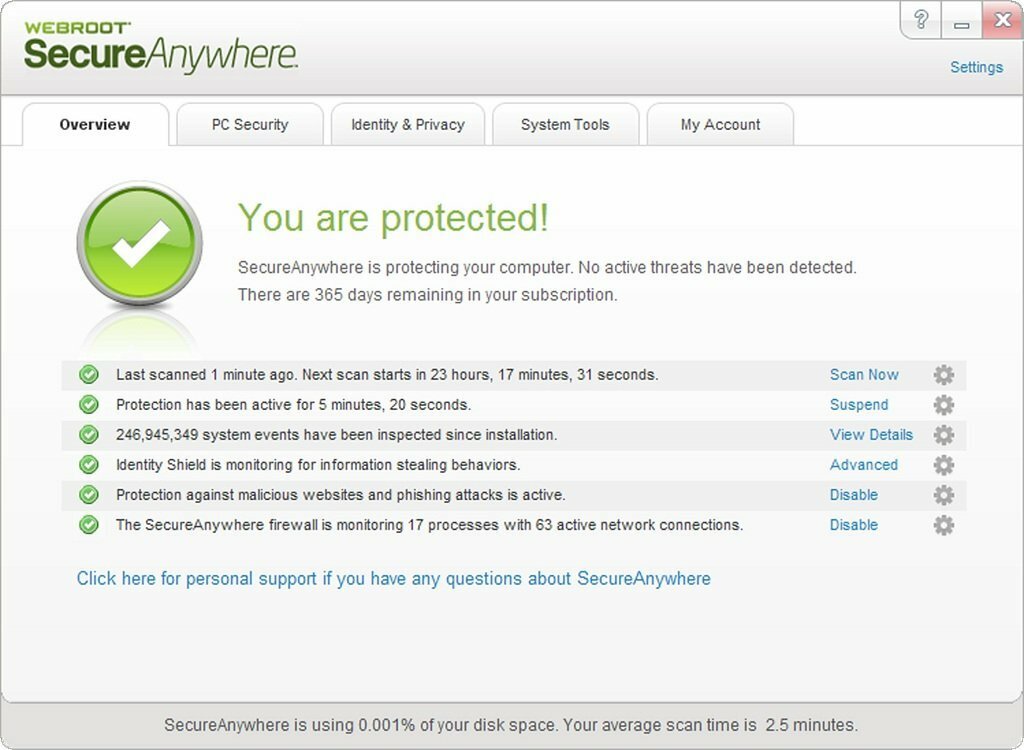
Yes they are removing SecureAnywhere from the UI and it depends which version you have. This is the most current Userguides: https://docs.webroot.com/us/en/home
Old!
New!
Yes you can Save Scan Logs and Threat Logs right here: https://docs.webroot.com/us/en/home/wsa_pc_userguide/wsa_pc_userguide.htm#UsingReportsAndViewers/SavingScanLogs.htm%3FTocPath%3DUsing%2520Reports%2520and%2520Viewers%7C_____1
Are you having any issues with v9.0.27.49? If you do like with printers or WSA saying that it is turned off or Windows Defender are both turned off then you will need to do a clean reinstall to go back to v9.0.26.61 with will solve those issues. We Beta Testers are testing v9.0.27.55 and so far so good but there is no timeline for it’s release to the Public.
Just in case you want to do a clean reinstall!
Please follow the steps closely!
- Make sure you have a copy of your 20 Character Alphanumeric Keycode! Example: SA69-AAAA-A783-DE78-XXXX
- Be sure you add your Keycode to your Online Console: Webroot SecureAnywhere Online Console
- KEEP the computer online for Uninstall and Reinstall to make sure it works correctly
- Download a Copy Here (Best Buy Geek Squad Subscription PC users click HERE) Let us know if it is the Mac version you need
- Uninstall WSA and Reboot
- Install with the new installer, enter your Keycode
- Let it finish it's install scan
- Reboot once again
- DO NOT import any old settings as you can set it up as you like once it's done
Thanks,



Login to the community
No account yet? Create an account
Enter your E-mail address. We'll send you an e-mail with instructions to reset your password.