
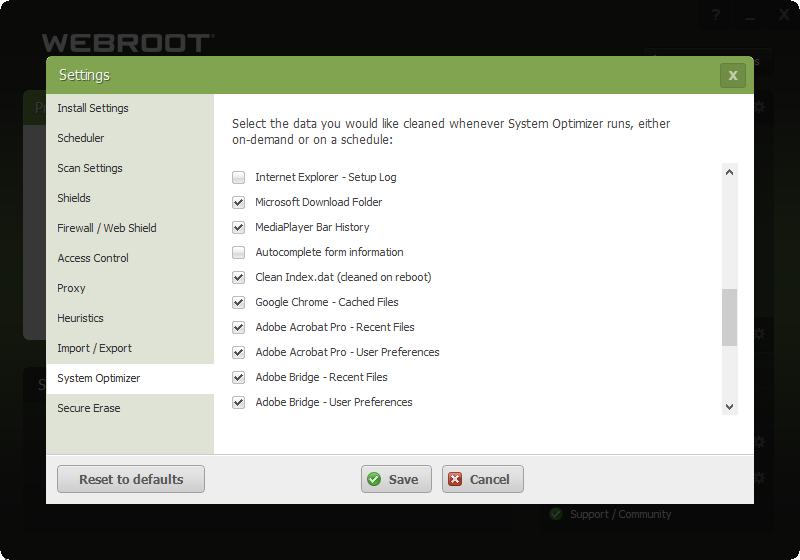
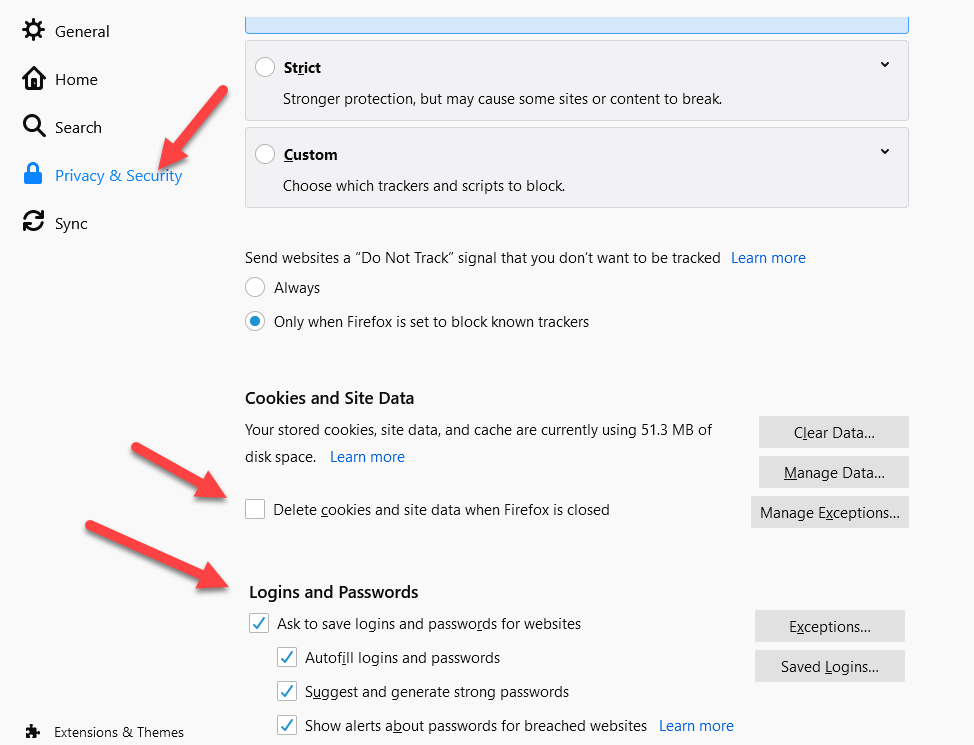
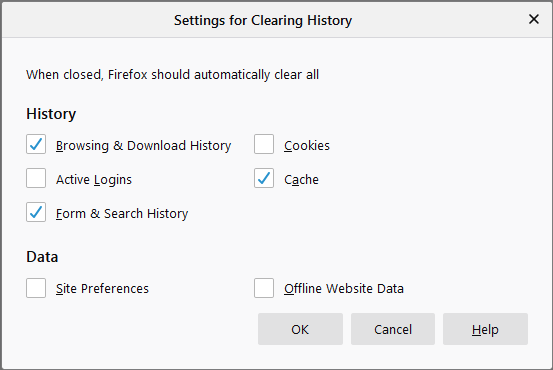
A couple days ago, noticed that all of my login cookies for various websites where I had them set to “remember me” got wiped out. I’m running Firefox 81.0.2 (64-bit) on Win7 Pro. Up until a couple days ago, I could go months without having to log back in. Now, I’m seeing that they’re getting cleared every time I close the browser...maybe even when it’s still open. I’m running the same version of Firefox at work and don’t see this behavior, so it has to be Webroot. Any ideas on how to resolve this? Thanks.
Solved
Webroot removing browser login cookies without authorization


Best answer by TripleHelix
They had issues in the past: https://support.mozilla.org/en-US/questions/1271643



Login to the community
No account yet? Create an account
Enter your E-mail address. We'll send you an e-mail with instructions to reset your password.