Answer

WEbroot Settings Question Please

  • August 5, 2020
  • 1 reply
  • 117 views

Forum|alt.badge.img+17

Hello Everyone.

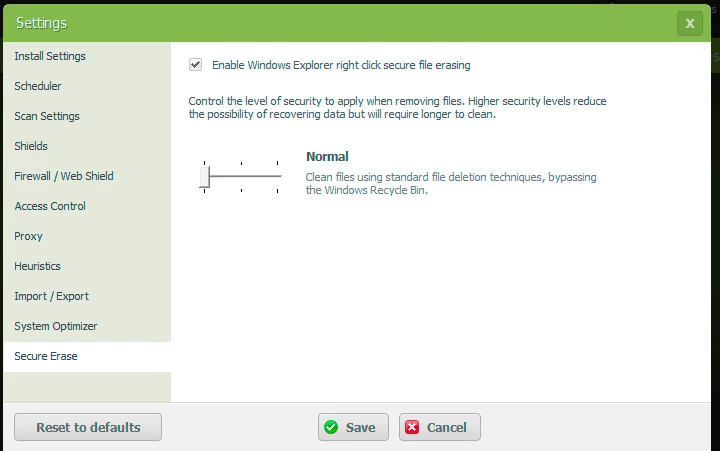
I remmeber long time ago when I purchased my Computer which has a SSD Drive, I was told from the Community that If you are using Secure Erase, you shaould leave It at the lowest Value Normal, Other wise you can Damage your SSD Drive. Is that True ?

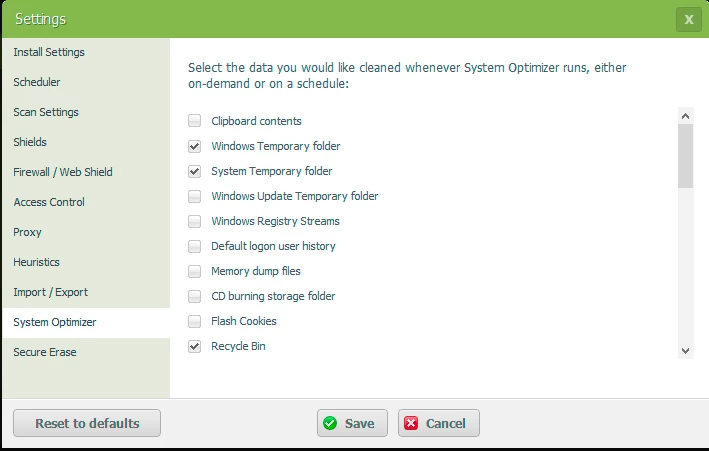
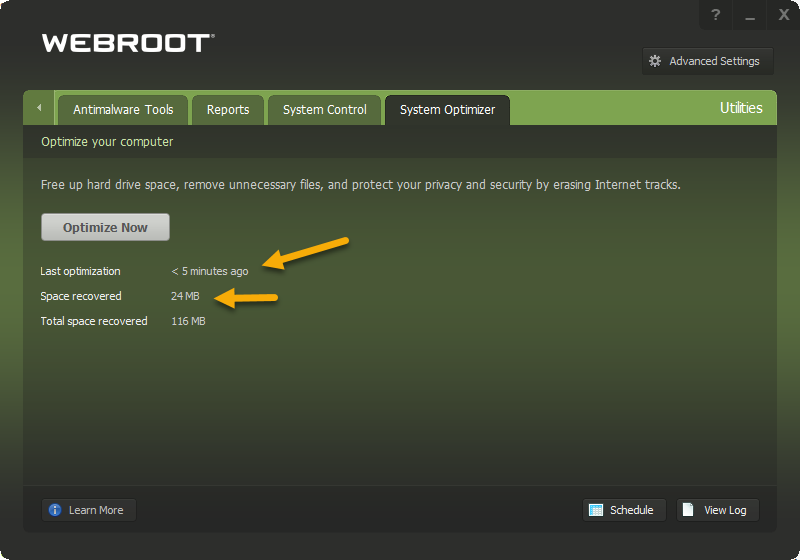
Also, I like to know Inside the System Optimizer what to check and which one not to check. Here is the Screen-Shots

Thank you very much.
 

Best answer by TripleHelix

Hello @venus60 


I only use SSD’s now for quite a few years but I leave Secure Erase at Default and I’m not sure if it will damage the SSD if you put it higher? And you can use System Optimizer as you like as I got all the boxes checked and run it daily!


HTH,

1 reply

TripleHelix
Moderator
Forum|alt.badge.img+63
  • Moderator
  • Answer
  • August 5, 2020

Hello @venus60 


I only use SSD’s now for quite a few years but I leave Secure Erase at Default and I’m not sure if it will damage the SSD if you put it higher? And you can use System Optimizer as you like as I got all the boxes checked and run it daily!


HTH,