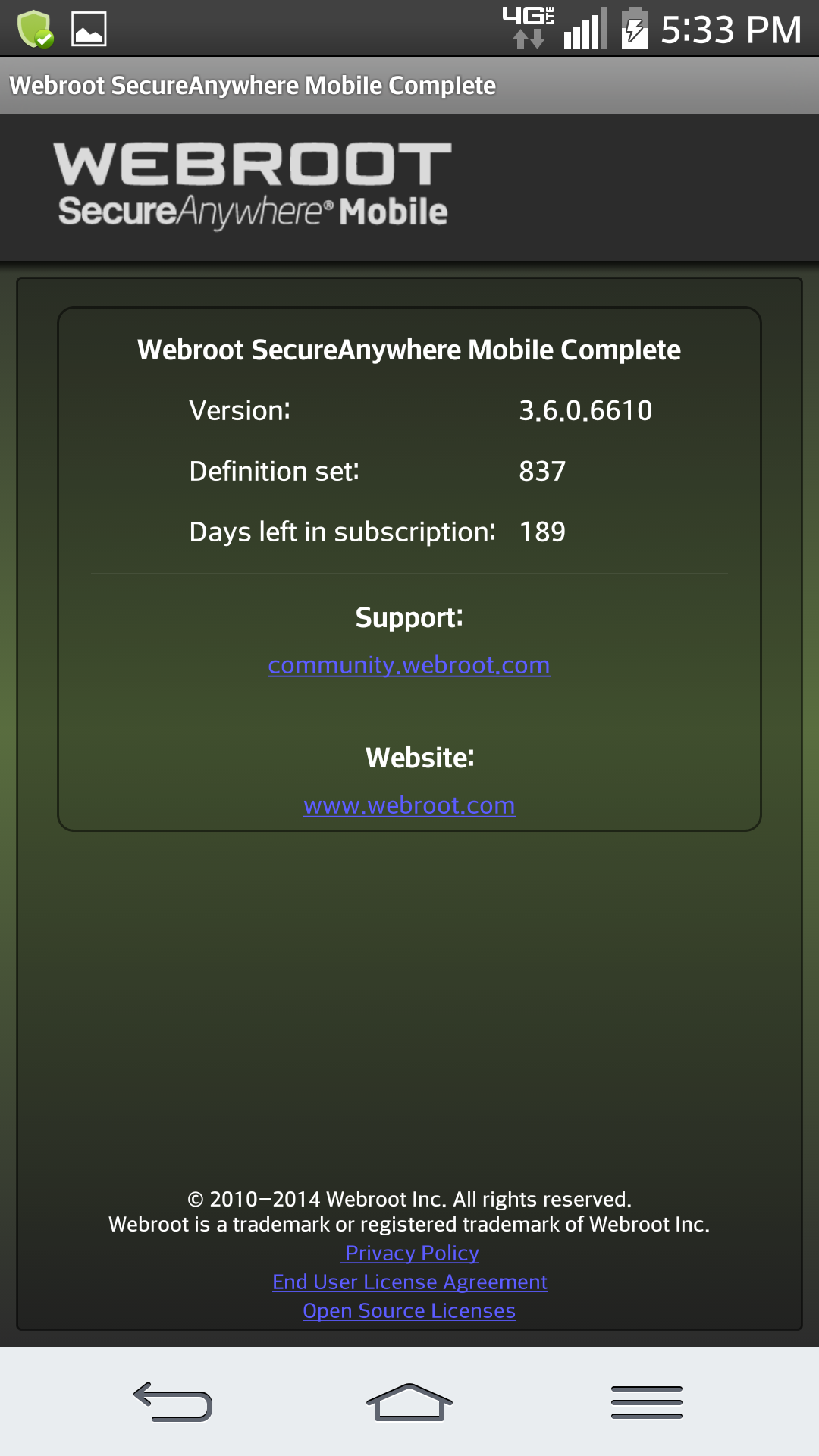
What do i do when the 'definitions are out of date' and the 'fix it now' tab does not work?

  • March 6, 2016
  • 3 replies
  • 88 views

Does anyone have this problem with being at risk and not being able to fix it.
 
My tablet on several occasions indicated that I was at risk, however, the fix it now tab does not fix the problem. Help please!

3 replies

Ssherjj
Moderator
Forum|alt.badge.img+62
  • Moderator
  • March 6, 2016
Hello wnynjfamily,
 
Welcome to the Webroot Community,
 
Yes this has occasionally happened on my Android Tablet .
 
 
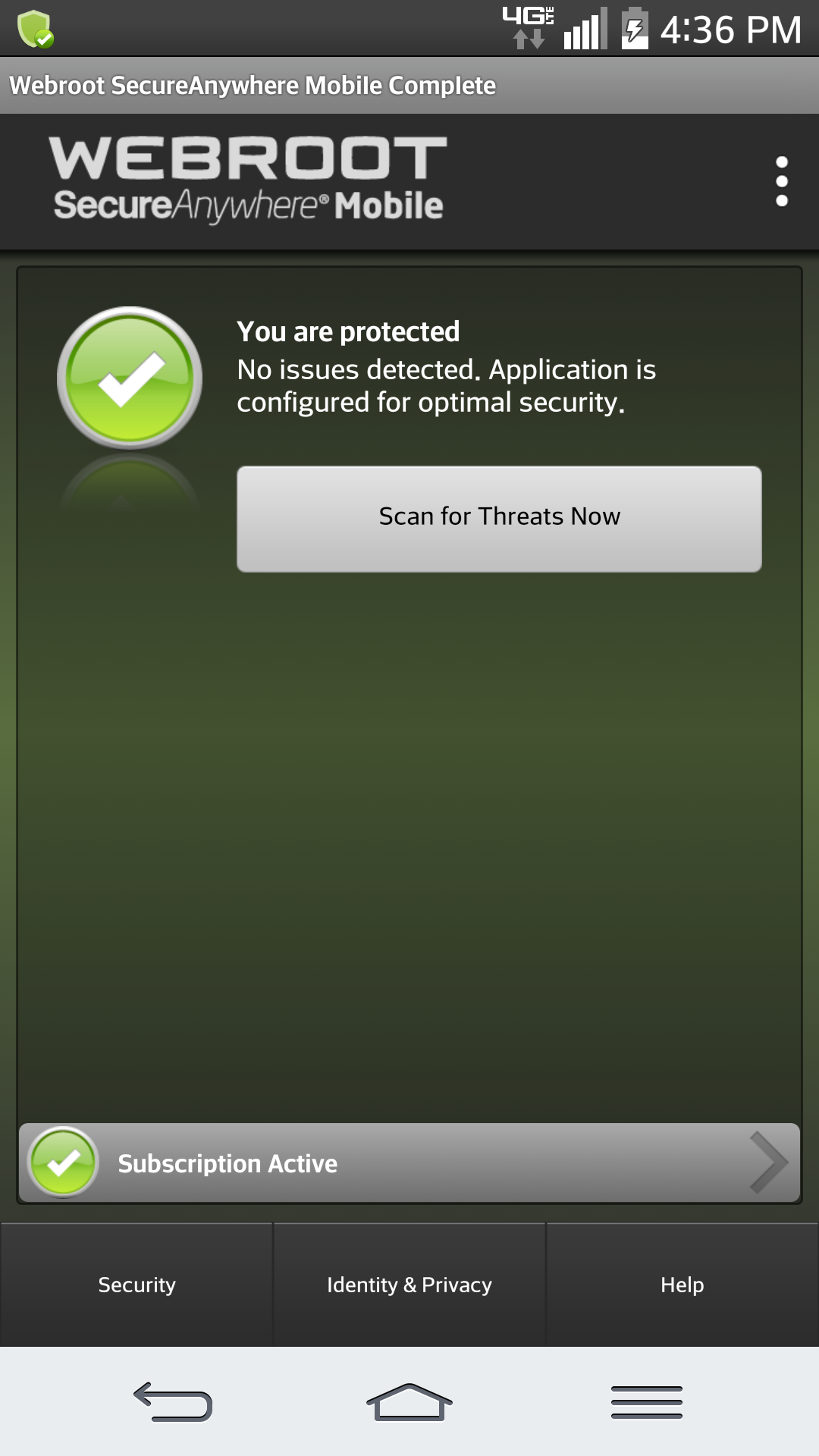
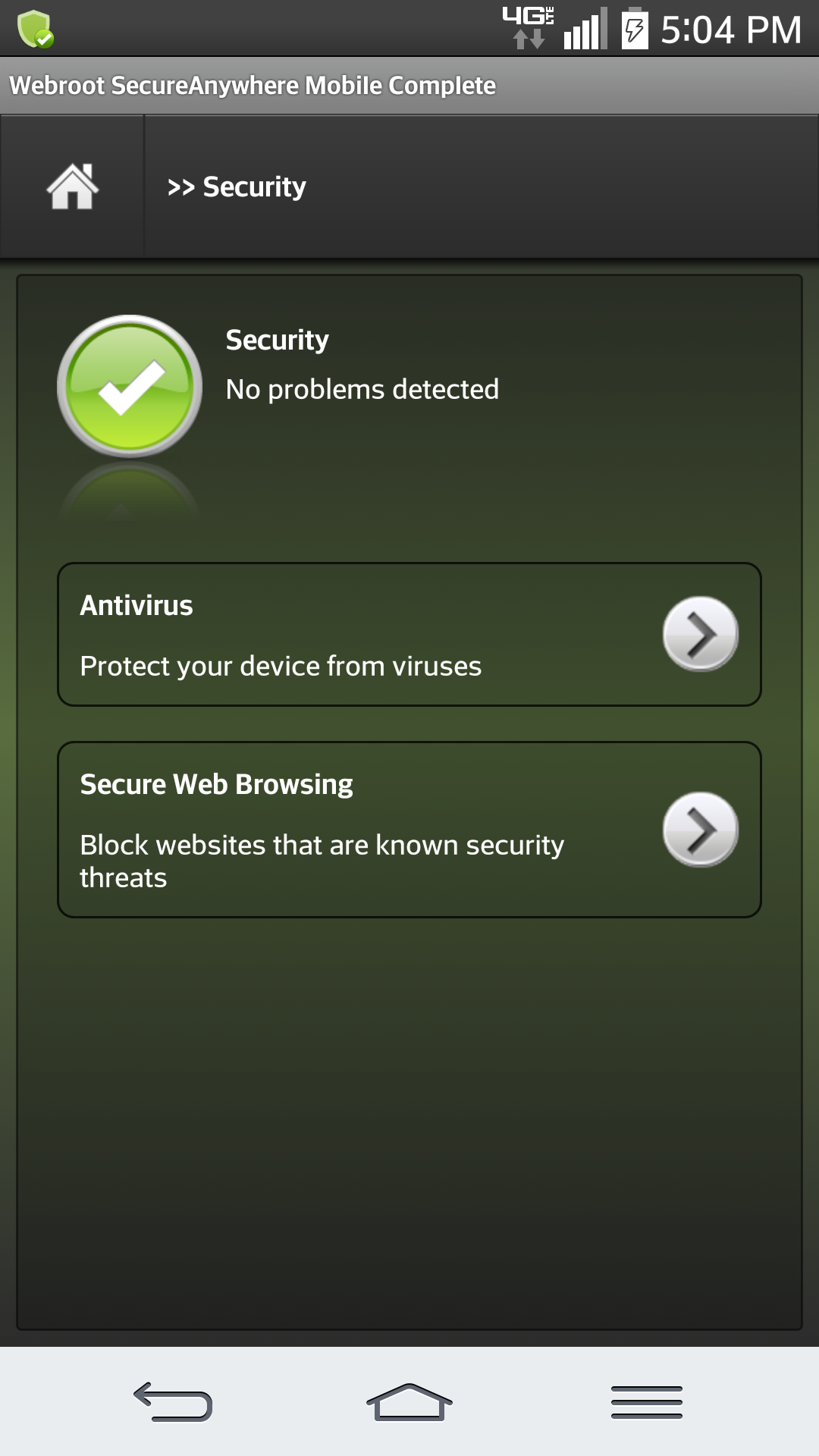
1- Open Webroot SecureAnywhere Mobile/ /Click Security


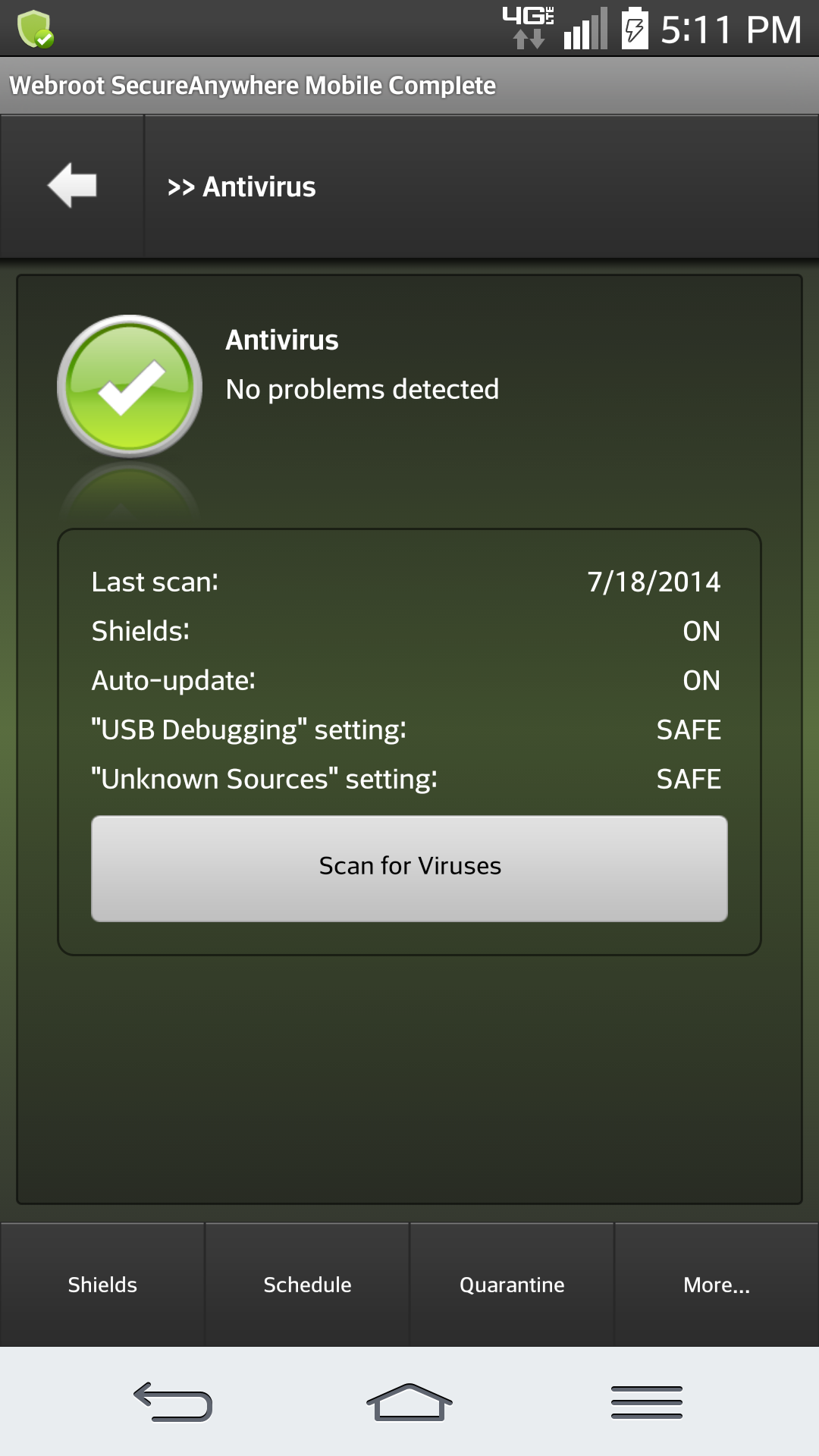
2. Click Antivirus


3- Click Schedule at bottom of WSA


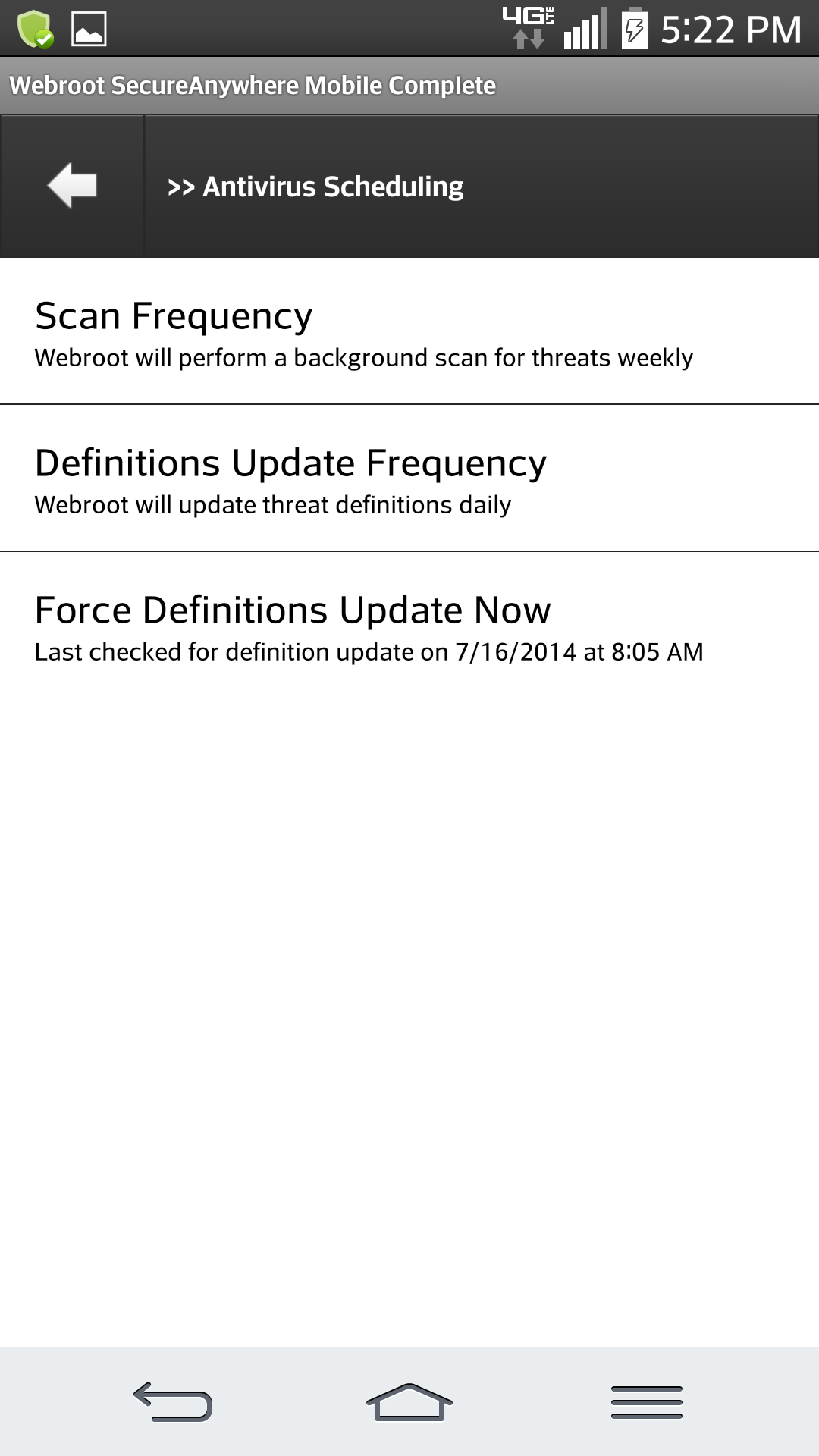
4- Then Click  Force Definitions Update Now


Scan Frequency
Definitions Update Frequency
Force Definitions Update Now
 
And heres what you'll see


In the left right hand corner 
 for more help go HERE:
 

  • Author
  • Fresh Face
  • March 6, 2016
Thanks Sherry! Everything worked except for the last step. The force definitions update now did not open. Any suggestions as to why it did not open?

Ssherjj
Moderator
Forum|alt.badge.img+62
  • Moderator
  • March 6, 2016
Hi there,
 
Do you see the Force Definition Update Now? When you tap this it will not open and it willit merely state below "Last checked for definition update on 3/6/2016 at 1.32 PM." A window will mot open...it just lets you know that it's updated. Is this what you mean?