Answer

How can I move the log in, fill form bar back to the top of my webpage?

  • September 21, 2014
  • 11 replies
  • 56 views

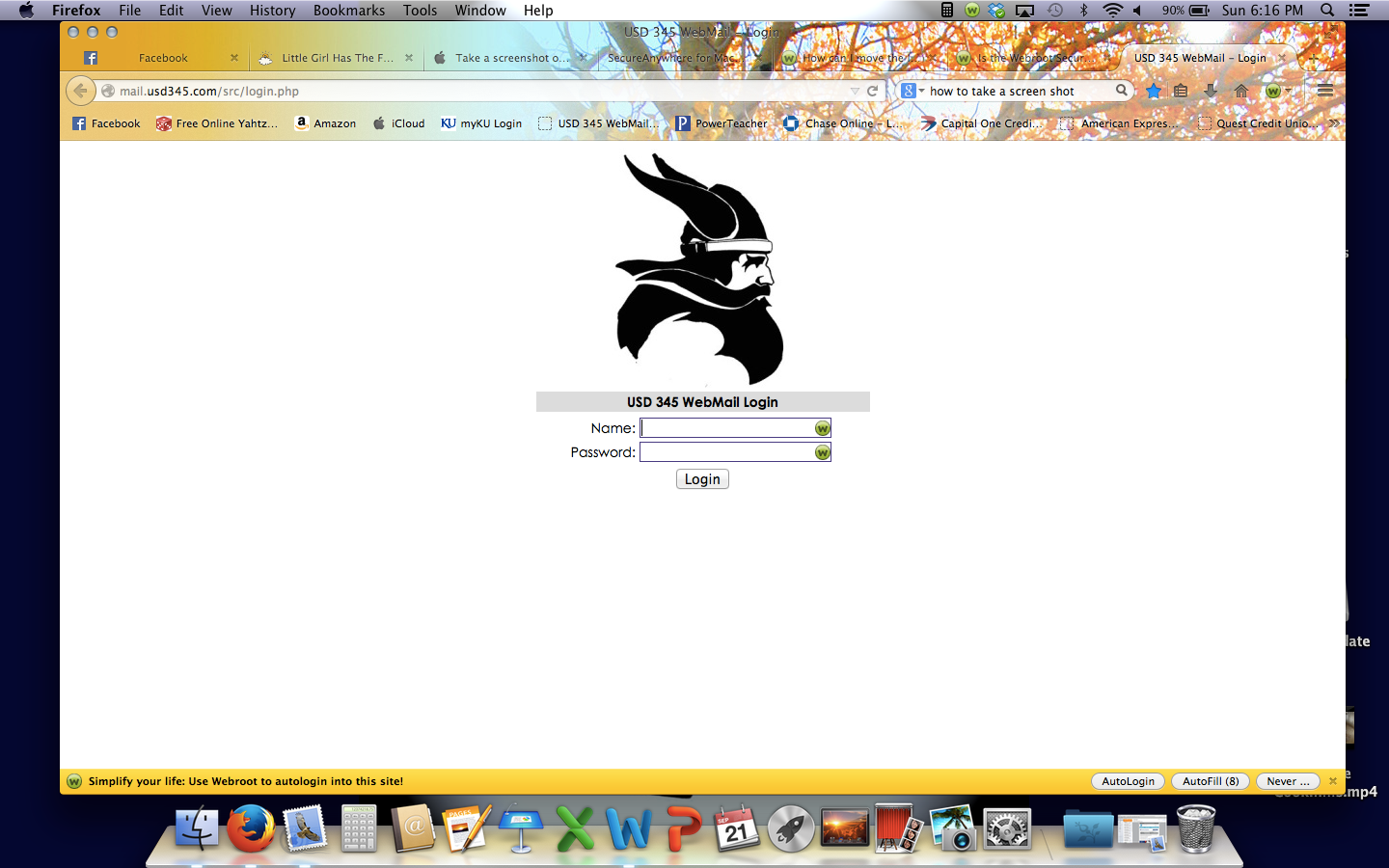
Geek squad fixed my lost web icon today but now my fill form, log in, drop down bar is located on the bottom of the web page instead of the top.  How can I move it back to the top?
 

Best answer by Ssherjj

@ wrote:
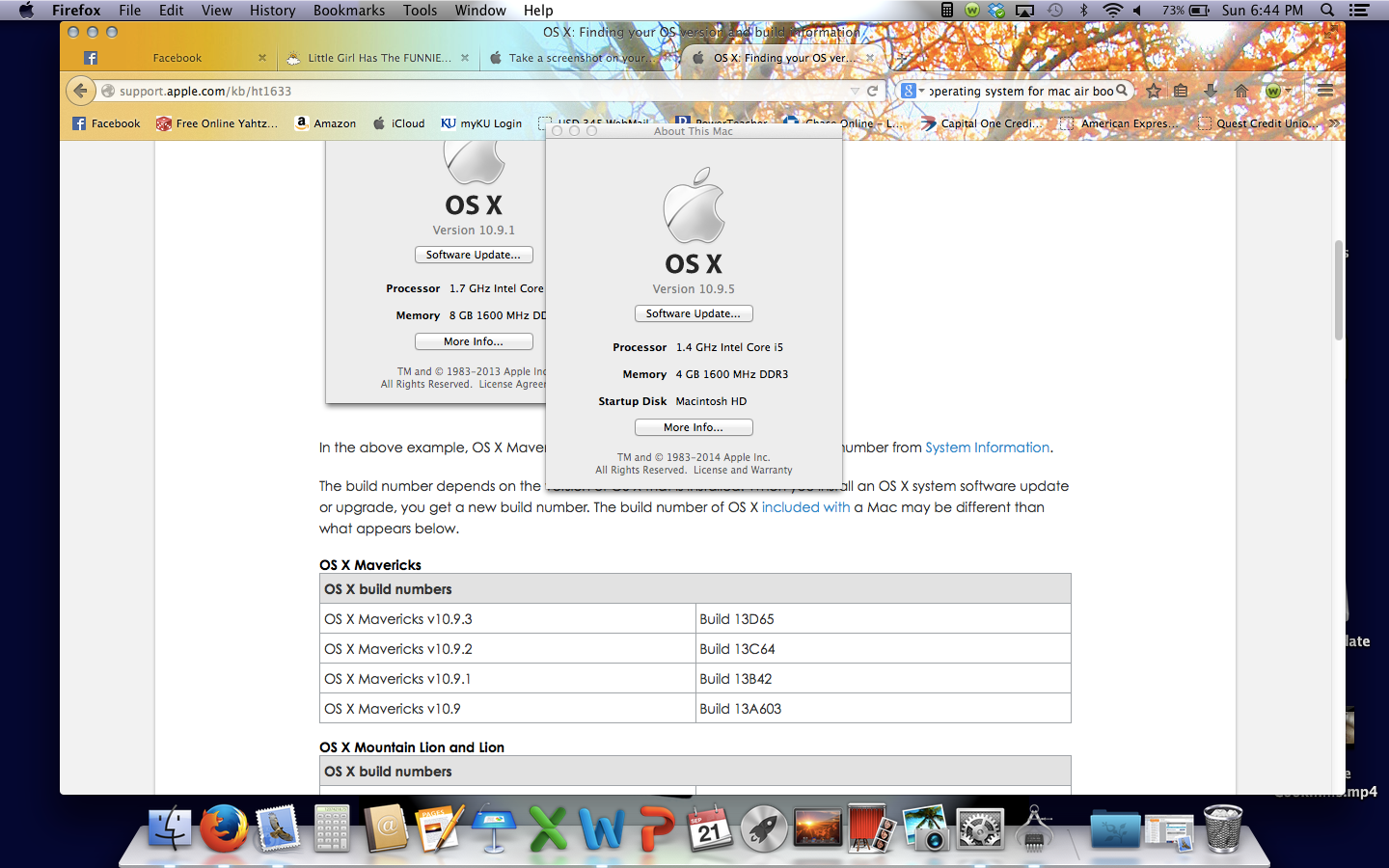
I use firefox on my macbook air. Here is a screenshot of the info I found.


Hello llewis,
 
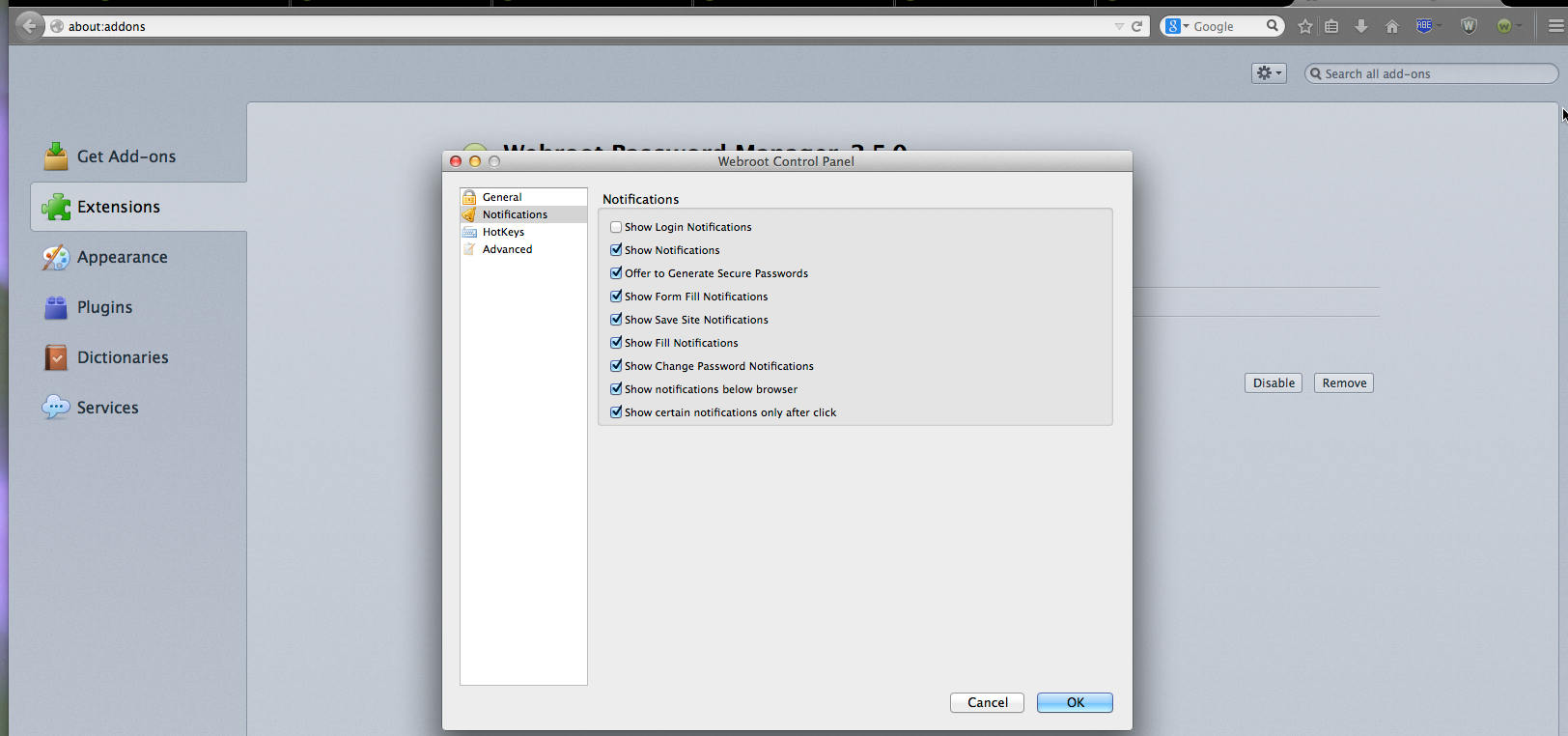
I'm not an expert but have you gone into Prefences to see if you have these checked? I'm not sure if this helps out or not...But you really should call Geek Squad and I'm sure it wouldn't take long to fix and it's there warranty on the product anyways! Right?
 

11 replies

jpasternak
Community Leader
  • Community Leader
  • September 21, 2014
@ wrote:
Geek squad fixed my lost web icon today but now my fill form, log in, drop down bar is located on the bottom of the web page instead of the top.  How can I move it back to the top?
 
Hi llewis and welcome to the community!  Could you please take a screen shot so we have a btter ideaof what you are referring to?

RetiredTripleHelix
Gold VIP
Forum|alt.badge.img+56
Also what Browser are talking about and OS and if it's 32bit or 64bit? Also if Best Buy Geek Squad messed it up they should fix it as well please see here: http://www.webroot.com/us/en/home/products/geeksquad-dl Phone number it at the Bottom!
 
Thanks,
 
Daniel 😉

  • Author
  • Fresh Face
  • September 21, 2014
I use firefox on my macbook air. Here is a screenshot of the info I found.


  • Author
  • Fresh Face
  • September 21, 2014
screen shot of what I am talking about...


Ssherjj
Moderator
Forum|alt.badge.img+62
  • Moderator
  • Answer
  • September 22, 2014
@ wrote:
I use firefox on my macbook air. Here is a screenshot of the info I found.


Hello llewis,
 
I'm not an expert but have you gone into Prefences to see if you have these checked? I'm not sure if this helps out or not...But you really should call Geek Squad and I'm sure it wouldn't take long to fix and it's there warranty on the product anyways! Right?


RetiredTripleHelix
Gold VIP
Forum|alt.badge.img+56
In Firefox just do as the pictures say and Grab the Webroot Icon and Drag it to the top to where you want it!
 
Thanks,
 
Daniel ;)


  • Author
  • Fresh Face
  • September 22, 2014
All fixed!  I went to my webroot icon, clicked preferences, clicked notifications, and unclicked show notifications below browser.  Thank you everyone for your help - much appreciated!

Ssherjj
Moderator
Forum|alt.badge.img+62
  • Moderator
  • September 22, 2014
@ wrote:
All fixed!  I went to my webroot icon, clicked preferences, clicked notifications, and unclicked show notifications below browser.  Thank you everyone for your help - much appreciated!
Boondabah!! llewis!
 
Your Welcome and presistance pays off huh?;)
 
Come on back if you just want to look around and join in! We are alot of fun here!!
 
 
Have a Great Day llewis!!

RetiredTripleHelix
Gold VIP
Forum|alt.badge.img+56
Awesome Sherry great job and glad the OP's issue is fixed!!
 
Daniel ;)


Ssherjj
Moderator
Forum|alt.badge.img+62
  • Moderator
  • September 22, 2014
@ wrote:
Awesome Sherry great job!
 
Daniel ;)
Well TripleHelix I learn from all of you which are the best of all the rest!!:D


Teamwork!!
 
Thanks!!:D

RetiredTripleHelix
Gold VIP
Forum|alt.badge.img+56
You got it! :D
 
Daniel